Reolink PoE NVR
User Manual
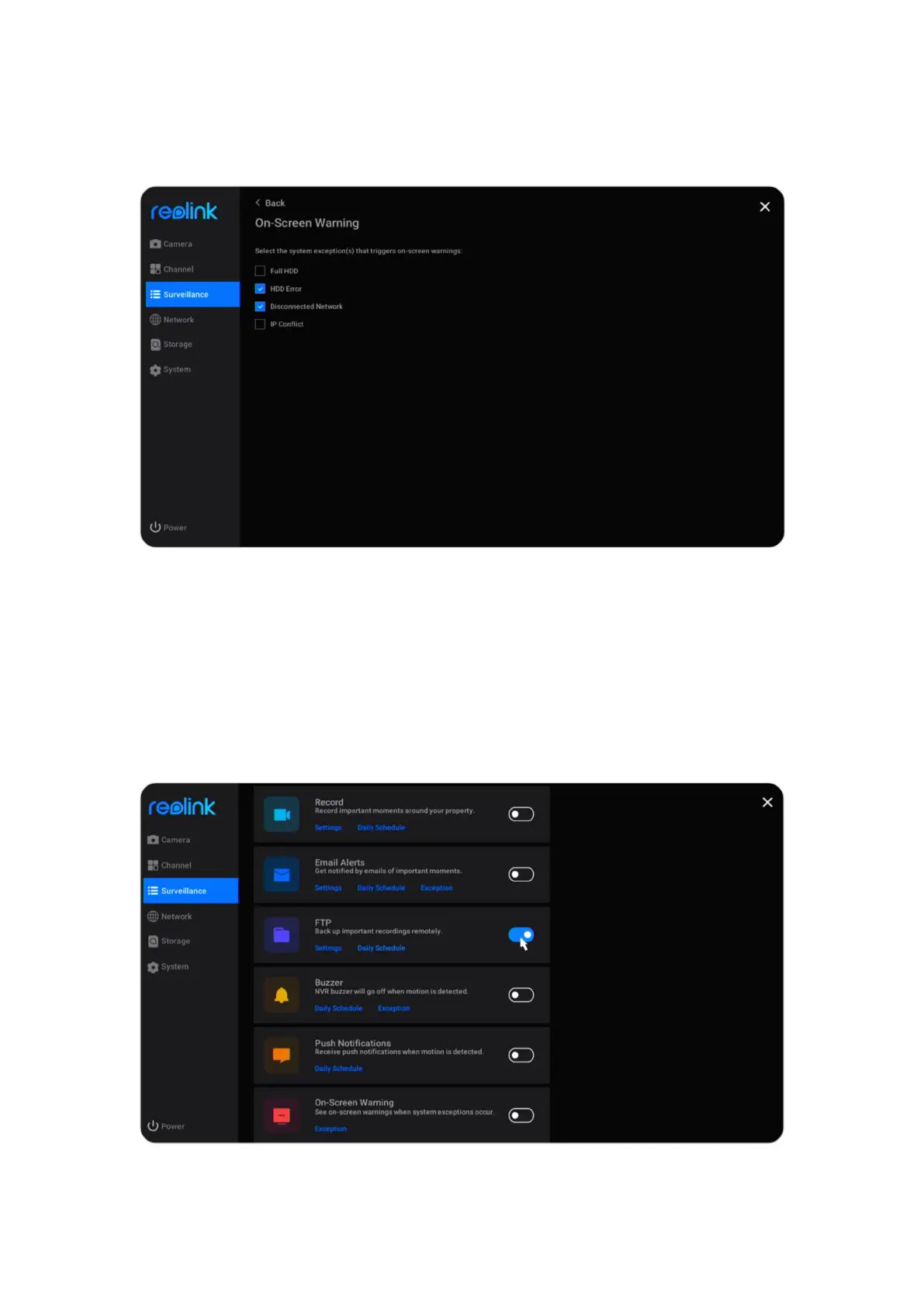
Then click Exception under On-Screen Warning. Choose which exception to
trigger the on-screen warnings from options Full HDD, HDD Error, Disconnected
Network or IP Conflict.
Set up FTP
With FTP settings, you can set up the NVR to upload images or videos to the FTP
server as scheduled or when motion is detected.
Go to Surveillance > FTP, click to enable this option.
Click Settings under FTP, here you can set up the below parameters of FTP.



 To Next Page
 Loading...

