Reolink PoE NVR
User Manual
Upgrade the Firmware
Before upgrade, please download the firmware file from Download Center. Unzip it
and copy the file to a USB drive, then plug the USB drive to the USB port of the
NVR.
To upgrade the firmware for NVR, please click Upgrade. Choose the firmware file
to upgrade.
To upgrade the firmware for Camera, please click Upgrade IPC. Click Local
Upgrade and choose the firmware file to upgrade.
Attention for firmware upgrade:
If you don't want to restore your camera settings to factory status, please
uncheck the "Update Configuration Files" option during the upgrade.
During the upgrading procedure, please do not power off the camera.
Make sure your camera or NVR has the same model and hardware version that
matches the new firmware you’re able to upload.
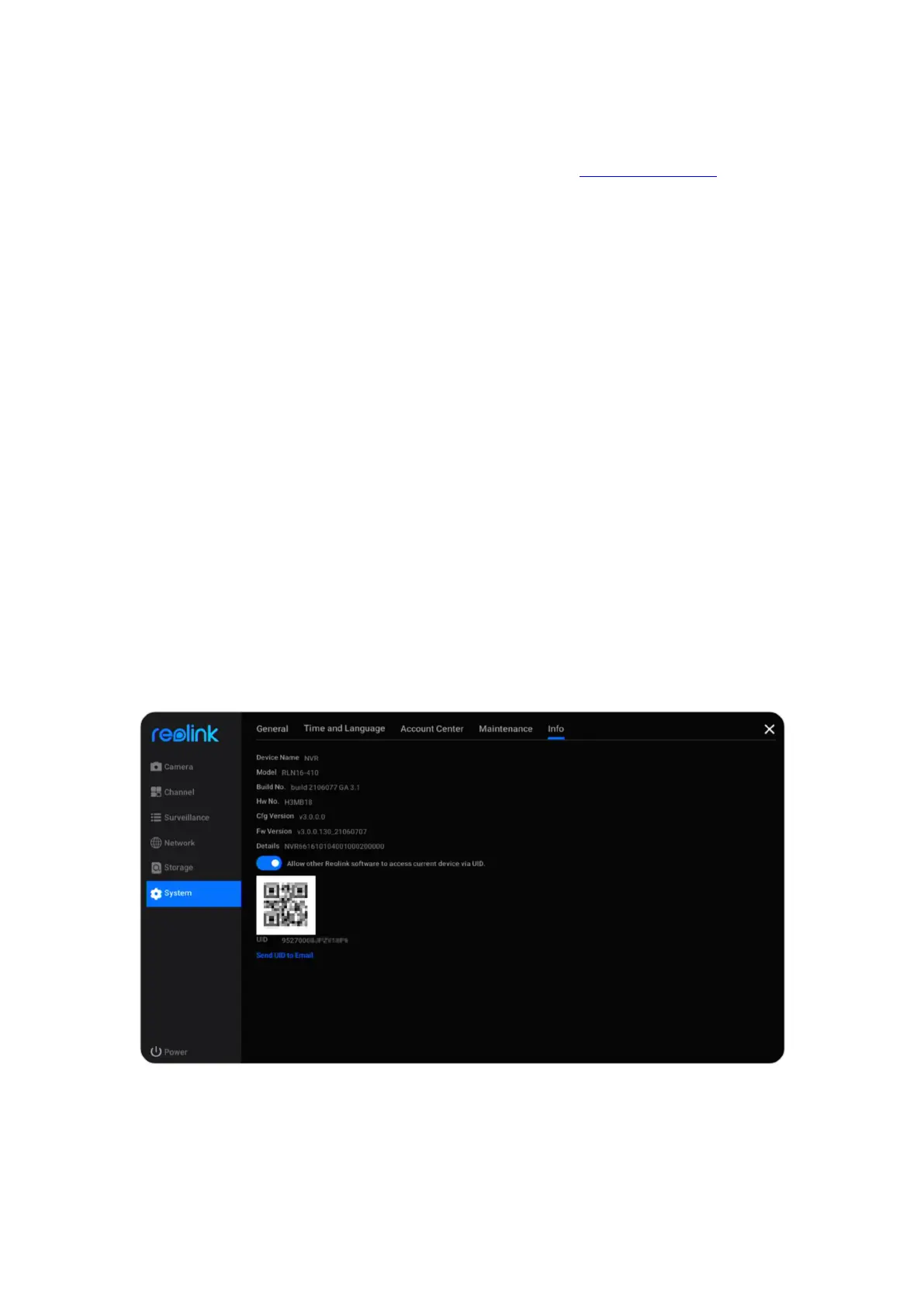
Info
Go to System > Info page, here you can see the model of the NVR, its hardware
version and firmware version, the UID numbers.



 To Next Page
 Loading...

