Reolink PoE NVR
User Manual
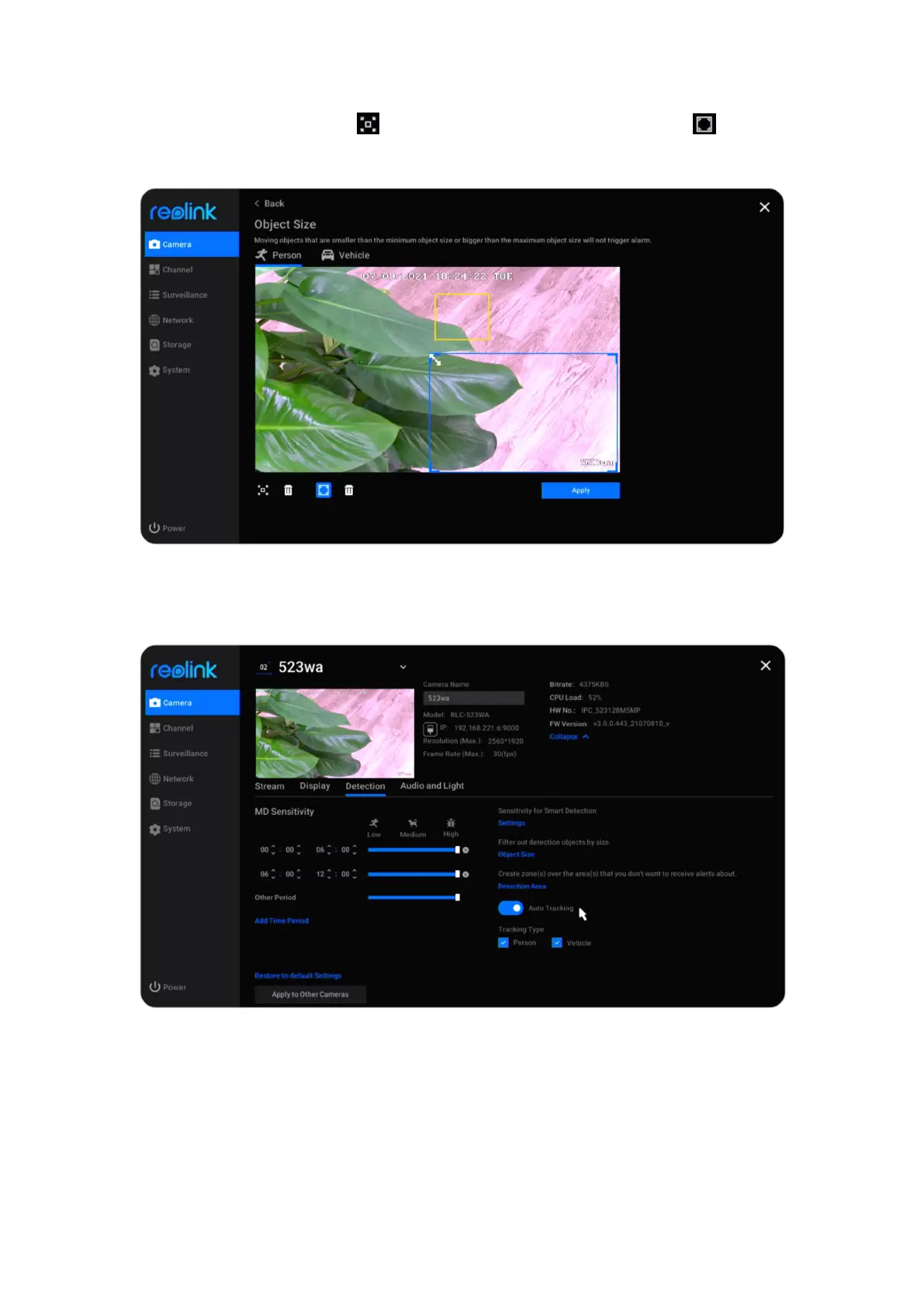
Click Object Size, here click to set a minimum object size, and click to set a
maximum object size. Click Apply to save the settings. This way, only objects
between the set minimum and maximum size will trigger the alarm.
For cameras that support auto tracking, you can also enable Auto Tracking in this
page. And choose Person or Vehicle as the Tracking Type.



 To Next Page
 Loading...

