Chapter 5
5-2 BiPAP® Focus™ Ventilator Service Manual © Respironics, Inc. REF 1029568 Rev A
Diagnostic Mode and Troubleshooting
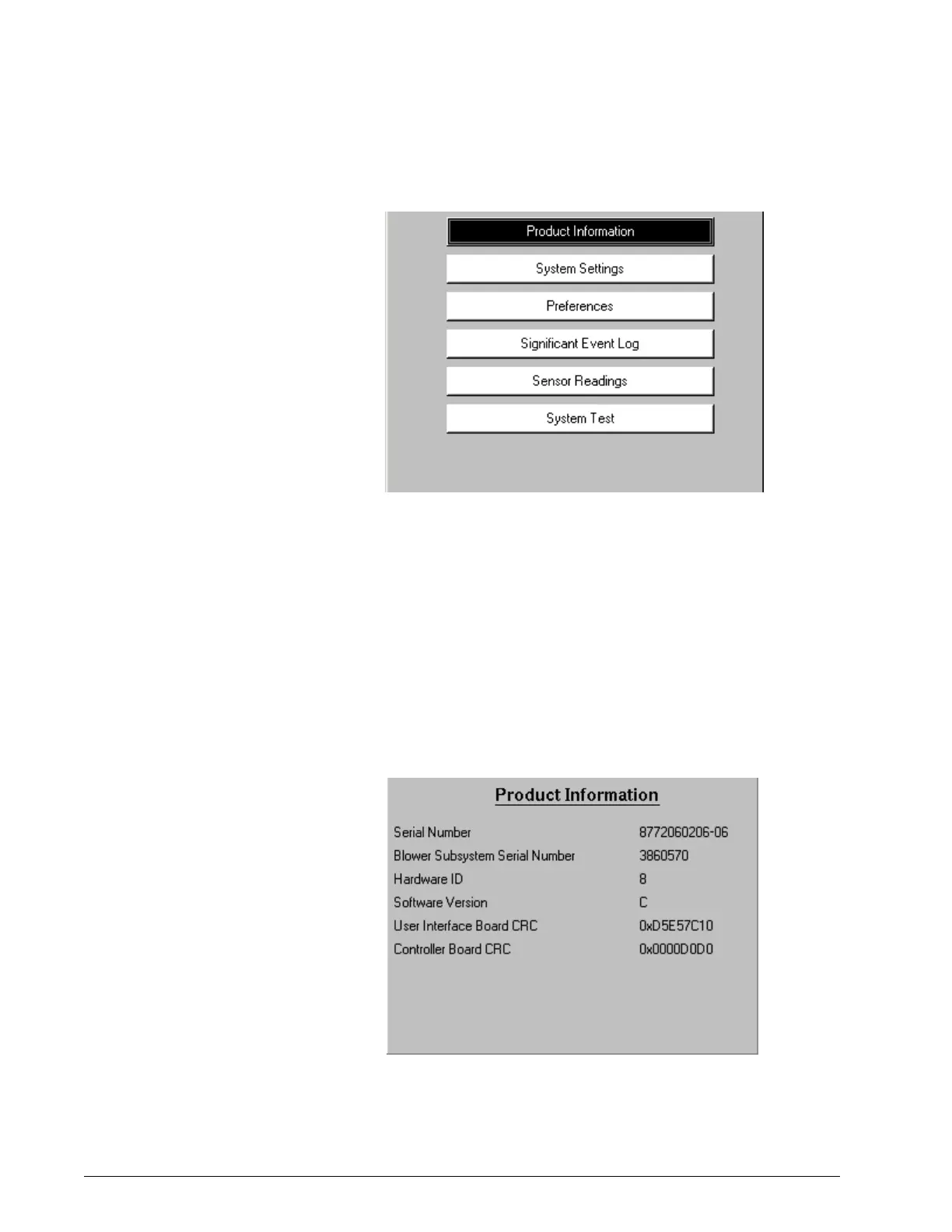
Figure 5-1: Diagnostic Mode Main Menu
Press the arrow keys to highlight the menu selection, then press Enter.
To exit diagnostic mode at any time, turn the ventilator off.
Product Information The product information screen (Figure 5-2) displays serial number and
version number information for hardware and software components of the
ventilator.
To view the product information screen, use the arrow keys to highlight
PRODUCT INFORMATION on the diagnostic mode main menu, then
press Enter. Press Menu to return to the main menu.
Figure 5-2: Diagnostic Mode: Product Information Screen















 To Next Page