Chapter 5
Diagnostic Mode and Troubleshooting
REF 1029568 Rev A BiPAP® Focus™ Ventilator Service Manual © Respironics, Inc. 5-5
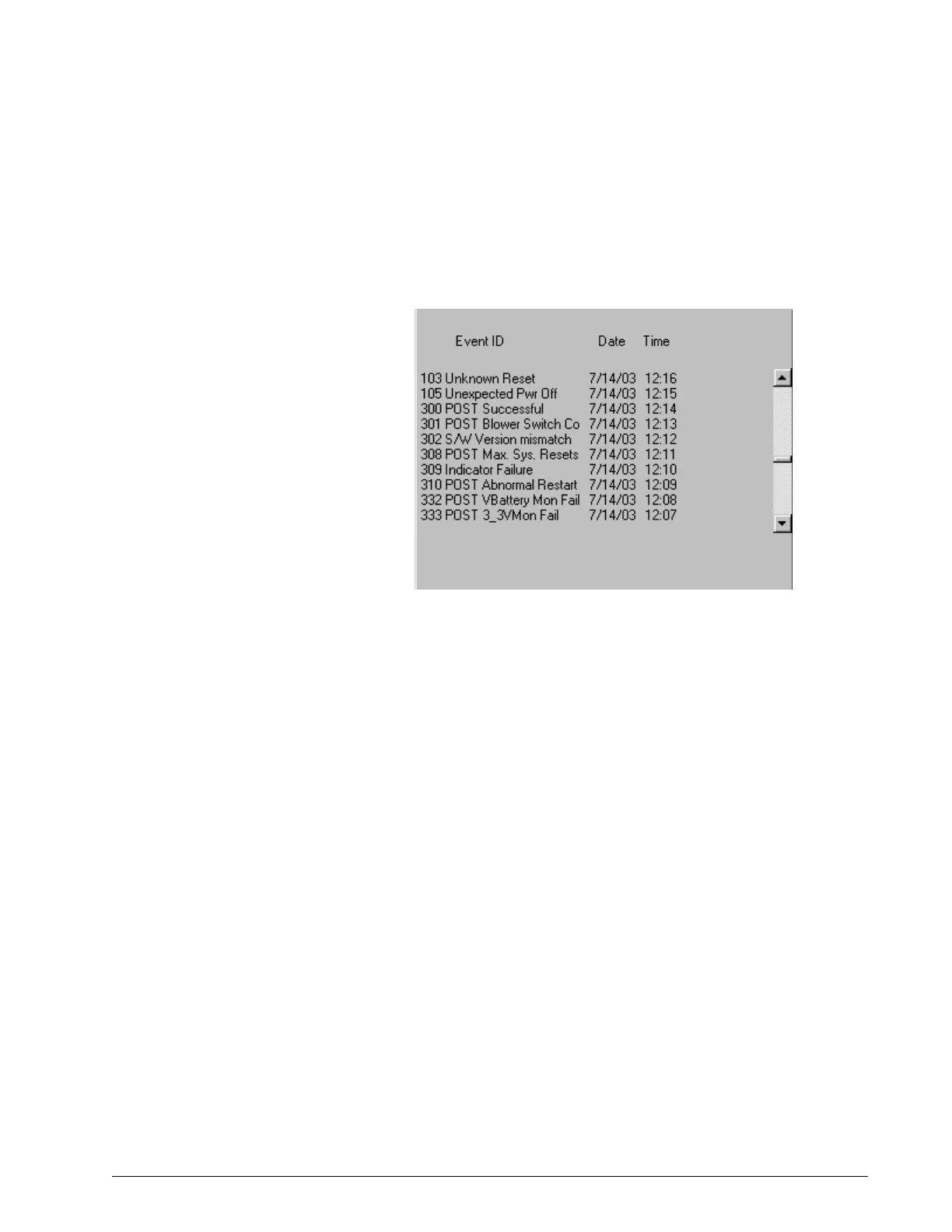
Significant Event Log The significant event log (Figure 5-5) allows viewing a log of system events,
including settings changes, alarms, and codes that can be used for
troubleshooting. See “Significant Event Log” on page 5.which describes
significant event codes in detail. The log includes the 200 most recent events.
Figure 5-5: Diagnostic Mode: Significant Event Log
To view the significant event log, use the arrow keys to highlight SIGNIFICANT
EVENT LOG on the diagnostic mode main menu, use the arrow keys to scroll
up and down. Press Menu to return to the main menu.
Setting Up the Serial
Interface for DRPT
Follow these steps to connect the ventilator and a PC to create a diagnostic
report (DRPT):
1. Connect BiPAP Focus Communications Cable (P/N 1030010)
between the PC and BiPAP Focus ventilator. Connect the male end
labeled Diagnostics to the back of the ventilator and the female end to
the service PC.
2. Power up the ventilator in diagnostic mode: simultaneously press the
Alarm/Reset and Alarm Silence keys for approximately 15 seconds
while turning ventilator power on.
3. Launch the HyperTerminal program on the PC by clicking Start >
Programs > Accessories > Communications > HyperTerminal, then
double-clicking on the HyperTerminal icon.
4. Enter a name for the connection (BiPAP Focus Communications is
entered in Figure 5-6) and choose an icon, then click OK).















 To Next Page