Chapter 7
7-10 BiPAP® Focus™ Ventilator Service Manual © Respironics, Inc. REF 1029568 Rev A
Performance Verification
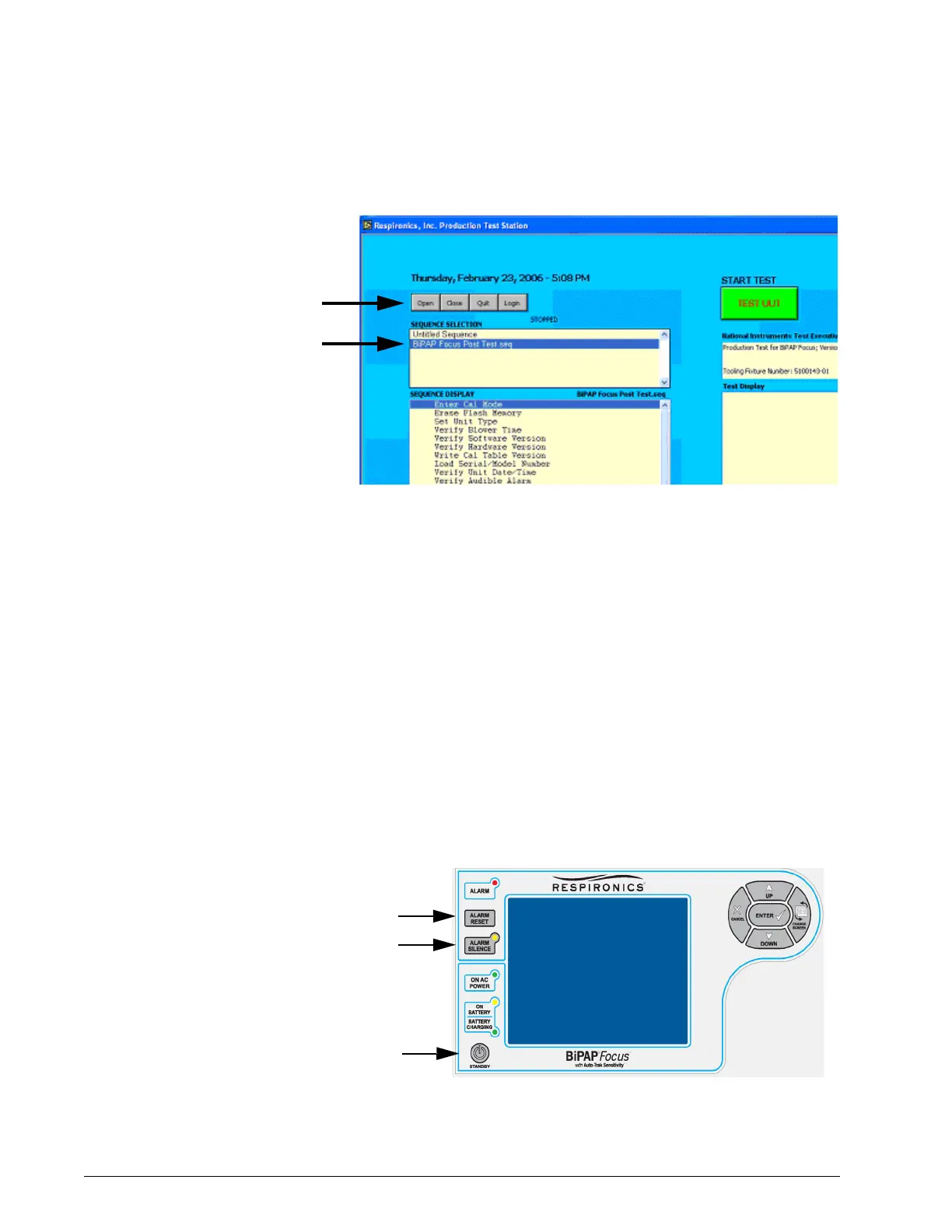
Figure 7-6: Selecting BiPAP Focus Post Test
5. The program will now download the test file.
Unit Under Test setup
1. Select a unit from the warm-up stand and ensure it has been running
for a minimum of 30 minutes. Power of unit and move to the MFTS.
2. Connect the Druck DPI-260 O
2
to the outlet of the unit under test.
3. Connect the power and RS232 cables to the back of the unit.
4. Start the BiPAP Focus in diagnostic mode. Power on the unit and
press the Standby key, then immediately press both the Alarm Silence
and Alarm Reset keys simultaneously until the unit enters diagnostic
mode then press Continue.
Figure 7-7: Entering BiPAP Focus Diagnostic Mode
Standby
Alarm Reset
Alarm Silence















 To Next Page