Chapter 6
6-4 BiPAP® Focus™ Ventilator Service Manual © Respironics, Inc. REF 1029568 Rev A
Ventilator Communications
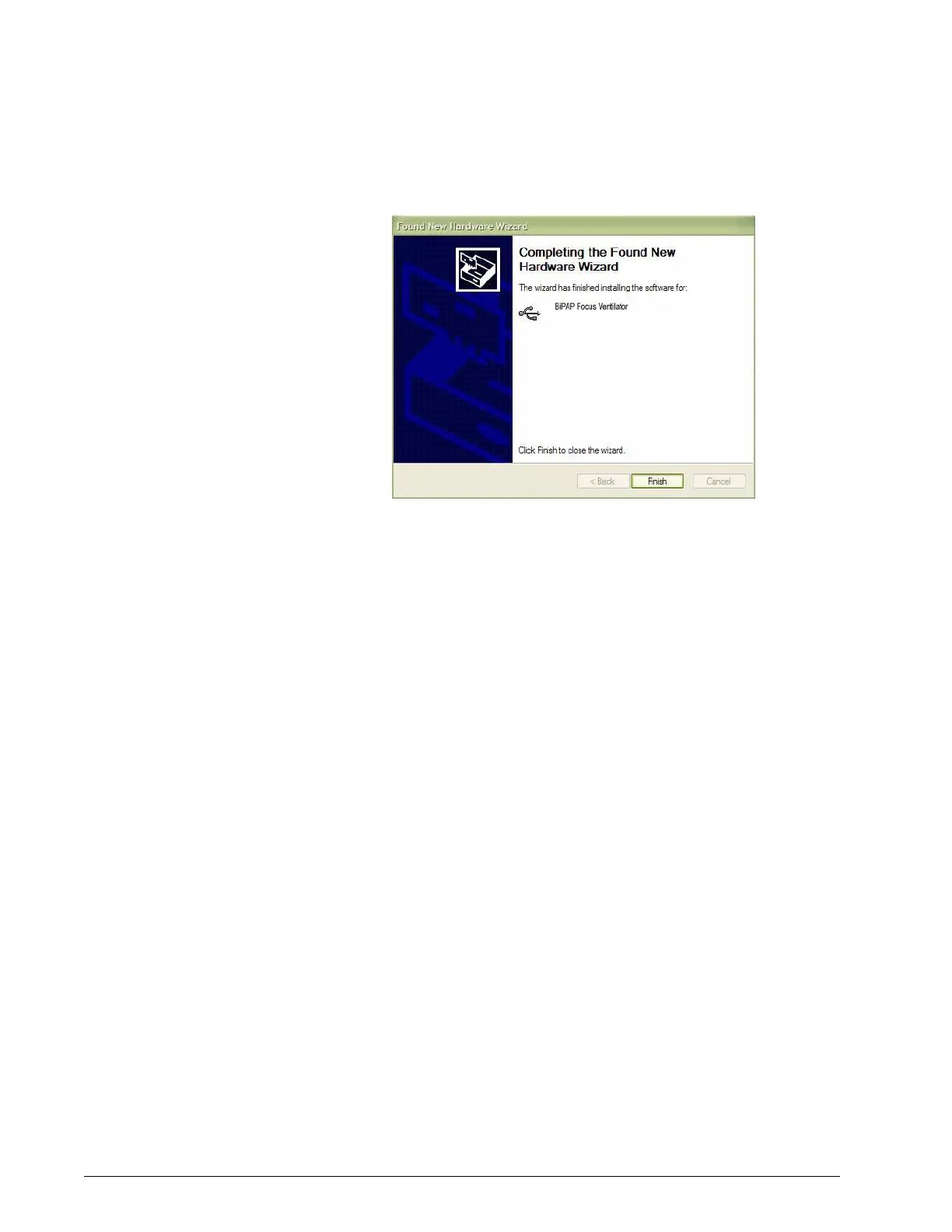
Figure 6-4: Completing the Found New Hardware Wizard dialog box
7. Once the drivers for software downloads are complete the process for
loading the BiPAP Focus can begin.
Starting the BiPAP
Focus Wizard
The BiPAP Focus Wizard is comprised of two phases:
• Phase 1 - Downloading controller board software to the ventilator.
• Phase 2 - Downloading user interface software to the ventilator.
1. Start the ventilator in Download Mode. Press the Standby key while
pressing the Up and Down arrow keys.
2. Navigate to the wizard executable program:
Install_Focus_Software.exe
3. Double-click on Install_Focus_Software.exe.
This will open Phase 1 of the of the wizard.
Downloading
Controller Board
Software to the
Ventilator
Follow these steps to download controller board software from the computer to
the ventilator:
1. This is the Phase 1 Start screen. The screen then shows the order of
installation and Warns “Ensure that there is no patient connected.”
From the Phase 1 Start screen click Next.















 To Next Page