Chapter 7
7-8 BiPAP® Focus™ Ventilator Service Manual © Respironics, Inc. REF 1029568 Rev A
Performance Verification
If Real-Time Clock Calibration Fails
If calibration fails, confirm that the BiPAP Focus Time and Date are set to
within 5 minutes of the service PC. Re-run the calibration. If the calibration
fails again, replace the controller PCB and retest.
MFTS Calibration This procedure provides instructions for calibrating the BiPAP Focus from the
Multi Function Test Station (MFTS). The results of this calibration can be
printed and used as a final test data sheet that can be retained as part of the
device history record.
NOTE: To preform a Field Calibration using a PC refer to “Field Calibration” on
page 7-17.
Multi Function Test Station Set-up (MFTS)
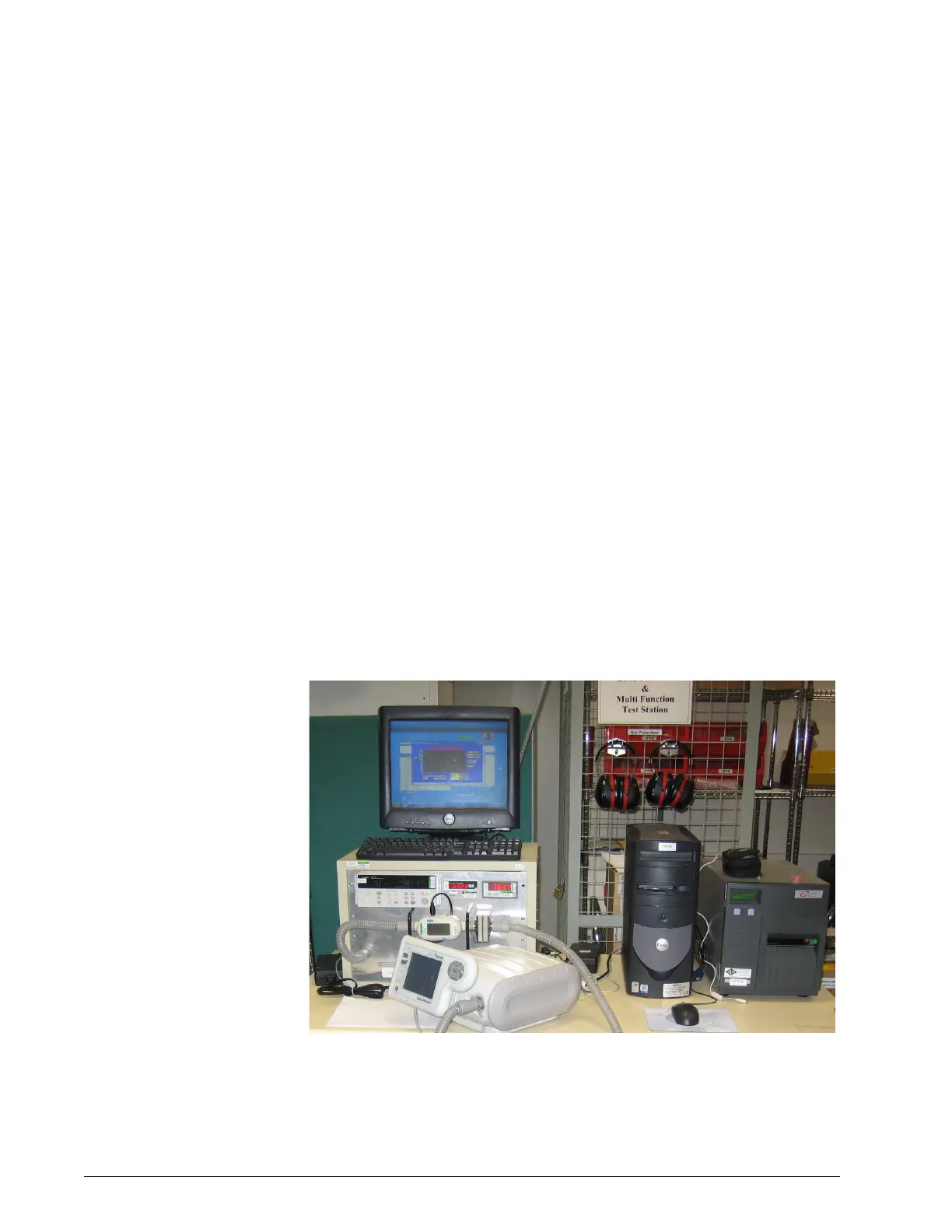
Refer to Figure 7-4. Start the ventilator in Normal mode. While in S/T mode
set the Respiratory Rate to 4bpm.
1. Ensure the computer and monitor are turned “ON”.
2. Ensure the MFTS is connected to a 110 VAC and 220VAC power
source.
Figure 7-4: MFTS Setup
3. Ensure the MFTS is connected to a negative pressure source.















 To Next Page