Chapter 7
Performance Verification
REF 1029568 Rev A BiPAP® Focus™ Ventilator Service Manual © Respironics, Inc. 7-11
Calibration
1. Click the green Test UUT box on the PC screen. Refer to Figure 7-5.
2. The software will now run a series of tests on the UUT. The person
conducting the test will need to follow on-screen instructions
throughout the testing process.
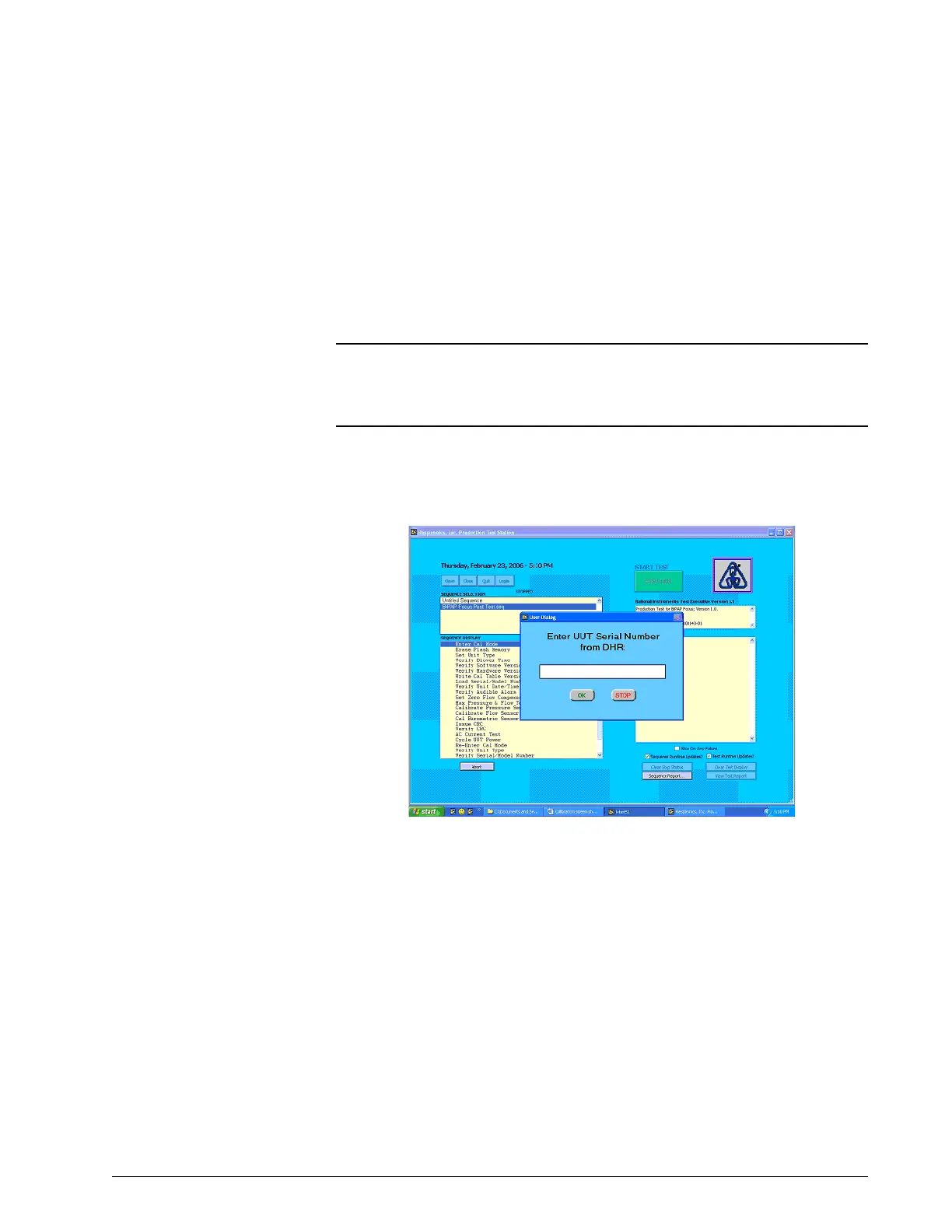
3. When prompted enter serial number of the sub-assembly and click
OK.
Figure 7-8: Entering Serial Number
4. When prompted enter the model number, enter 1026652 and click
OK.
NOTE: Retrieve and WRITE down the BLOWER SUBSYSTEM SERIAL
NUMBER from the BiPAP Focus Product Information screen. It may be
necessary to input the blower subsystem serial number if the memory is
cleared because it failed calibration.















 To Next Page