Chapter 7
Performance Verification
REF 1029568 Rev A BiPAP® Focus™ Ventilator Service Manual © Respironics, Inc. 7-3
Preliminary Cleaning,
Inspection, and Setup
1. Before servicing the ventilator, clean and inspect as follows:
• Remove humidifier connections from the ventilator, if applicable.
• Visually inspect the exterior of the ventilator for damage. Replace
damaged parts as needed.
• Clean the ventilator exterior as described in the BiPAP Focus
Clinical Manual.
• Clean the ventilator interior using an ESD-safe vacuum.
• Remove and inspect the air inlet filters. Clean or replace as
described in the BiPAP Focus Clinical Manual.
2. Connect a standard USB cable between the service PC and the USB
port on the back panel of the ventilator.
3. Download and execute the Service Center Tools software (http://
servicesoftware.respironics.com) and follow the prompts to retrieve the
significant event log (the log includes the ventilator's configuration
and hour meter reading).
4. Print the significant event log and attach to the Performance
Verification Data Form (page 7-29).
Electrical Safety Test The electrical safety test verifies that the ground resistance and forward and
reverse leakage current are within specified limits. Record the following
information on Performance Verification Data Form (page 7-29).
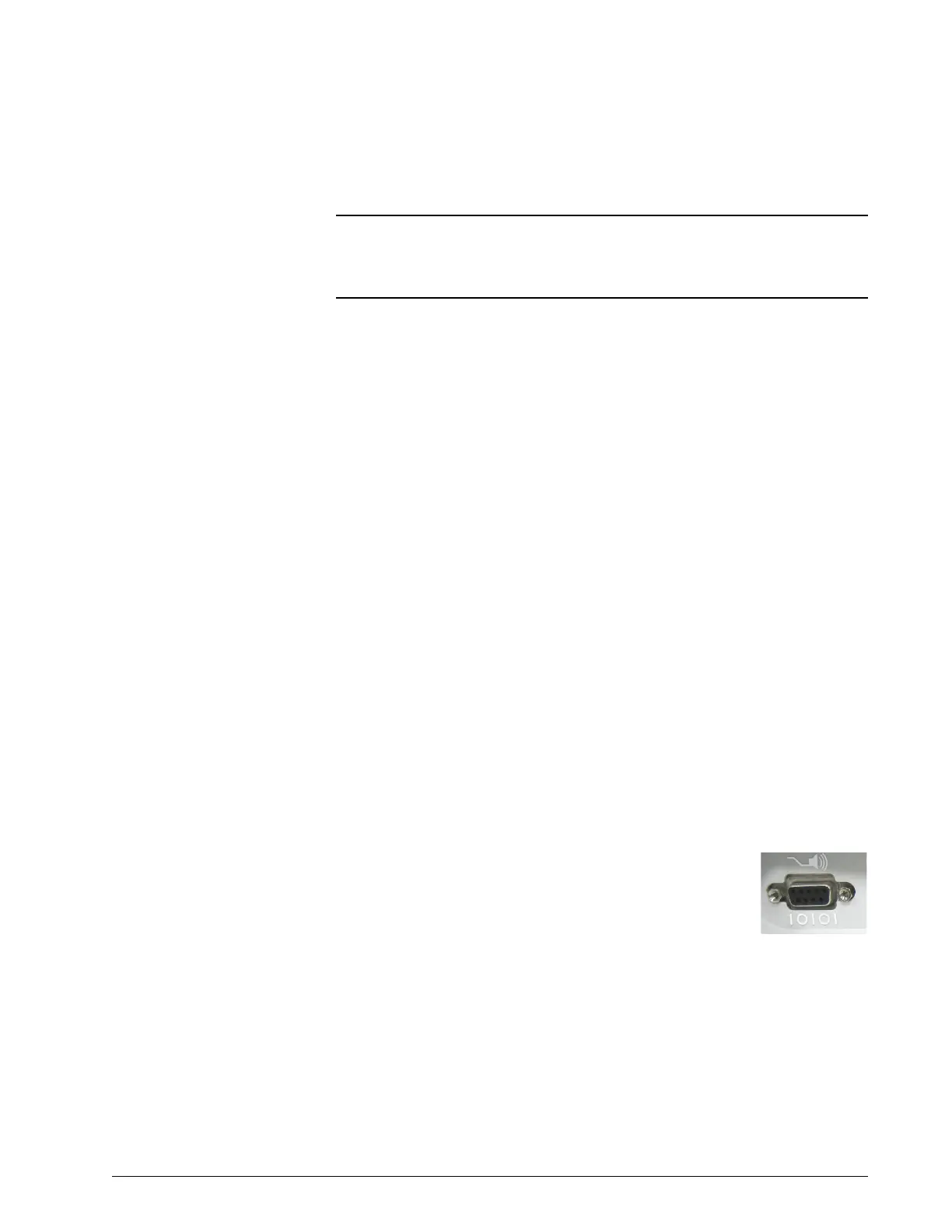
Use the DB9 shell on the Nurse call station / serial
communications port at the back of the ventilator to connect
the electrical safety analyzer to ventilator ground.
1. Check that the ground resistance < 0.2 ohm (Ω).
2. Turn ventilator on and wait until gas delivery begins.
3. Check that the forward and reverse leakage current is < 100
microamperes (µA) for ventilators connected to 100-120 V), or < 300
µA for ventilators connected to 220-240 V.
4. The electrical safety test is complete.
WARNING: To prevent disease transmission, use protective equipment when handling
contaminated bacteria filters or other patient accessories. Follow
manufacturers' labeling and institutional guidelines for disposal of
contaminated accessories.















 To Next Page