Chapter 6
Ventilator Communications
REF 1029568 Rev A BiPAP® Focus™ Ventilator Service Manual © Respironics, Inc. 6-9
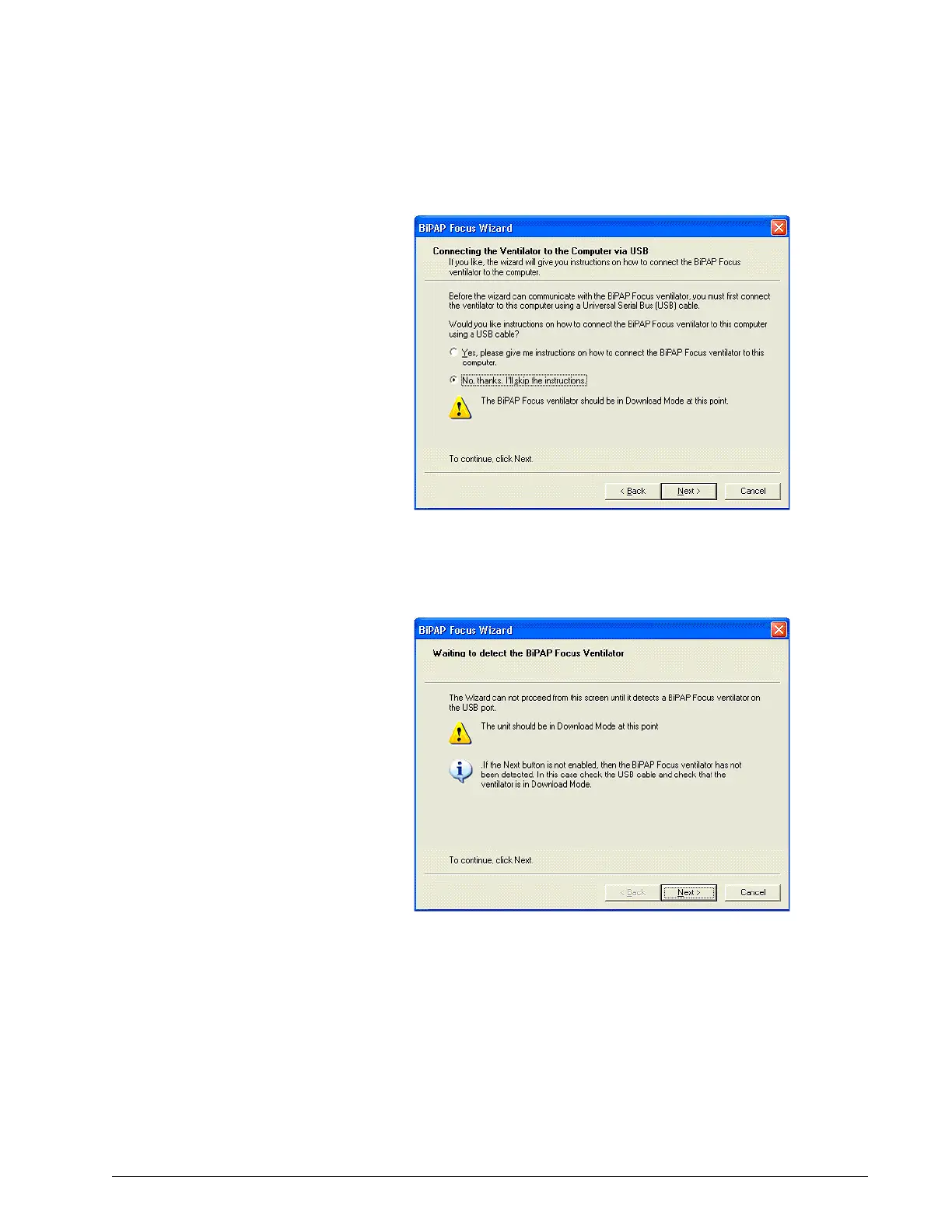
Figure 6-11: Connecting the Ventilator to the Service PC
3. Click Next.
Figure 6-12: Powering Up the Ventilator
4. The software connection process dialog box appears identifying the
steps including, Searching for the ventilator, retrieving ventilator
configuration information, and installing the communications software
(Figure 6-13). Click Next.




 To Next Page