5.Troubleshooting
176
card.
When the SD card is removed while the logs are being copied to it.
When the SD card is not formatted.
If ‘failed’ appears on the touch panel display, turn the power OFF, and then recover from
step 1 again.
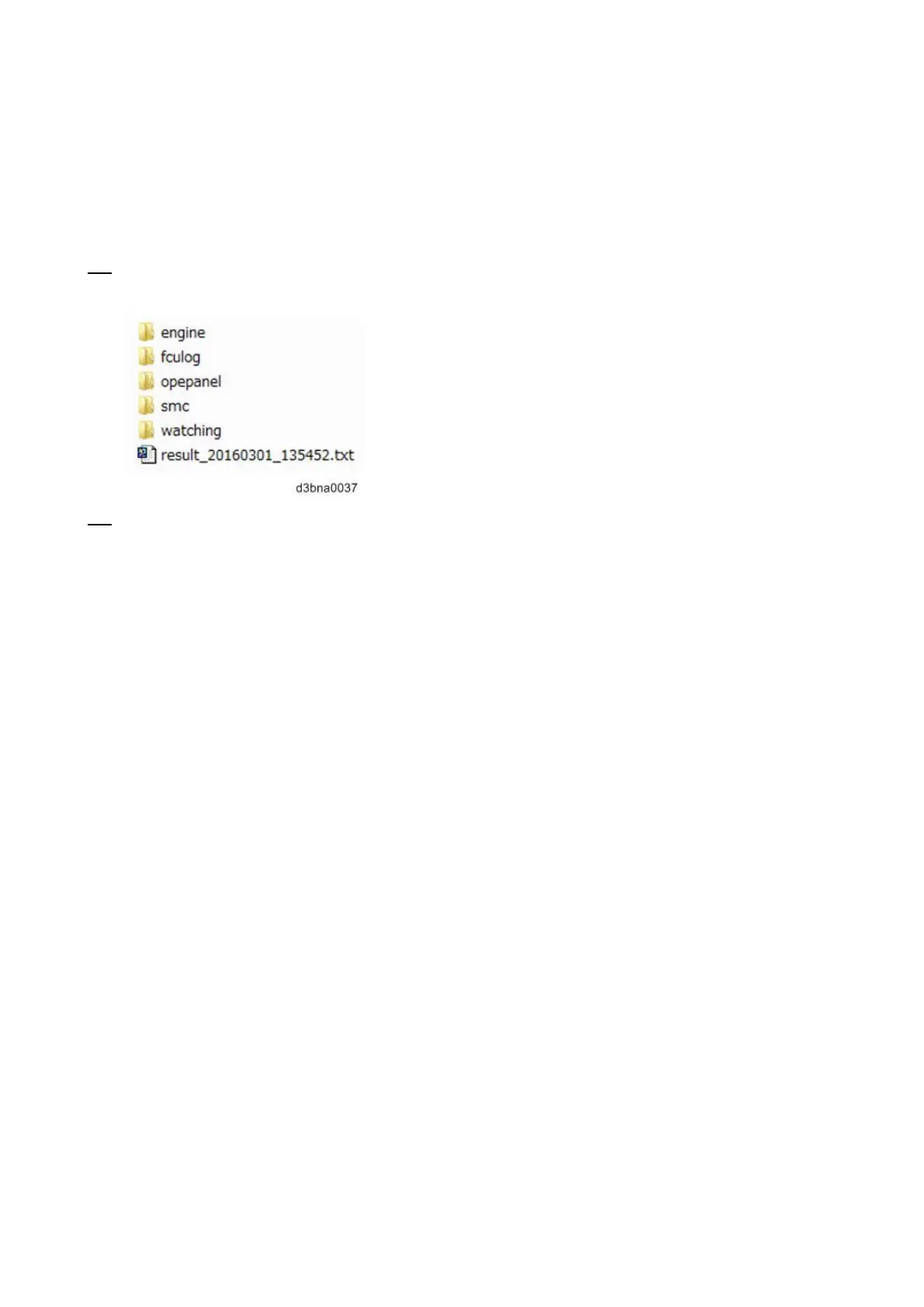
12. Confirm that the “LogTrace” folder is created in the SD card with sub folders with the following
names.
13. Zip the LogTrace folder to provide it to your technical support.



 To Next Page