1.Detailed Descriptions
8
Mechanism
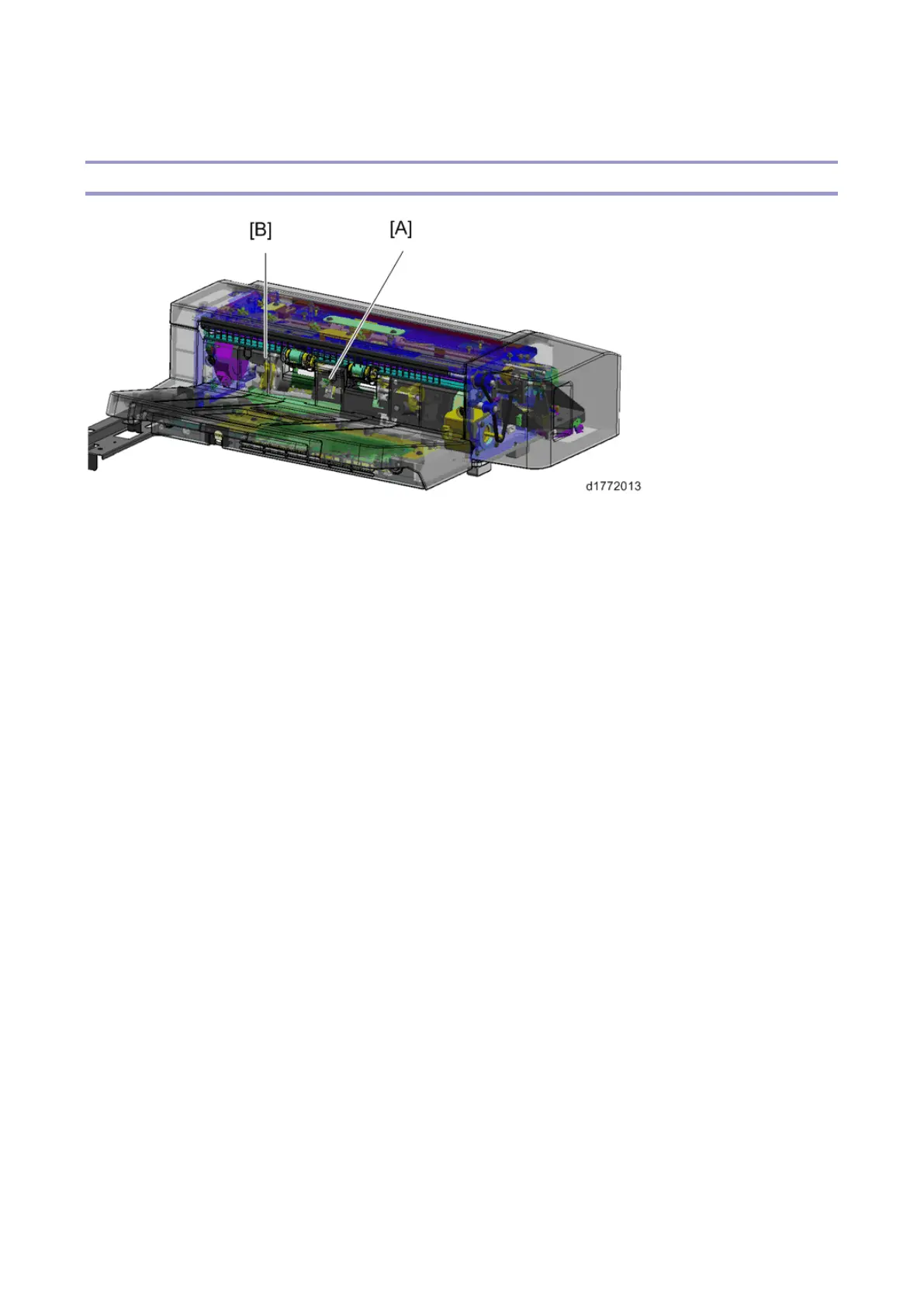
Tray full detection mechanism
When the paper exit full sensor 1 [A] or the paper exit full sensor 2 (staple) [B] detects paper, the paper
exit tray is full. Paper feed is stopped temporarily while the tray is full, and is restarted after the paper is
removed.
The paper exit full sensor 1 is at the center of the main scan (side-to-side), and detects the total
quantity of paper in the paper exit tray.
If the paper is stapled, the height of the paper around the stapled area is higher than that of the other
areas. The paper exit full sensor 2 (staple) is located at the stapling area, and detects the quantity of
stapled paper.



 To Next Page