2.Replacement and Adjustment
32
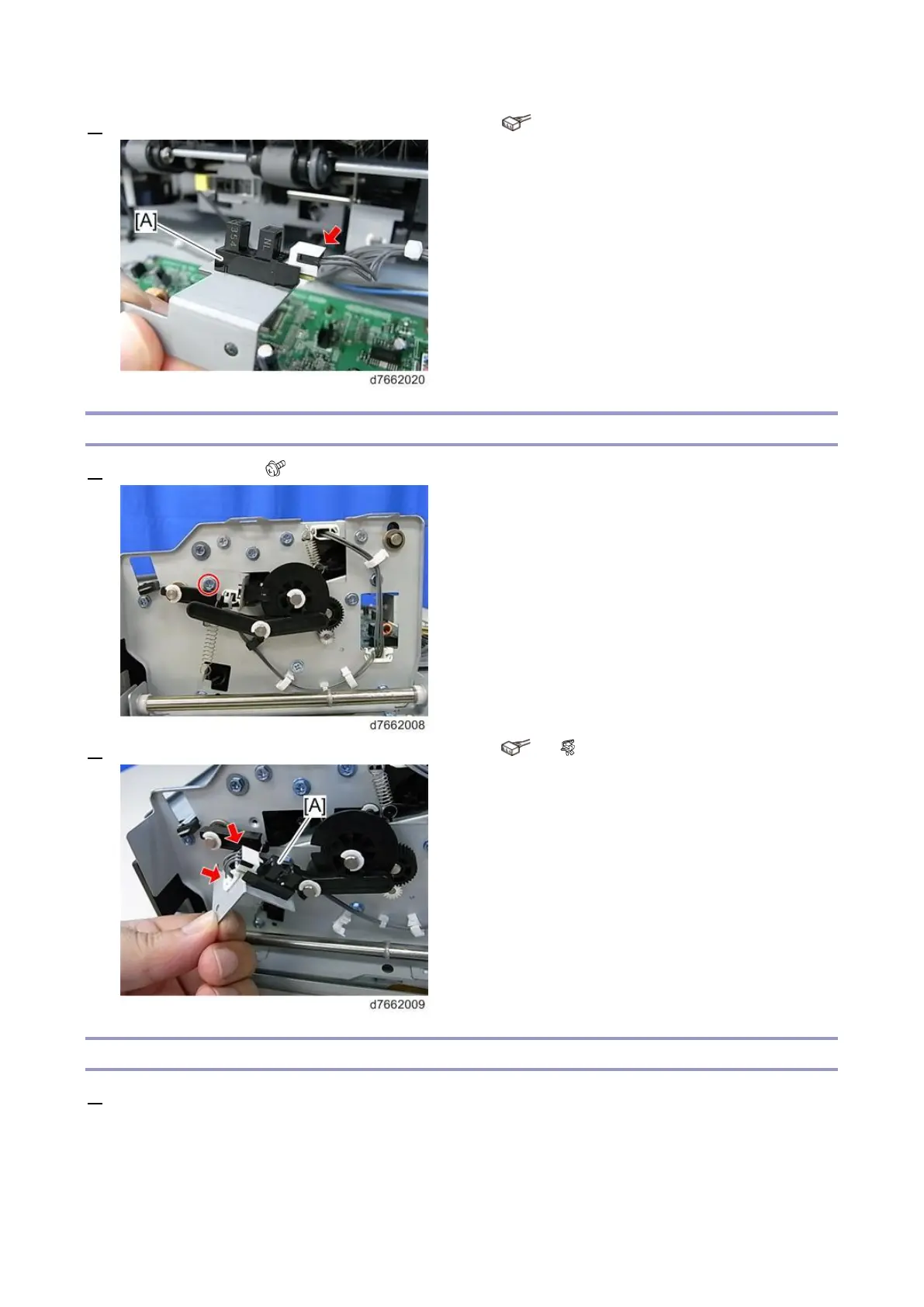
3. Remove the paper exit pressure HP sensor (S8) [A] ( ×1).
Junction Gate Motor HP Sensor (S1)
1. Remove the screw ( ×1).
2. Remove the junction gate motor HP sensor (S1) [A] ( ×1, ×1).
Paper Exit Full Sensor 1 (S4), Paper Exit Full Sensor 2 (Staple) (S5)
1. Remove the paper exit cover (Paper Exit Cover).



 To Next Page