Operating Progeny Analyzers 32
1006232_RevD
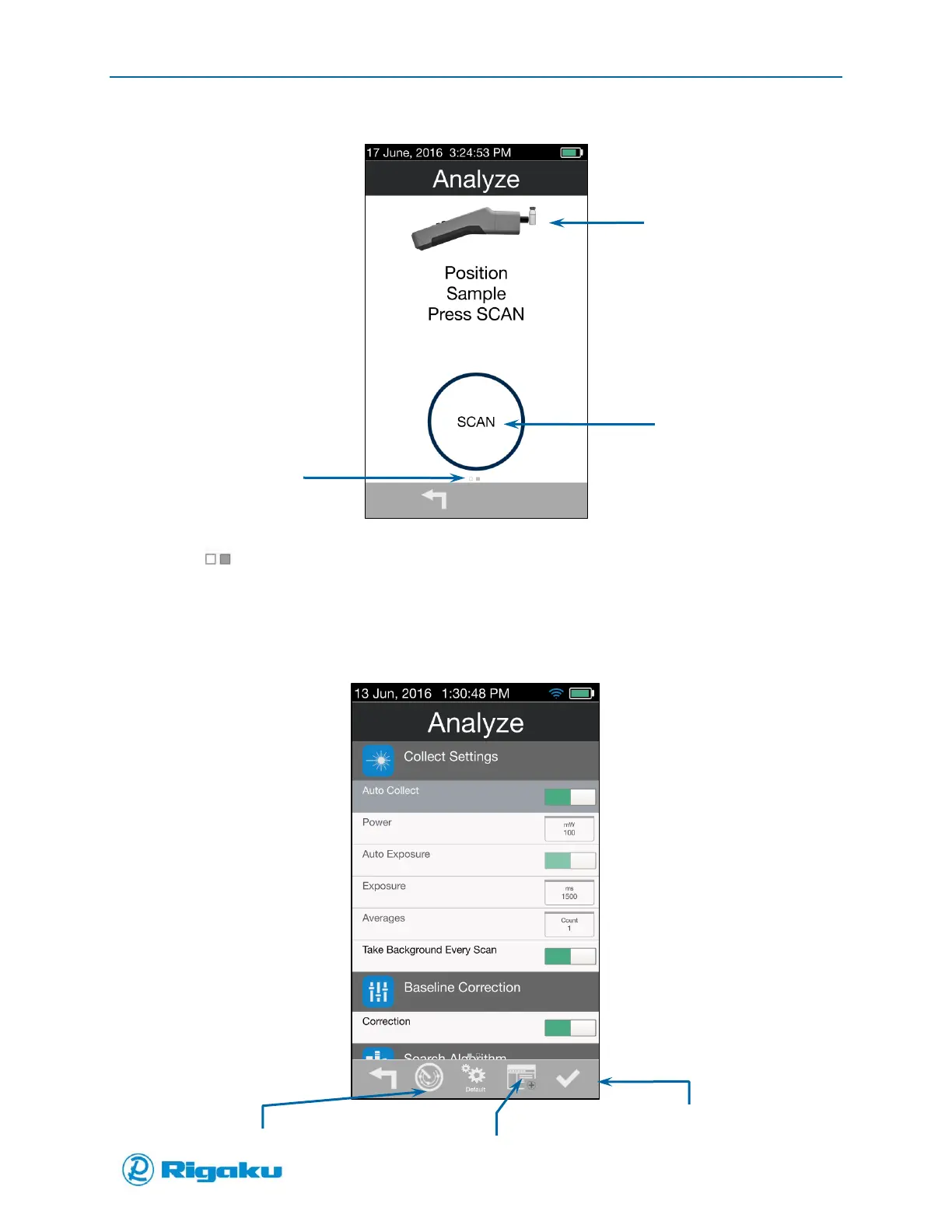
Figure 16. Analyze Scan Screen
4. Drag (Extended Screen) to the right, or select it and press the left arrow hard key, to review
information about and/or change current scan properties.
A screen listing your instrument’s current scan configuration displays the property settings for
the Collect Settings category (Figure 17).
Figure 17. Analyze Scan Properties Screen
Use Extended screen to
see scan properties



 To Next Page