4 Operation
A complete and comprehensive description of the operating software can be
found in the "Workshop programming" operating instructions. The commis-
sioning of the machine also includes training of the machine operators in
handling the operating software.
Note:
Prior to operation, ensure that all media connections are con-
nected and all lubricant containers have been filled.
4.1 Description of operating and display elements
4.1.1 Main switch
The main switch is located on the machine enclosure and switches the main
operating voltage on or off.
4.1.2 Operating element
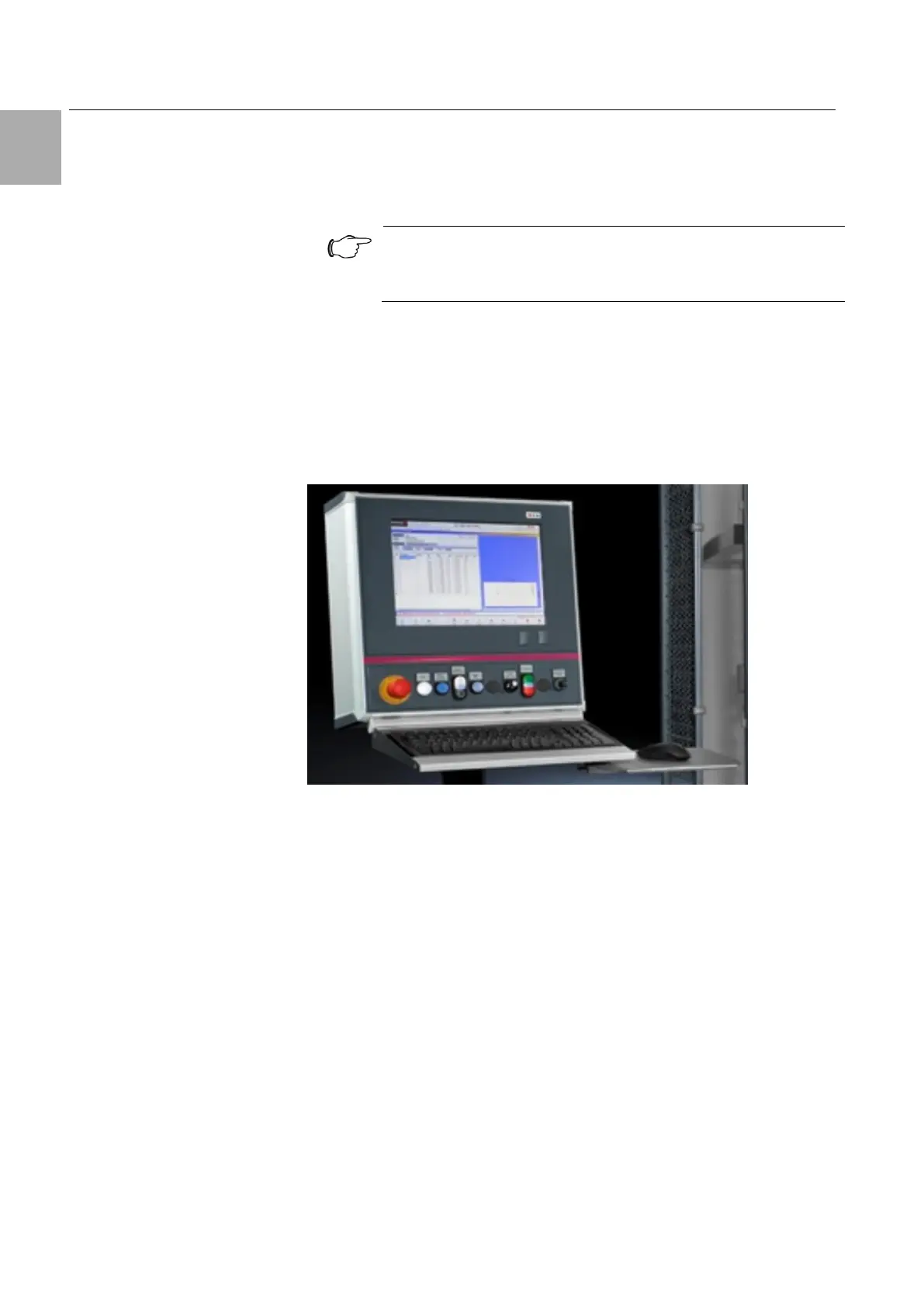
Fig. 15: Perforex BC operating element
The operating element includes an industrial PC and is connected directly to
the machine controller. Programs are created, called and modified here. The
operating element also contains all push-buttons, switches and control ele-
ments in order to release and control the machine. All illuminated push-but-
tons are labelled and are queried by the software. The EMERGENCY STOP
on the left-hand side is also directly accessible. All programming tasks are
performed via the input devices (mouse and keyboard). All safety prompts
and acknowledgements are made via push-buttons.





 To Next Page