4.2.4 Calling the operating program
1. Start the machine.
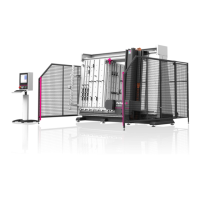
2. Open the Perforex machine software.
3. Switch in the program to the "Work" tab.
4. Select your job with a double-click.
Detailed information about the operation of the machine software can be
found in the description of the "Workshop programming" software, see sec-
tion 1.4 "Associated documents".
4.2.5 Panel machining
1. Place the appropriate workpiece.
2. Push the workpiece against the side limit stops.
3. Clamp the workpiece at the top and bottom.
4. Start the desired program.
5. The machining begins.
6. After completion of the machining program, the support travels to the
programmed wait position.
7. Enter the safety area.
8. Unclamp the workpiece.
9. Remove the workpiece.





 To Next Page