INFORMATION ABOUT THE USE
6.8. CYCLE START AND STOP
Proceed as follows.
1. Place the pallet on the rotary table and move the loading device away.
2. Lock the film end to the pallet.
3. Set the wrapping mode.
For more details, see the paragraph “Description of user interface”.
Caution - warning
Do not stretch or pre-stretch the film excessively and do not wrap the product with too many
wrappings in order to prevent damaging the packages and the products contained in them.
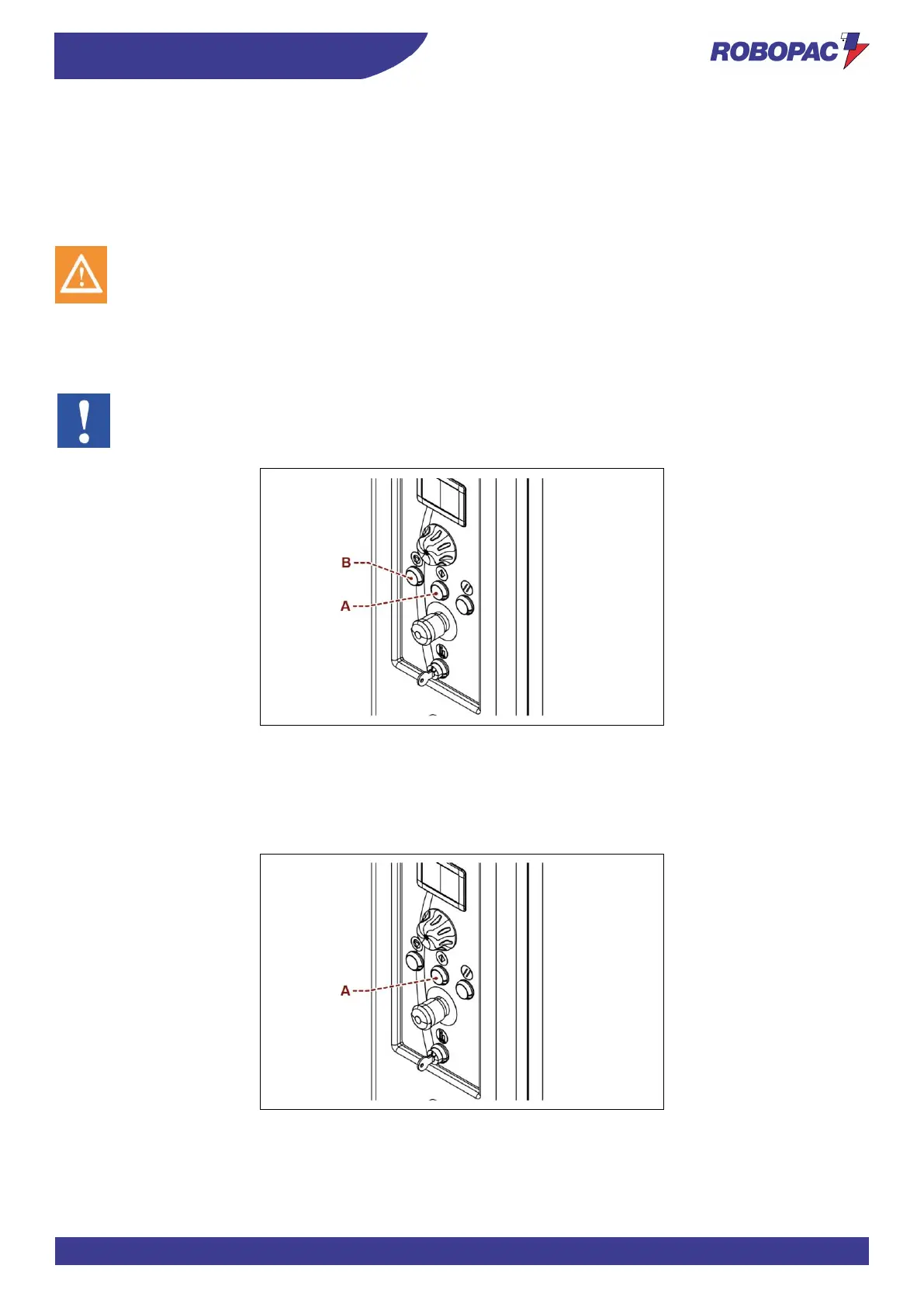
4. Press the "Cycle Start" button (A).
The machine completes the cycle and stops automatically.
5. Cut the film.
6. Remove the pallet and position a new pallet to start a new cycle.
Important
To temporarily suspend the cycle, press the “Cycle stop” button (B).
Press the "Cycle Start" button (A) to restart it.
6.8.1. INFORMATION VALID ONLY FOR “FEEDER CYCLE” WRAPPING MODE
1. When the machine stops in the pallet upper section, position the TOP sheet (do not cut the film).
2. Press the "Cycle Start" button (A).
3. The machine performs the wrapping and, at the end of the set cycle, it stops at the pallet base.







 To Next Page