INFORMATION ABOUT THE USE
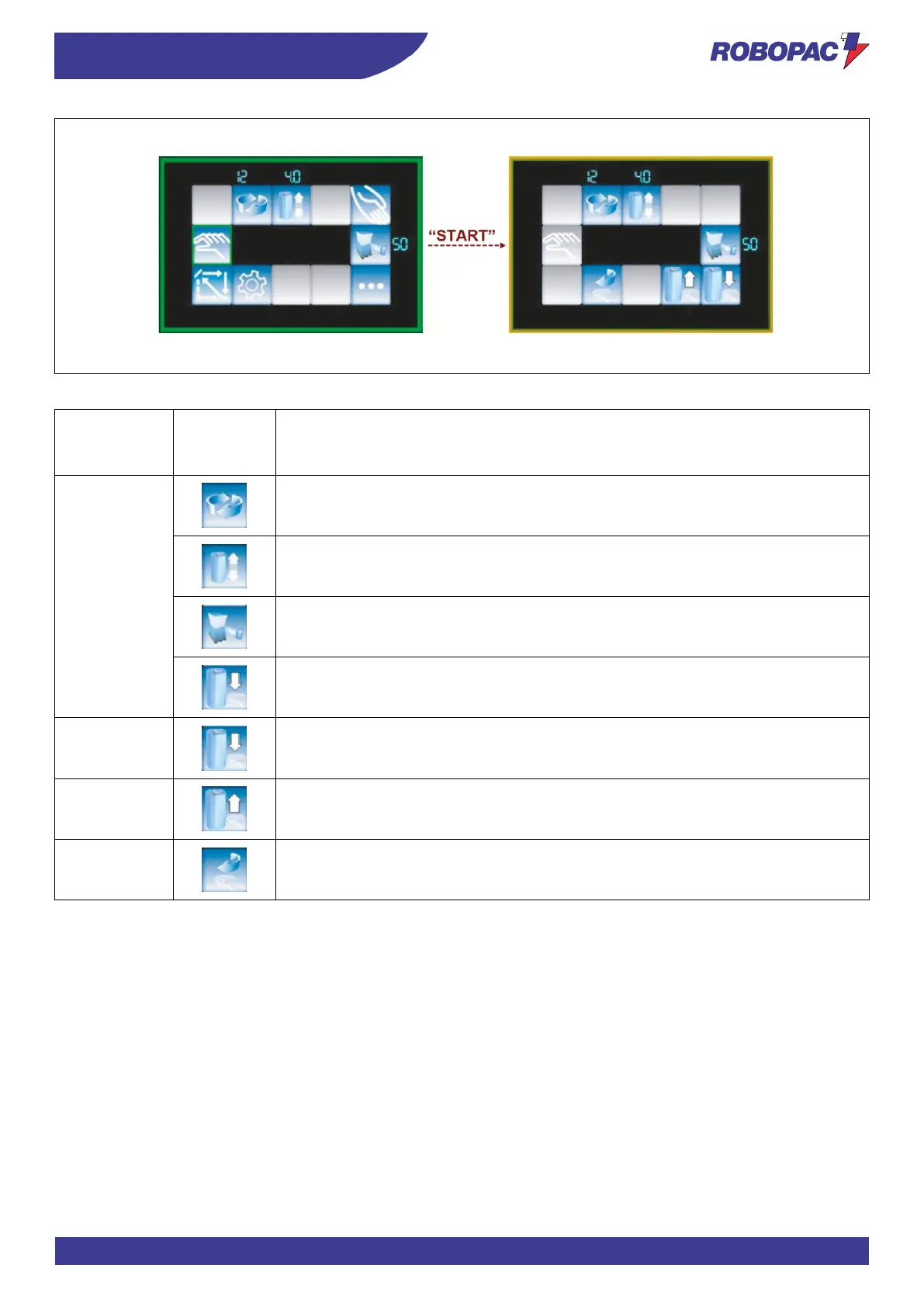
When the “START” button is pressed, the table starts to turn and the Home page looks as follows.
Activation
mode
abbreviation
Carriage upstroke/downstroke speed
“Double wrapping with feeder” cycle
Film stretch (for PGS version only)
allow to modify the parameters just listed.
Carriage downstroke
At every pressure, the carriage moves down or stops
Carriage upstroke
At every pressure, the carriage moves down or stops
Table stop in initial position
The table stops in the initial position and the cycle ends
The cycle ends when the carriage downstroke movement brings it to the lowest position or when the “STOP button is
pressed.







 To Next Page