EasyManua.ls Logo

Robopac Masterplat PLUS TP3 PGS - Page 95

Robopac Masterplat PLUS TP3 PGS
123 pages
Print Icon
To Next Page IconTo Next Page
To Previous Page IconTo Previous Page
Loading...
95
INFORMATION ABOUT THE USE
ENG
Activation
mode
abbreviation
Button
Description
P
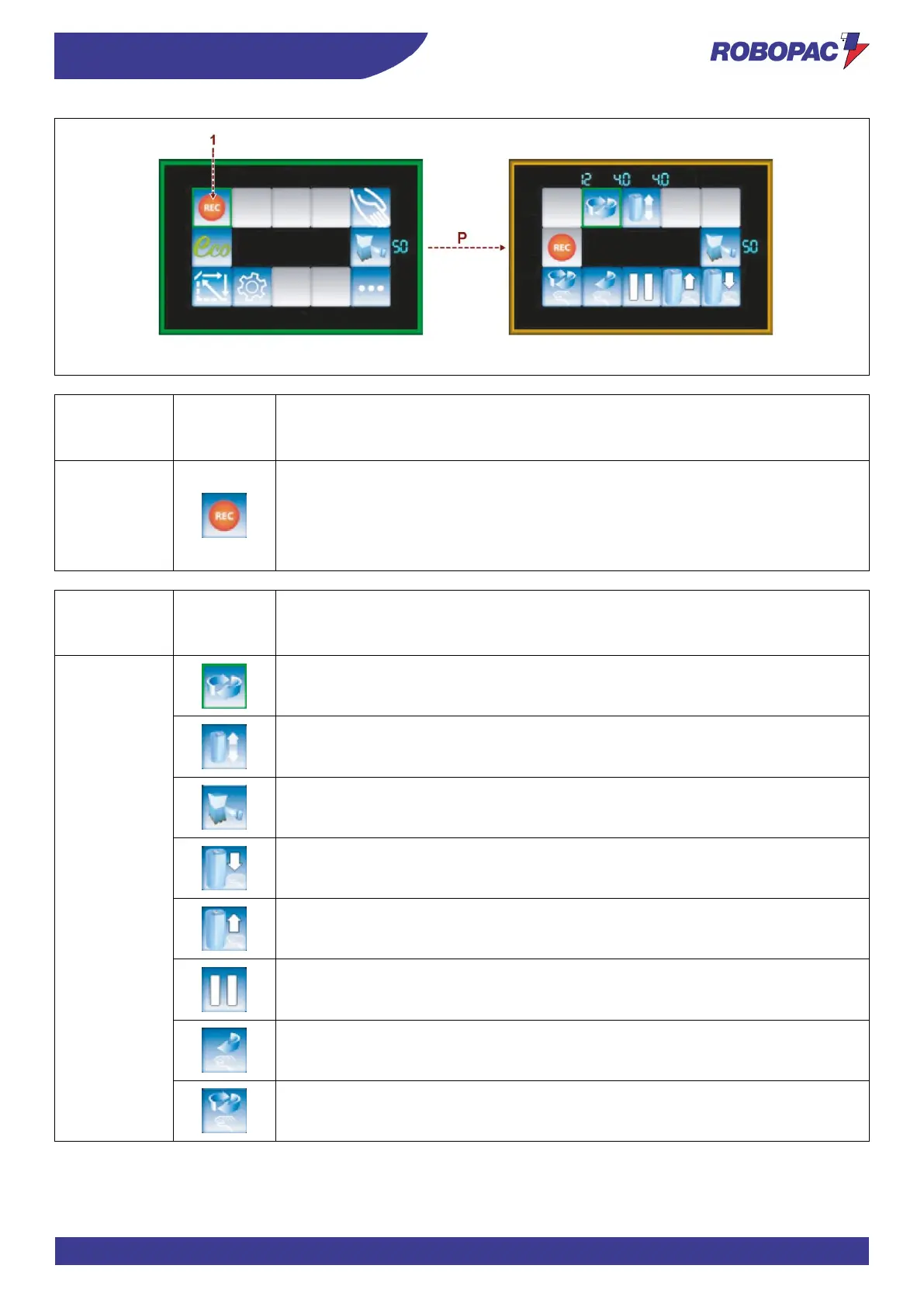
Press the “Start logging mode” button (1) to access the logging mode.
Set the table rotation speed, the carriage upstroke/downstroke speed and the film
stretch as previously indicated in programmes from 1 to 6.
Once any of these control buttons has been pressed, these values can no longer be
modified.
Activation
mode
abbreviation
Button
Description
R
Table rotation speed
Carriage movement speed
Film stretch (for PGS version only)
Carriage downstroke Start/Stop
Carriage upstroke Start/Stop
Cycle pause
Table stop in initial position
Table start.

Table of Contents

Related product manuals