Robustel R3000 Quad User Guide
RT_UG_R3000 Quad_v.3.0.0 28 May, 2017 43 / 131
Confidential
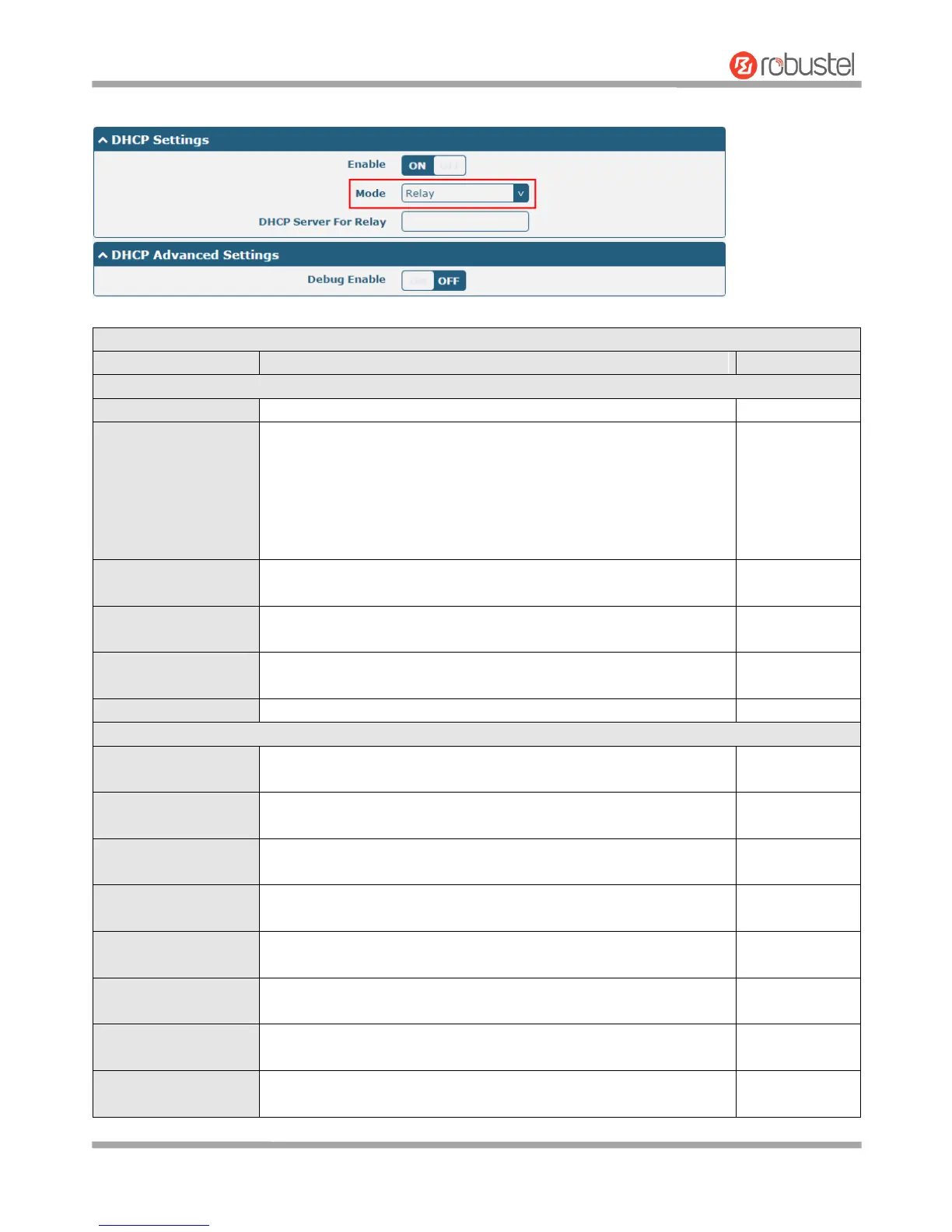
The window is displayed as below when choosing “Relay” as the mode.
Click the toggle button to enable/disable the DHCP function.
Select from “Server” or “Relay”.
Server: Lease IP address to DHCP clients which have been
connected to LAN port
Relay: Router can be a DHCP Relay, which will provide a relay
tunnel to solve the problem that DHCP Client and DHCP Server
are not in a same subnet
Define the beginning of the pool of IP addresses which will be leased
to DHCP clients.
Define the end of the pool of IP addresses which will be leased to
DHCP clients.
Define the subnet mask of IP address obtained by DHCP clients from
DHCP server.
Enter the IP address of DHCP relay server.
Define the gateway assigned by the DHCP server to the clients, which
must be on the same network segment with DHCP address pool.
Define the primary DNS server assigned by the DHCP server to the
clients.
Define the secondary DNS server assigned by the DHCP server to the
clients.
Define the Windows Internet Naming Service obtained by DHCP
clients from DHCP sever.
Set the lease time which the client can use the IP address obtained
from DHCP server, measured in seconds.
Bind a lease to correspond an IP address via a MAC address.
format: mac,ip;mac,ip;..., e.g. FF:ED:CB:A0:98:01,192.168.0.200
Enter some other options of DHCP server in this field.
format: config-desc;config-desc, e.g. log-dhcp;quiet-dhcp
Click the toggle button to enable/disable this option. Enable for DHCP
information output.













 To Next Page