RS485 (MDI) Protocol F-3
Supported Modbus Function Codes
The peripheral interface (MDI) used on MD60 drives supports some
of the Modbus function codes.
Important: Modbus devices can be 0-based (registers are
numbered starting at 0) or 1-based (registers are
numbered starting at 1). Depending on the Modbus
Master used, the register addresses listed on the
following pages may need to be offset by +1. For
example, Logic Command may be register address
8192 for some master devices (e.g., ProSoft 3150-
MCM SLC Modbus scanner) and 8193 for others (e.g.,
PanelViews).
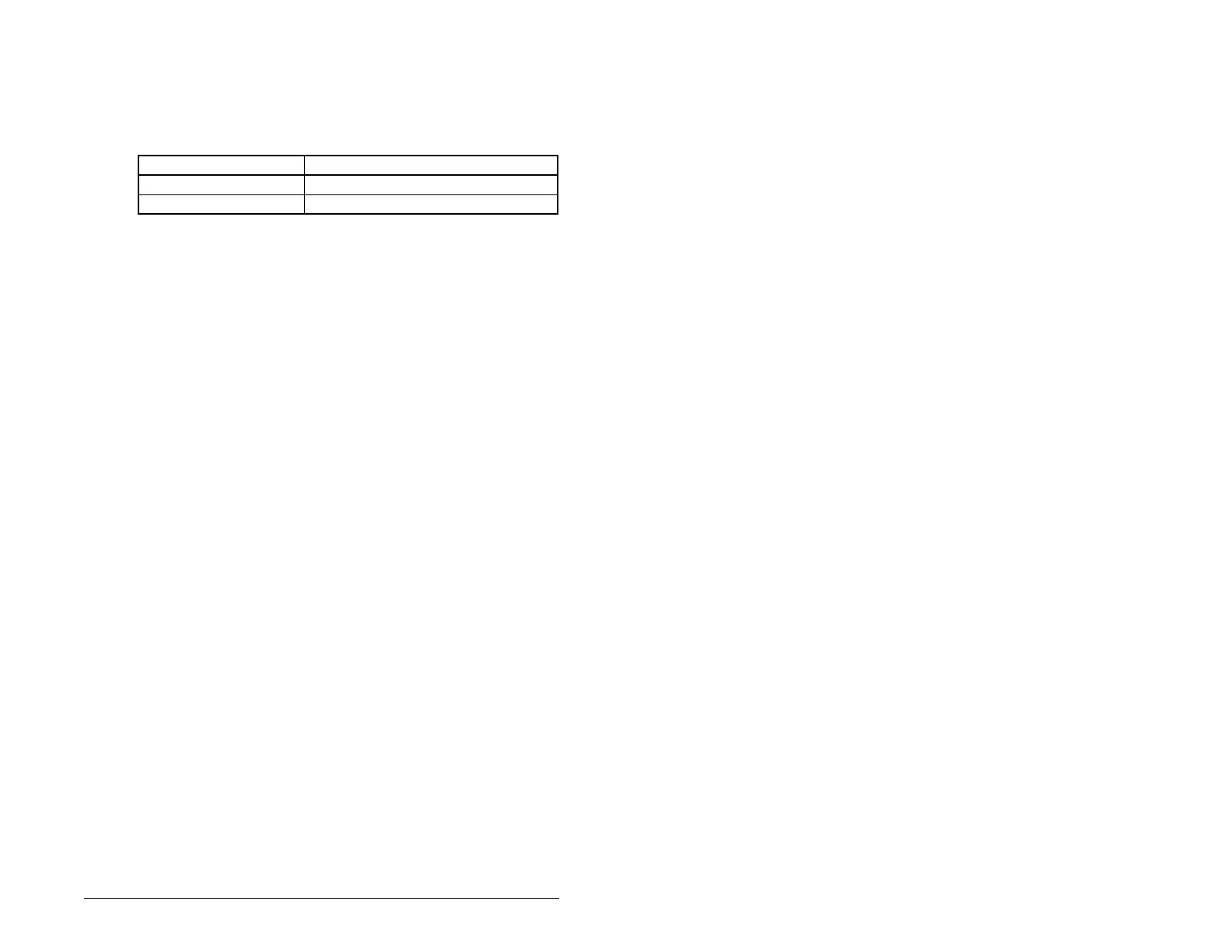
Table F.2 – Supported Modbus Function Codes
Modbus Function Code Command
03 Read Holding Registers
06 Preset (Write) Single Register

 To Next Page
 Loading...