3-4 MD60 AC Drive User Manual
3.2 Mounting the Drive
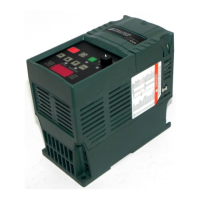
Mount the drive upright on a flat, vertical, and level surface.
• Install on 35 mm DIN rail
or
• Install with screws (see table 3.2).
3.2.1 Protecting the Drive from Debris
A plastic top panel is included with the drive. Install the panel to
prevent debris from falling through the vents of the drive housing
during installation. Remove the panel for IP 20/Open Type
applications.
Table 3.2 – Mounting Specifications
Minimum Panel
Thickness Screw Size Mounting Torque
1.9 mm (0.0747 in) M4 (#8-32) 1.56-1.96 N-m (14-17 in-lb)


 To Next Page
 Loading...