9-30 MD60 AC Drive User Manual
The status of the control terminal block control inputs.
Important: Actual command may come from a source other than
the control terminal block.
The status of the control terminal block digital inputs.
d013 Control Input Status
Range: 0 = Input Present
1 = Input Not Present
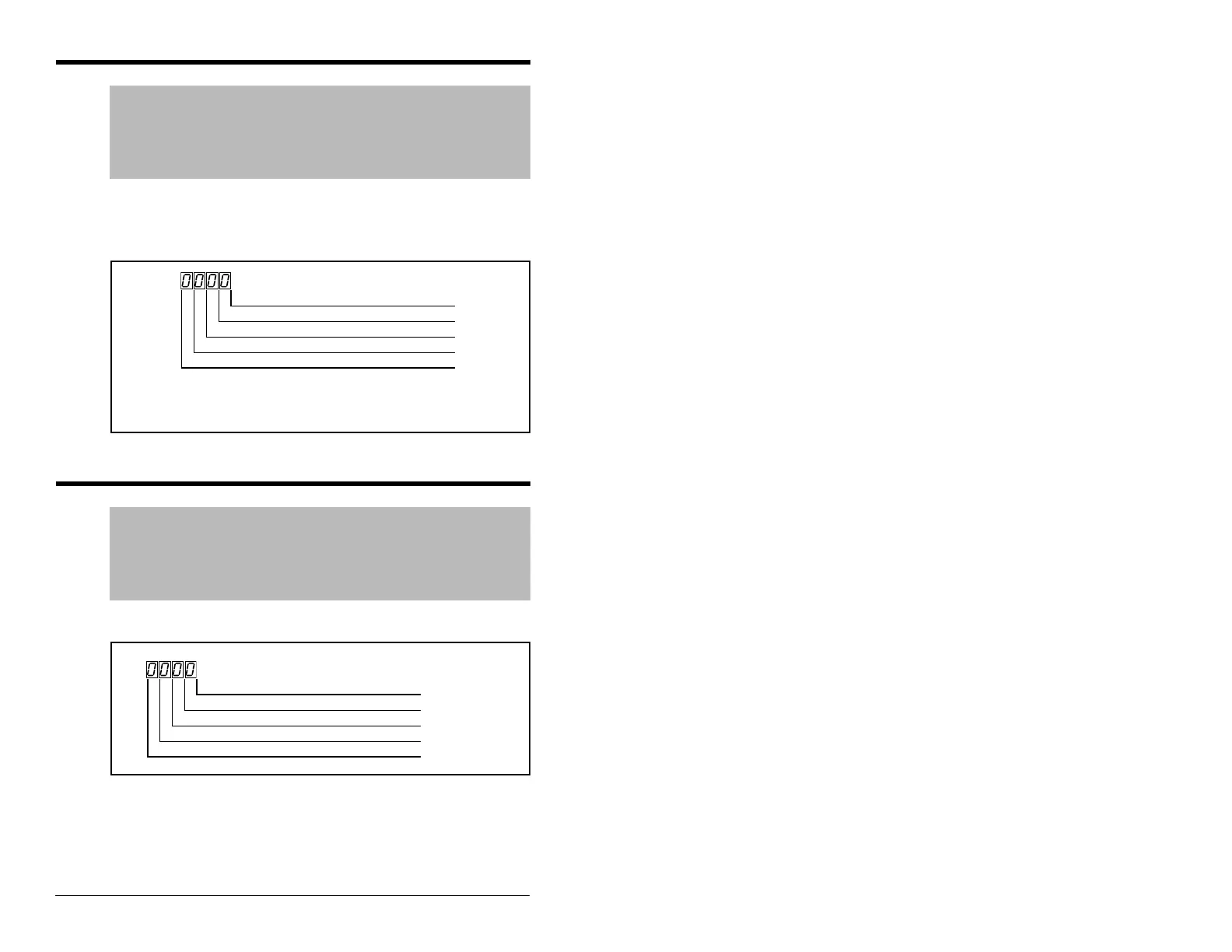
See figure 9.12
Default: Read Only
See also: N/A
1
The stop input must be present to start the drive. When this
bit is a 1, the drive can be started. When this bit is a 0, the
drive will stop.
Figure 9.12 – Control Input Status (d013) Bit Definitions
Start / Run FWD Input (I/O Terminal 02) Digit 0
Direction / Run REV Input (I/O Terminal 03) Digit 1
Stop Input
1
(Control Terminal 01) Digit 2
Reserved Digit 3
d014 Digital Input Status
Range: 0 = Input Not Present
1 = Input Present
See figure 9.13.
Default: Read Only
See also: A051, A052
Figure 9.13 – Digital Input Status (d014) Bit Definitions
Digital In1 Sel (I/O Terminal 05) Digit 0
Digital In2 Sel (I/O Terminal 06) Digit 1
Reserved Digit 2
Reserved Digit 3


 To Next Page
 Loading...