Parameter Descriptions 9-1
CHAPTER 9
Parameter Descriptions
The following information is provided for each parameter along with
its description:
What the Symbols Mean
The parameters are presented in numerical order in the sections
that follow. Refer to Appendix C for a list of parameters cross-
referenced by parameter name.
Parameter Number: Unique number assigned to each
parameter.
Parameter Name: Unique name assigned to each
parameter.
Range: Predefined parameter limits or
selections. Note that a negative Hz
value indicates reverse rotation.
Default: Factory default setting.
See also: Associated parameters that may provide
additional or related information.
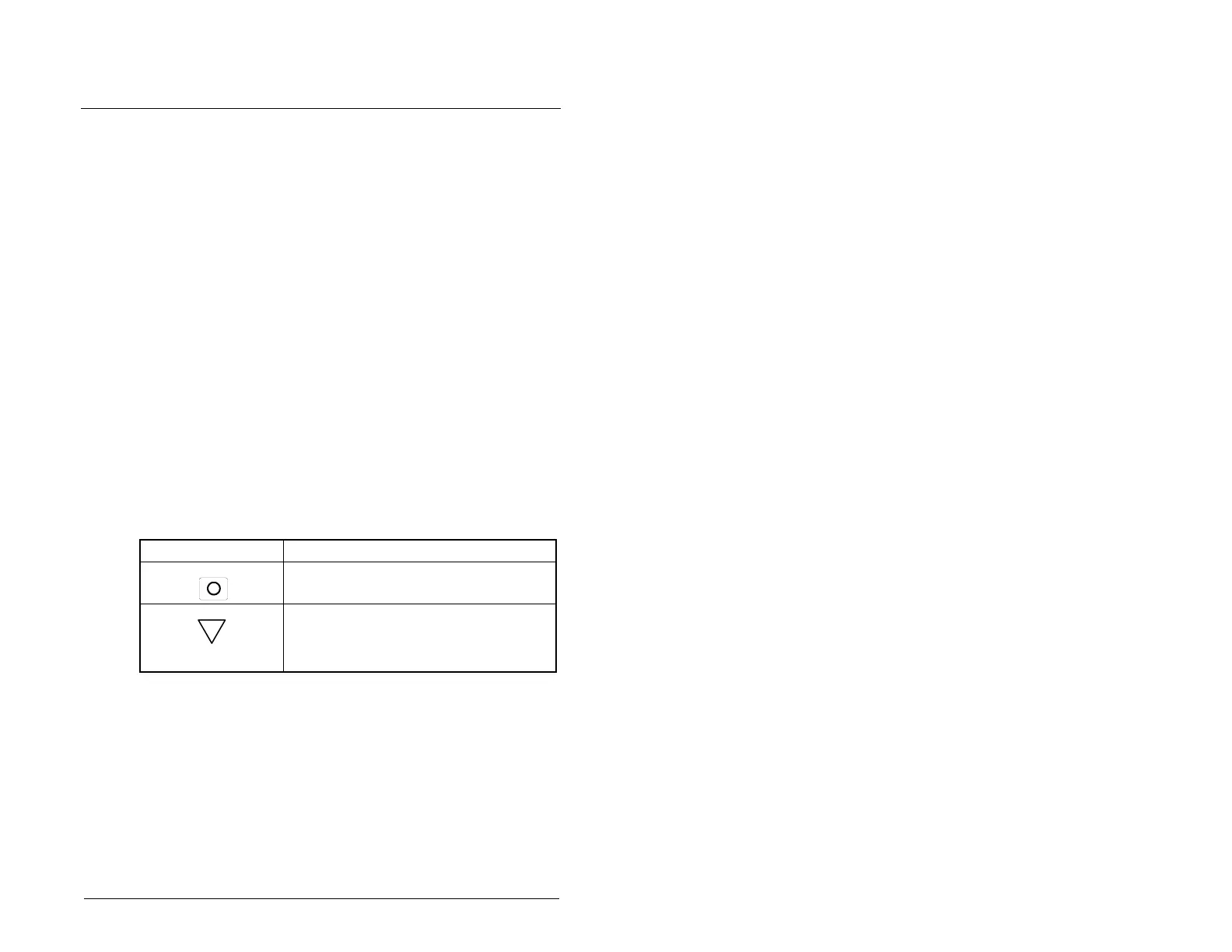
Symbol Meaning
Drive must be stopped before changing
parameter value.
32-bit parameter. Parameters marked
32-bit will have two parameter numbers
when using RS485 communications and
programming software.
32

 To Next Page
 Loading...