AC power
Plug your TV into a power outlet. You can tell that the TV has power because the status light on the
front of the TV lights up when the TV is off.
Status light explains how the status indicator shows what is happening with the TV.
Remote control batteries
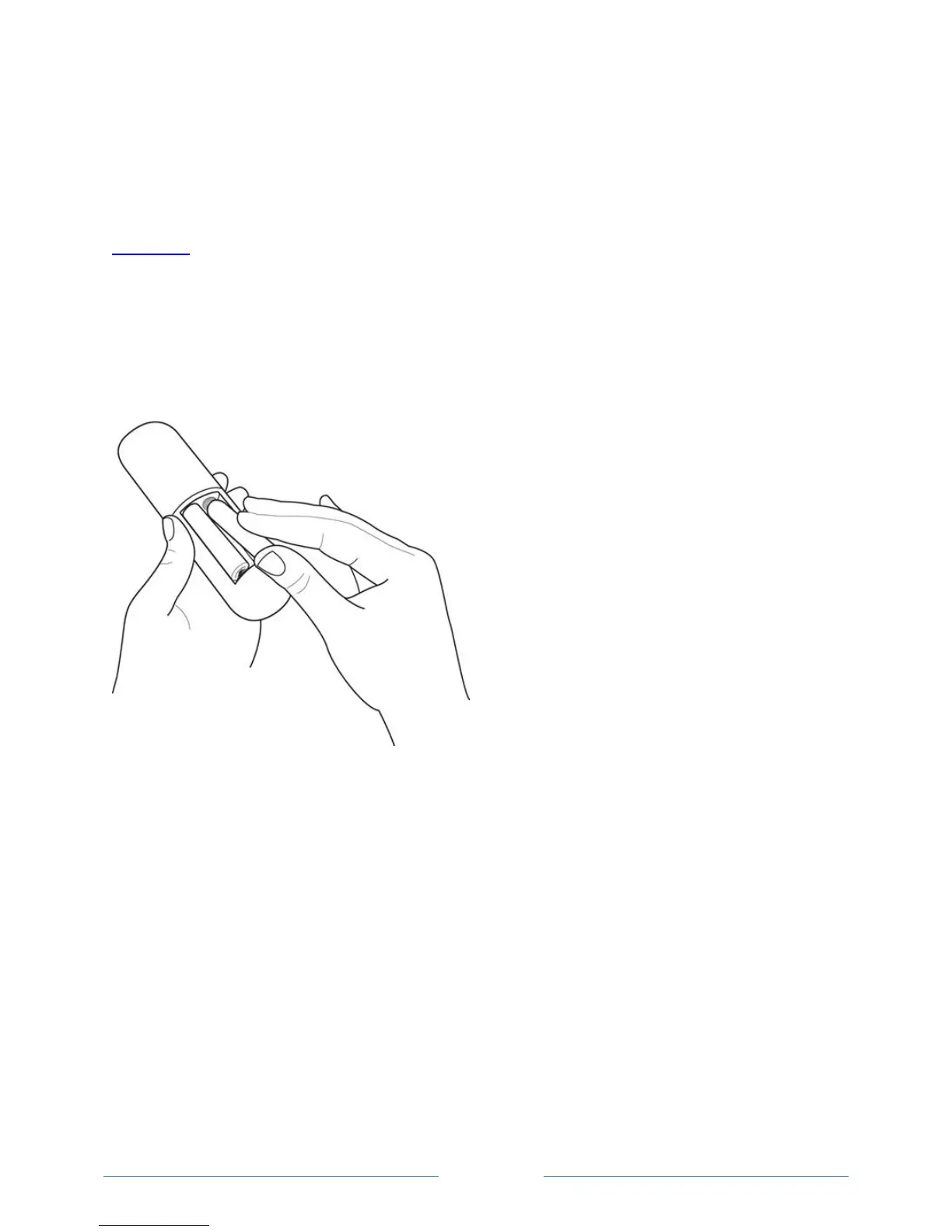
Open the back of your Roku TV remote control and insert the included batteries, observing the proper
orientation as indicated in the battery compartment. Reattach the back cover.



 To Next Page