Why does the TV
need my time
zone?
The TV needs to know
your time zone so that it
can correctly display time
information about the
program you are
currently watching.
How do I set up the TV tuner?
1. Make sure your antenna (not provided) or TV cable is connected to the TV’s ANT/CABLE input.
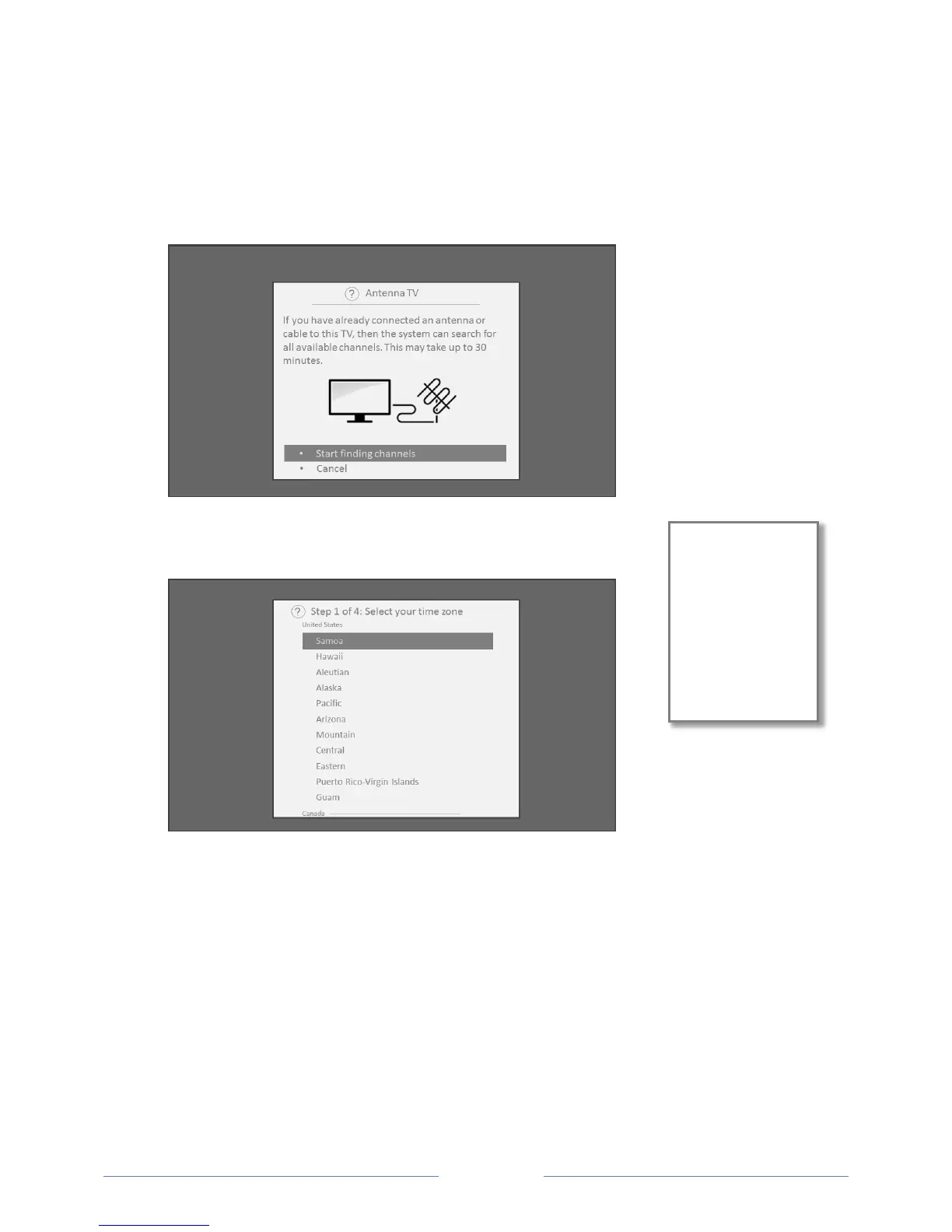
2. On the Home screen, select the Antenna TV tile.
3. Read the simple on-screen instructions, and then select Start finding channels.
4. If prompted, select your time zone. You’ll only need to do this if the
TV can’t figure out your time zone from your Internet connection.
5. When prompted, select whether to add analog channels 3 and 4 (to enable you to connect older
set top boxes, VCRs, or game consoles).



 To Next Page