Using your TV
This section provides information on using the day-to-day features of your TV.
Status light
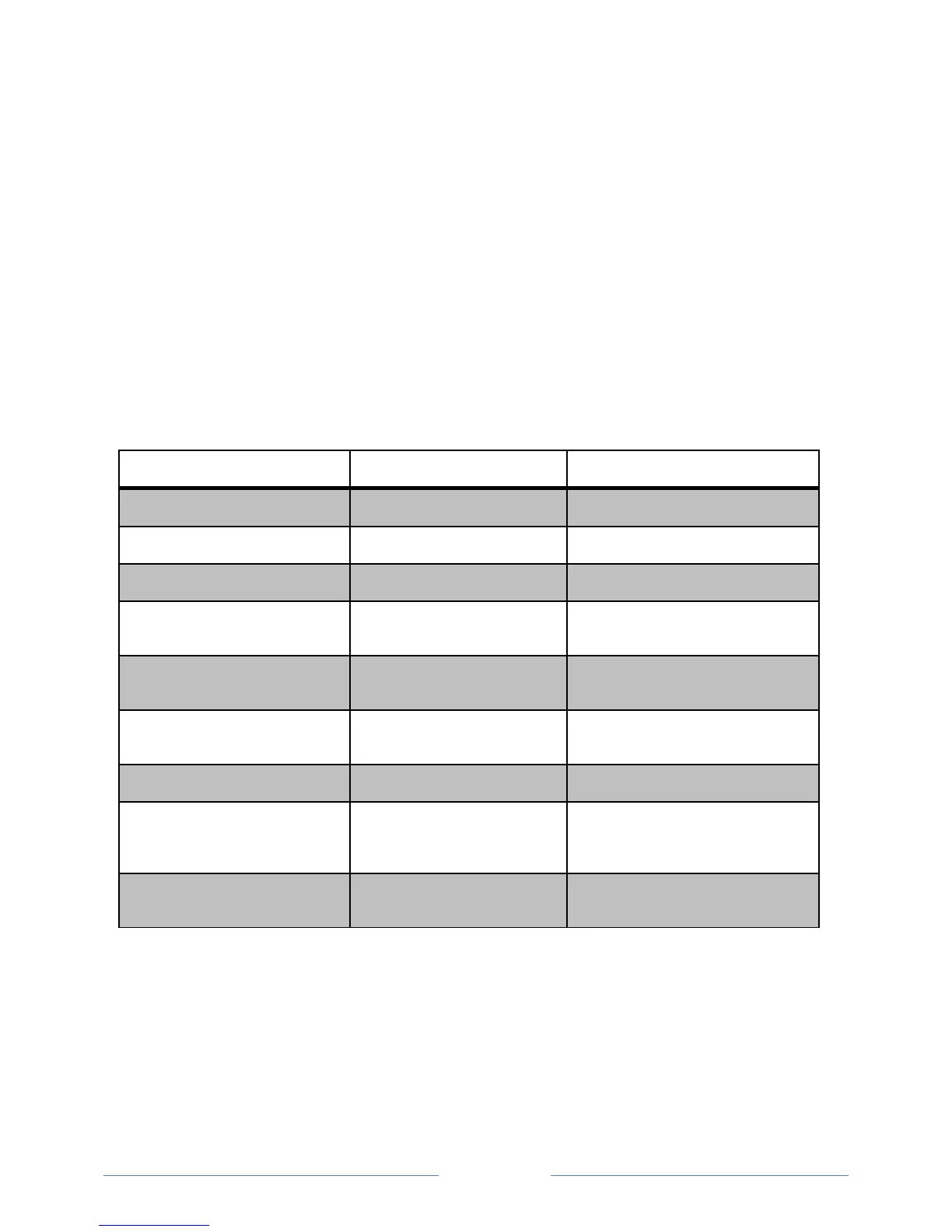
Your TV has a single status light on the front panel. It goes on and off and blinks in different ways
depending on the status of the TV, as shown in the following table:
Screen is communicating that TV is on.
Screensaver (screen is active)
Screen is communicating that TV is on.
TV is not connected to power.
TV is connected to power and is ready to
use.
Starting up from off state
Slow pulsing blink until startup
completes
On (receiving update from USB)
Slow pulsing blink until update
completes
Remote control command received
TV has received your command.
Two short blinks, pause, repeat
TV was connected and paired with a
Roku account and now has no network
connection.
Powering down to standby mode
Slow pulsing blink until the TV
reaches standby.



 To Next Page