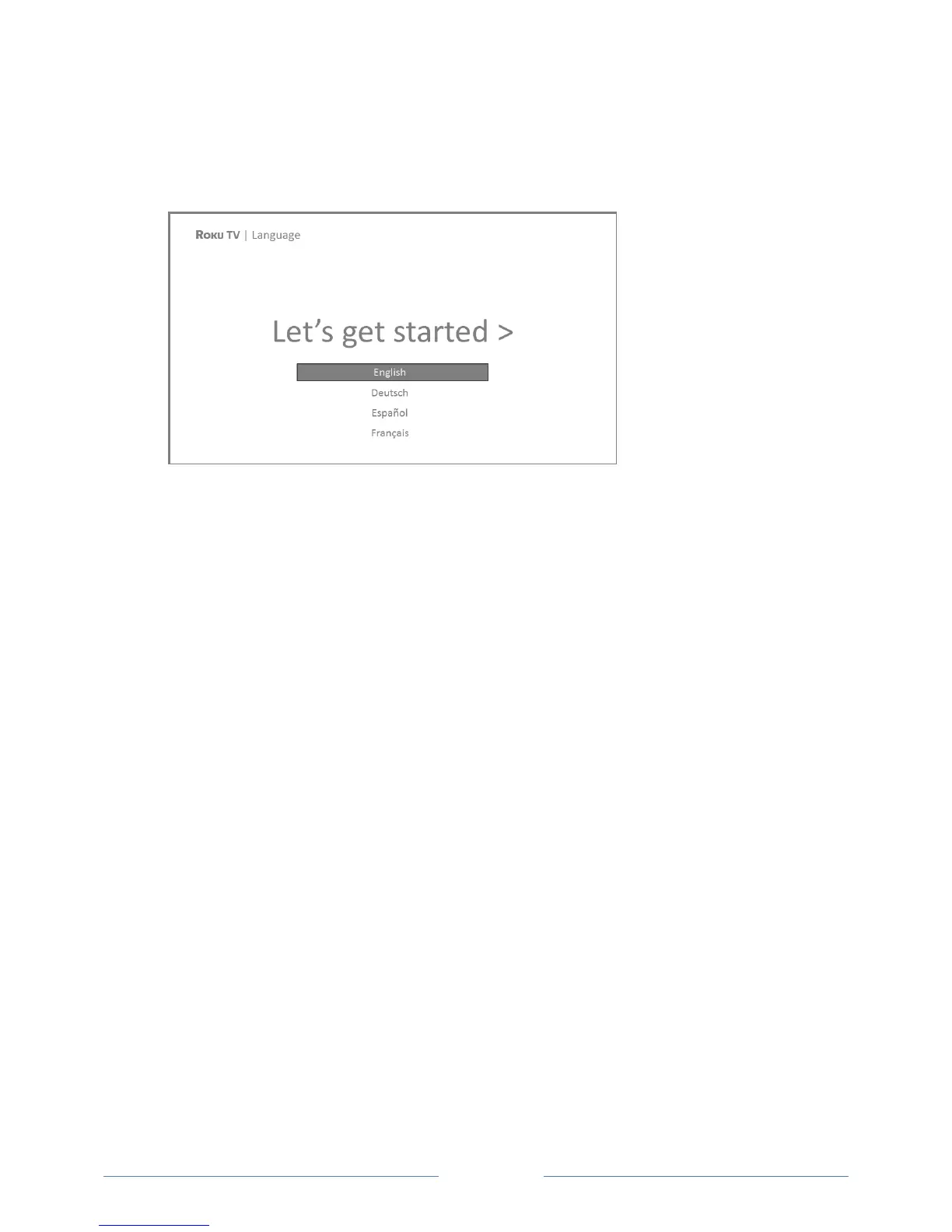
Completing Guided Setup
Follow these steps to complete Guided Setup. At this point, you should be seeing the Language screen.
1. Only on models that have the Roku TV Enhanced Remote Control: A few moments after the Let’s
get started screen appears, Guided Setup starts the pairing process for the Enhanced Remote
Control. (You’ll know if you have this type of remote because it will have a headphone jack on its
left side.) If the remote control does not pair automatically, follow the instructions on the screen
to complete the pairing process.
Tip: On TVs sold in the United States, if you are blind or visually impaired, you can activate Audio
Guide, a text-to-speech screen reader to help you navigate the TV’s menus and commands. To
enable the Audio Guide, press the
button on the remote control four times in rapid succession.
Repeat to disable Audio Guide. (The
button is located directly below the directional pad on the
right side of the Roku remote control.)
Note: If you enabled Audio Guide, choosing any language other than English disables it.
2. Press the DOWN button on the remote control to highlight your preferred language, and then
press OK or the RIGHT arrow button.



 To Next Page