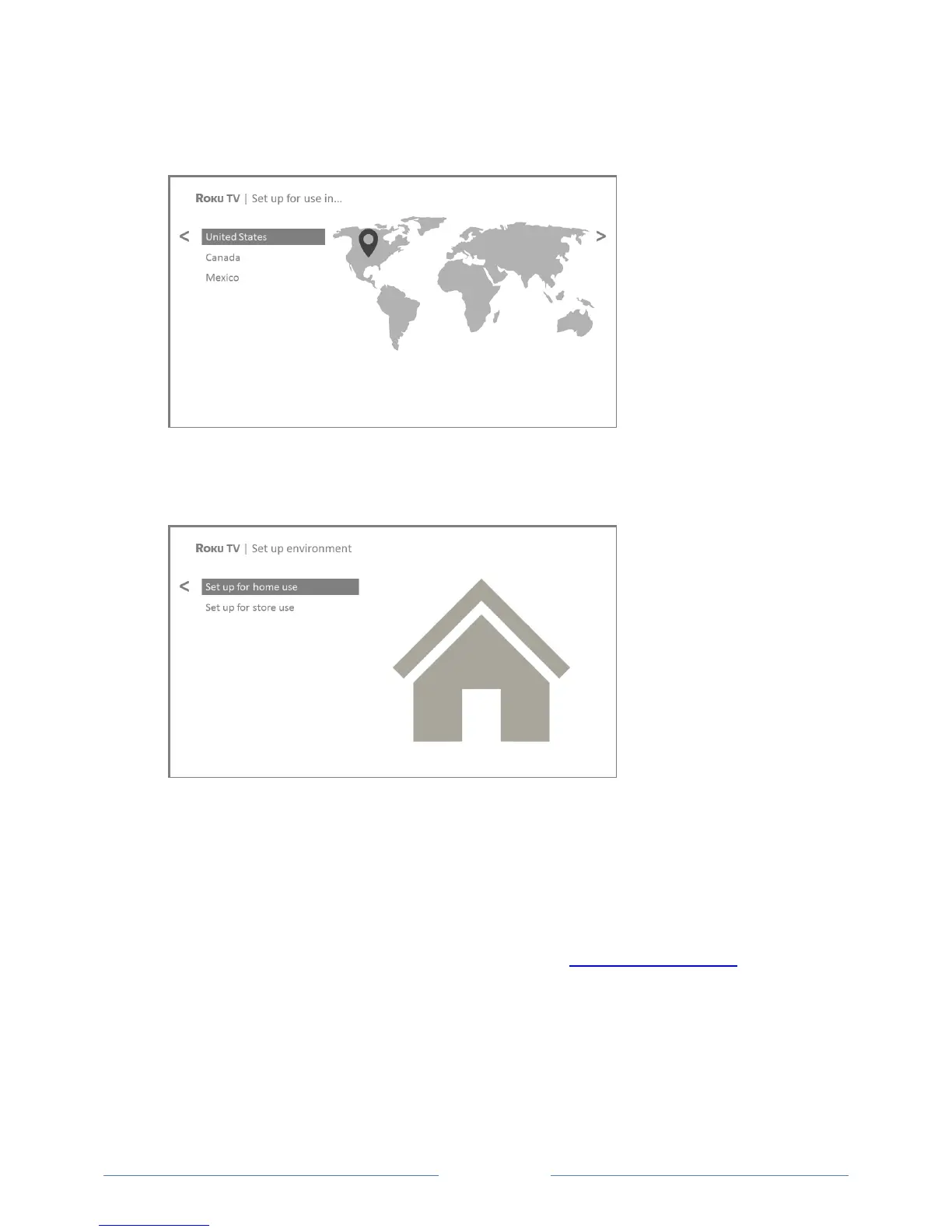
3. Some models have a country selection screen: If you don’t see this screen, skip ahead to the next
step. If you see this screen, select your country.
Note: If you enabled Audio Guide, choosing any country other than United States disables it.
4. Press OK or the RIGHT arrow on the remote control to go to the next screen:
Note: Some models show the title Set up environment instead of First things first.
5. Press OK to select Set up for home use. This is the right choice for enjoying your TV at home. It
provides energy saving options as well as access to all features of the TV.
Note: Store mode configures the TV for retail display and is not recommended for any other use.
In store mode, some features of the TV are missing or limited. To switch from one mode to the
other, you have to perform a factory reset as explained in Factory reset everything, and then
repeat Guided Setup.



 To Next Page