Edit broadcast TV channel lineup
When you set up the TV tuner as described in Setting up Antenna TV, the TV adds all the channels with
good signals that it could detect in your area. It’s likely that you now have more channels than you want
in your channel list.
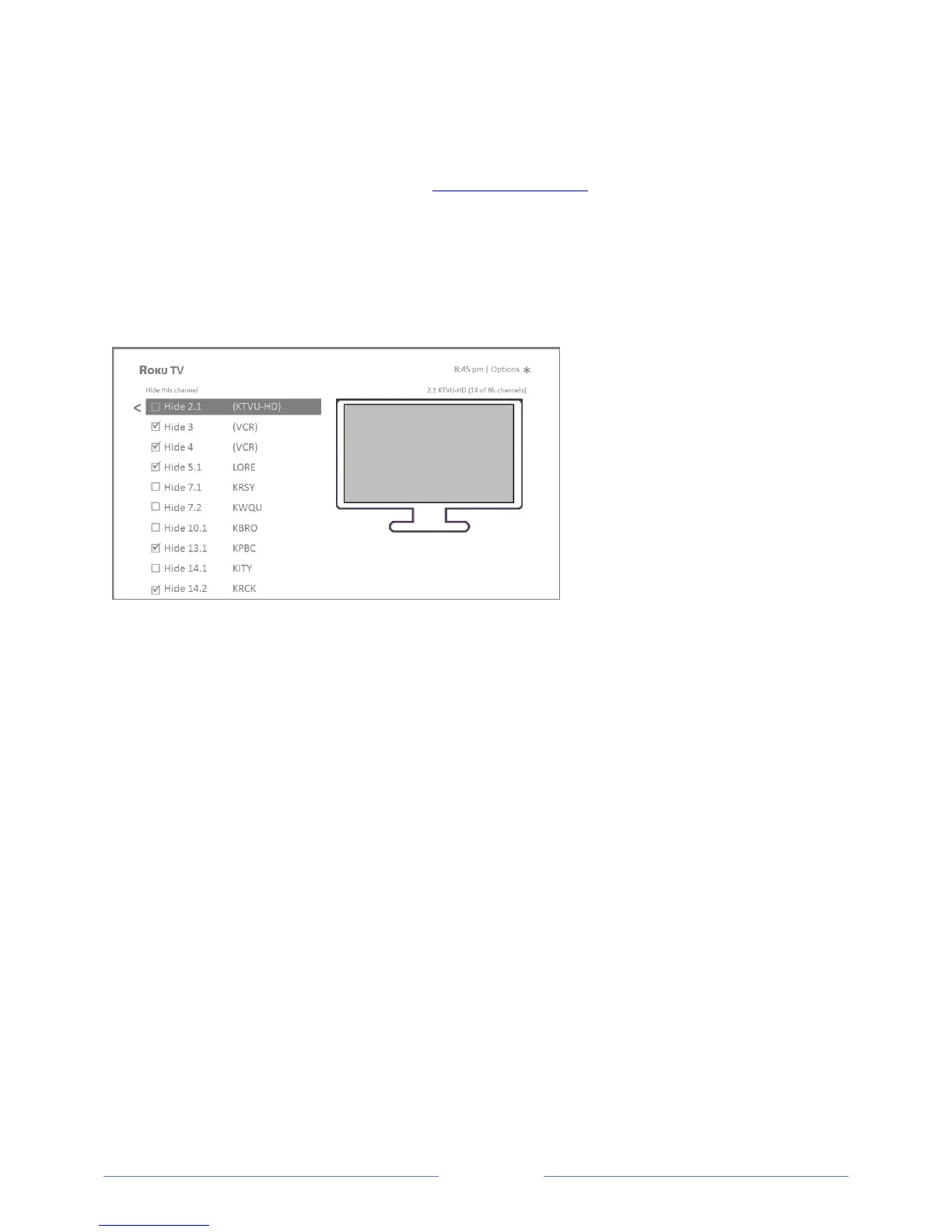
To edit the channel lineup, from the Home screen, navigate to Settings > TV inputs > Antenna TV > Edit
channel lineup. You’ll see a screen listing all of your channels. Adjacent to the list of channels is a
miniature TV screen playing the highlighted channel’s picture and sound.
Highlight each channel you want to hide, and then press OK to hide the channel.
Tip: If you need to see or hear the highlighted channel, wait a couple of seconds for the TV to start
playing the channel’s picture and sound. Also note that if you’ve enabled parental controls and the
program on the current channel is blocked, you won’t see a picture or hear sound while editing the
channel lineup.
Note: Repeating the tuner channel scan unhides all hidden channels.



 To Next Page