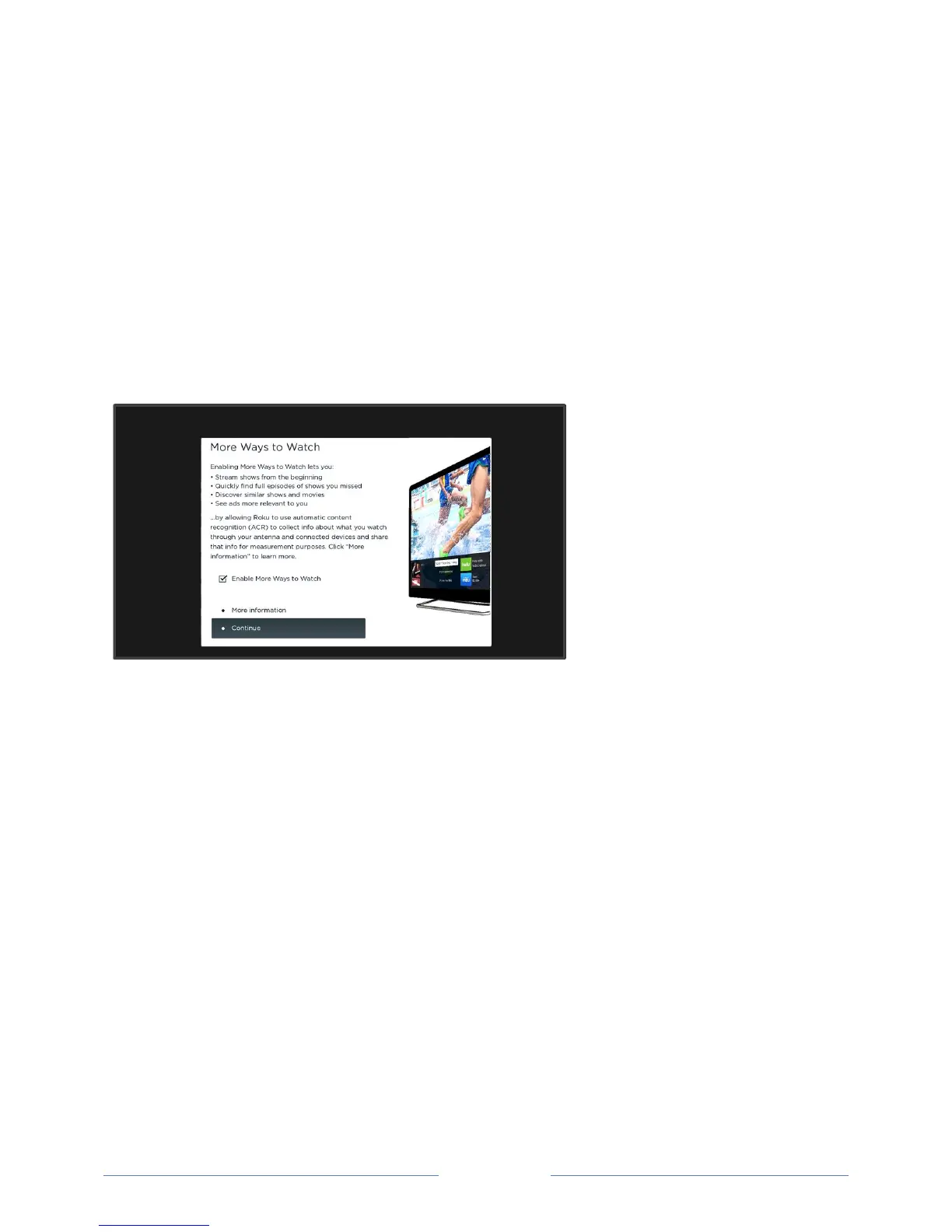
Opting in to More Ways to Watch
More Ways to Watch uses Automatic Content Recognition (ACR) technology to collect information
about what you watch through your Antenna TV, or on devices like media players and cable boxes
connected to the HDMI or AV inputs. Opting in to More Ways to Watch means that you give permission
to analyze the programs you watch for the purpose of making recommendations, as well showing ads
that are more relevant to you.
More Ways to Watch is disabled when you first set up your TV or when your TV updates its software to
include this feature. Then, the first time you select Antenna TV, an HDMI input, or AV input, your TV
offers to enable More Ways to Watch. If you decide to enable it at this time, you’re all set to enjoy its
recommendations.
If you decide not to enable More Ways to Watch at this first opportunity, you can enable it later. Or, if
you decide you’d rather not use the feature after you’ve enabled it, you can disable it, but be aware that
previously collected information is retained and not deleted.



 To Next Page