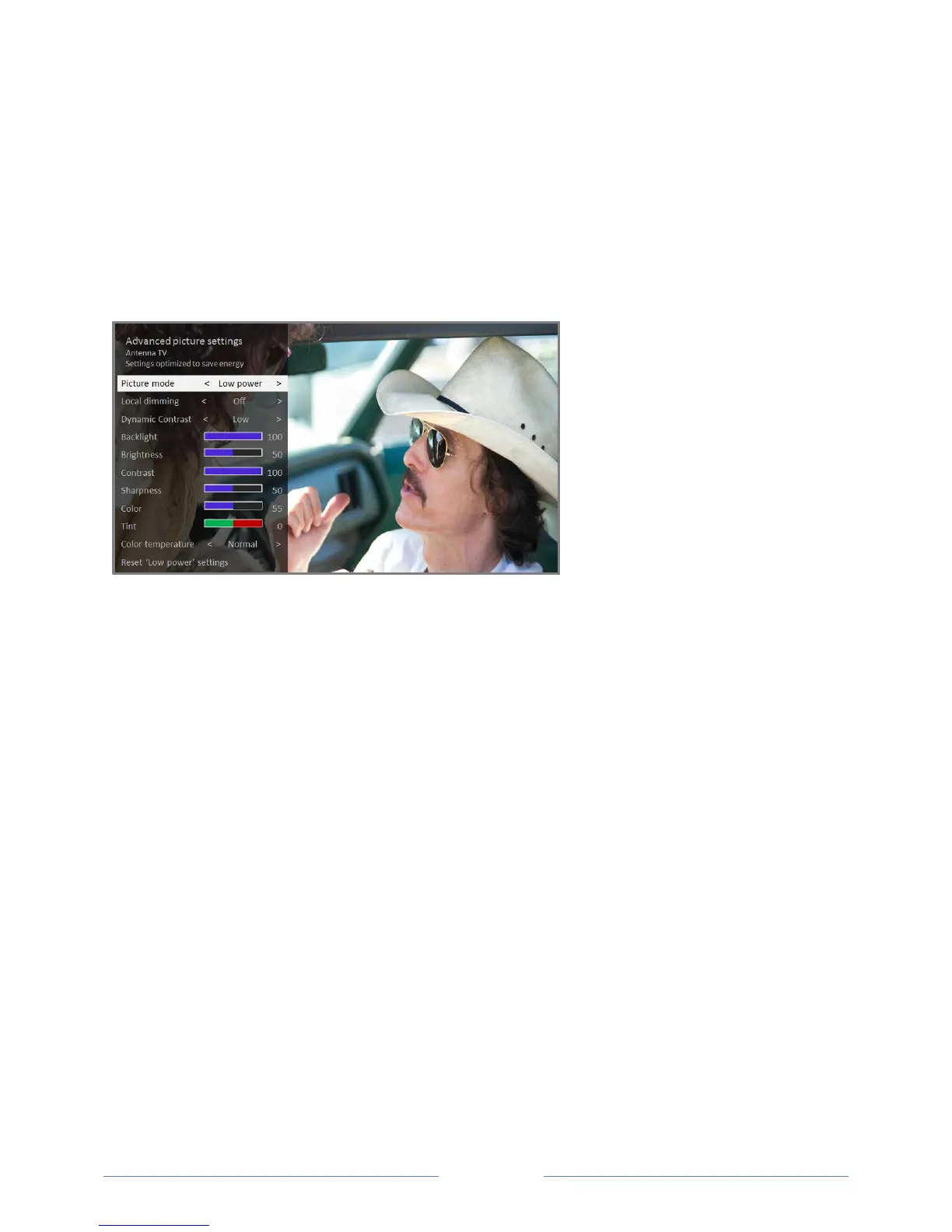
Advanced picture settings
The Advanced picture settings menu for each TV input provides settings for fine tuning the appearance
of the picture. All of the settings in this menu apply only to the currently-selected input.
To use the Advanced picture settings menu, first press to display the Options menu. Then select
Advanced picture settings.
Typical Advanced picture settings menu
Advanced picture settings menu options
Picture mode – Provides picture presets for various viewing preferences. This setting duplicates
the one on the Options menu. When you change the Picture mode, other picture settings adjust
accordingly. For example, setting the Picture mode to Vivid sets Brightness, Contrast,
Sharpness, and other values to produce a very vibrant picture. Setting Picture mode to Movie
changes the settings to produce a picture suitable for enjoying movies in a darkened room. If
you make changes to the individual picture settings—for example, Contrast, or Sharpness—
these settings are saved for the current input and the current picture mode. In this way, you can
set HDMI 1 input’s Movie picture mode to use different settings than the HDMI 2 input’s Movie
picture mode and Antenna TV’s Movie picture mode. Use Reset picture settings, described
below, to return the input’s selected picture mode to its original values.
Local dimming or Local contrast – Only on select models: Sets the amount of dimming multiple
“local” areas of the screen’s backlight intensity. This setting can make dark areas darker without
affecting the brightness of light areas. This option is disabled when Game mode is enabled.
Dynamic contrast – Only on select models: Automatically adjusts the backlight level to achieve
the optimum contrast and prevent excessive differences between light and dark areas of the
screen. This option is disabled when Local dimming/Local contrast is enabled.



 To Next Page