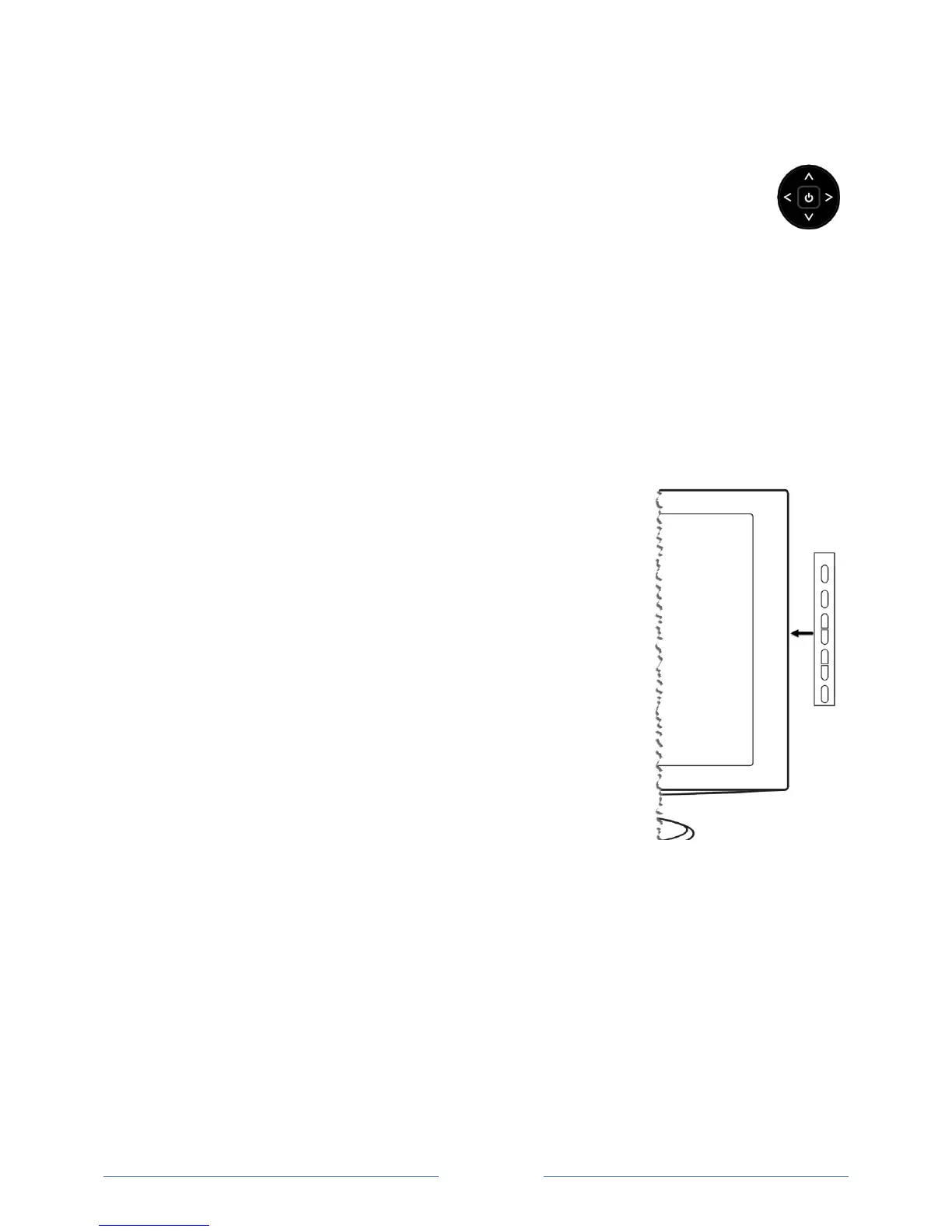
Game-pad style joystick
If your TV has this style of panel button, you can perform the following functions:
Press in: toggle between power ON and Standby
Press up or down: increase/decrease the volume
Press left or right: switch inputs
Seven buttons
If your TV has this style of panel buttons, you can perform the following functions. Note that the order
of the buttons might vary from model to model. Examine the panel button labels to determine your TV
model’s layout.
Input: Selects among TV inputs. Each press moves down one item. Pressing Channel + or
Channel – moves the highlight up or down. Pausing for a few
moments selects the highlighted input.
Channel +: Moves the highlighted item up in the current menu.
Channel –: Moves the highlighted item down in the current menu.
Volume +: Increases the volume.
Volume –: Decreases the volume.
Mute: Mutes and unmutes the sound.
Power: Turns the power on and off.



 To Next Page