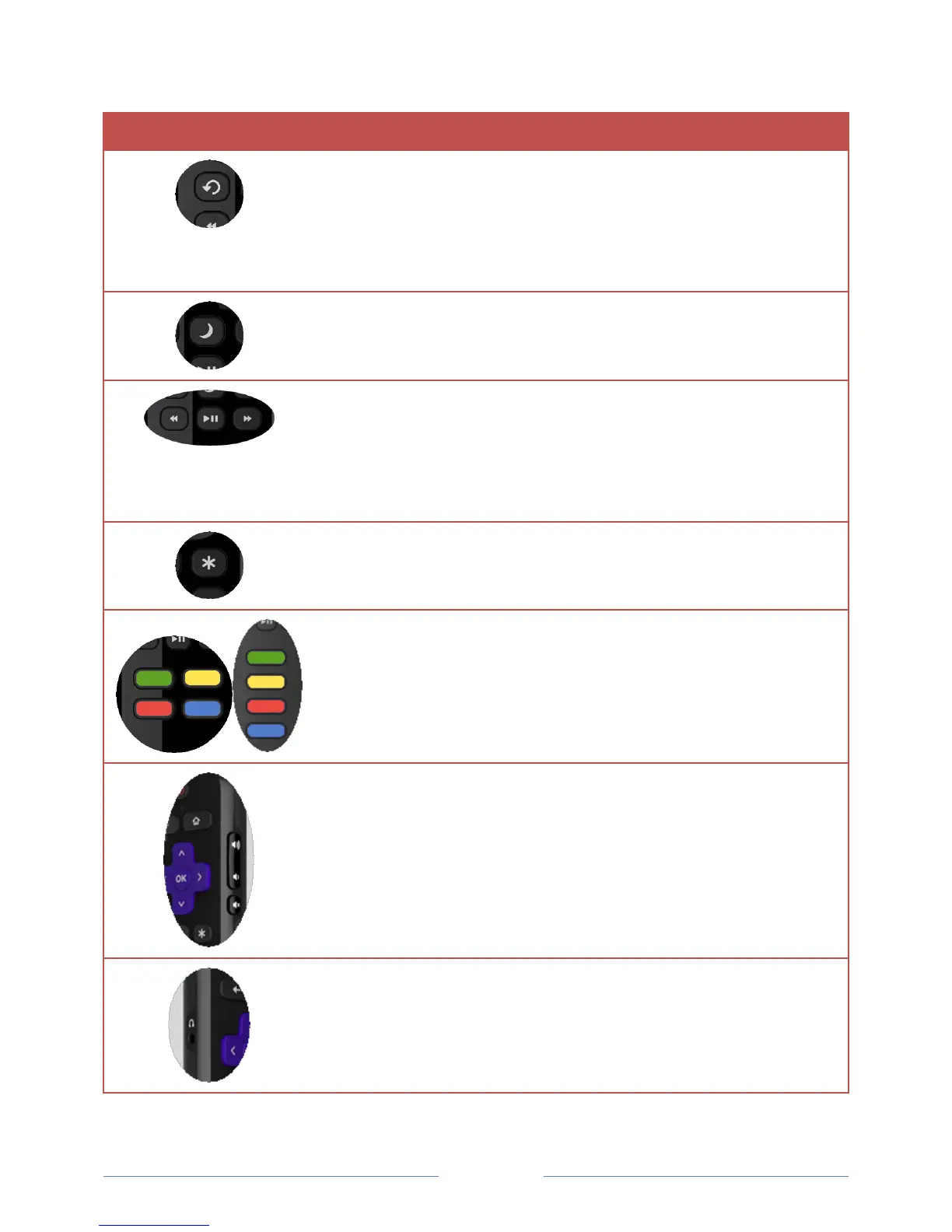
Select models. Streaming programs that support this feature and
broadcast TV if Live TV Pause is enabled, jumps back a few seconds
with each press and resumes playing.
Broadcast TV if Live TV Pause is disabled, jumps to previous channel.
When using an on-screen keyboard, backspaces in the text you are
entering.
Select models. Displays a banner showing the remaining sleep time, if
any, or Sleep timer is off. Subsequent presses cycle among the preset
sleep time intervals. Once set, the sleep timer remains in effect
regardless of what you are watching.
Rewind, pause, play, and fast forward streaming content and
broadcast TV (if Live TV Pause is enabled).
Press REWIND or FAST FORWARD one, two, or three times to control
the speed of the operation.
REWIND and FAST FORWARD also jump backward and forward one
page at a time when viewing long lists, such as your channel list.
Displays additional options when available.
Dedicated buttons show the logo of a preset streaming content
provider. Pressing a button:
Displays the streaming channel’s main page if you have already
added the channel to your Home screen.
Displays the streaming channel’s sign-up page if you have not
already added the channel.
Increases/decreases volume and mutes the TV sound.
Note: If the TV is muted, pressing VOLUME UP unmutes. Pressing
VOLUME DOWN does not unmute the sound.
Select models with Roku TV Enhanced Remote Control. Connect
headphones to listen privately. Plugging in headphones mutes the TV
speakers.



 To Next Page