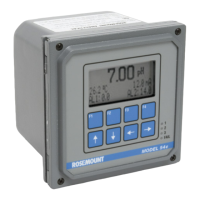
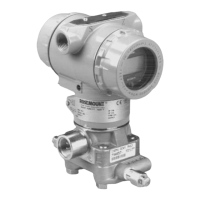
Rosemount Model 3095 Multivariable
™
Level Controller
3-8
LOCAL OPERATOR
INTERFACE
The Model 3095 Level Controller is available with an optional Local
Operator Interface (LOI), which acts as a local indicator and operator
interface. The LOI can be configured with the Model 275 HART
communicator, AMS, or locally through a set series of adjustments to
the Z and S buttons located at the top of the Level Controller housing.
The LOI will always display Level as the Primary Variable (PV). The
user may select additional PVs, including:
• Differential Pressure (DP)
• Control Output (CO)
• Process Temperature (PT) (if an external RTD is installed)
If alternative PVs are selected, each PV will display for two seconds
before displaying the next PV.
The LOI will always show the current Mode (Auto, Manual, or Out-of-
Service (OOS)).
If the device experiences a failure, the LOI will flash “FAIL” every
two seconds.
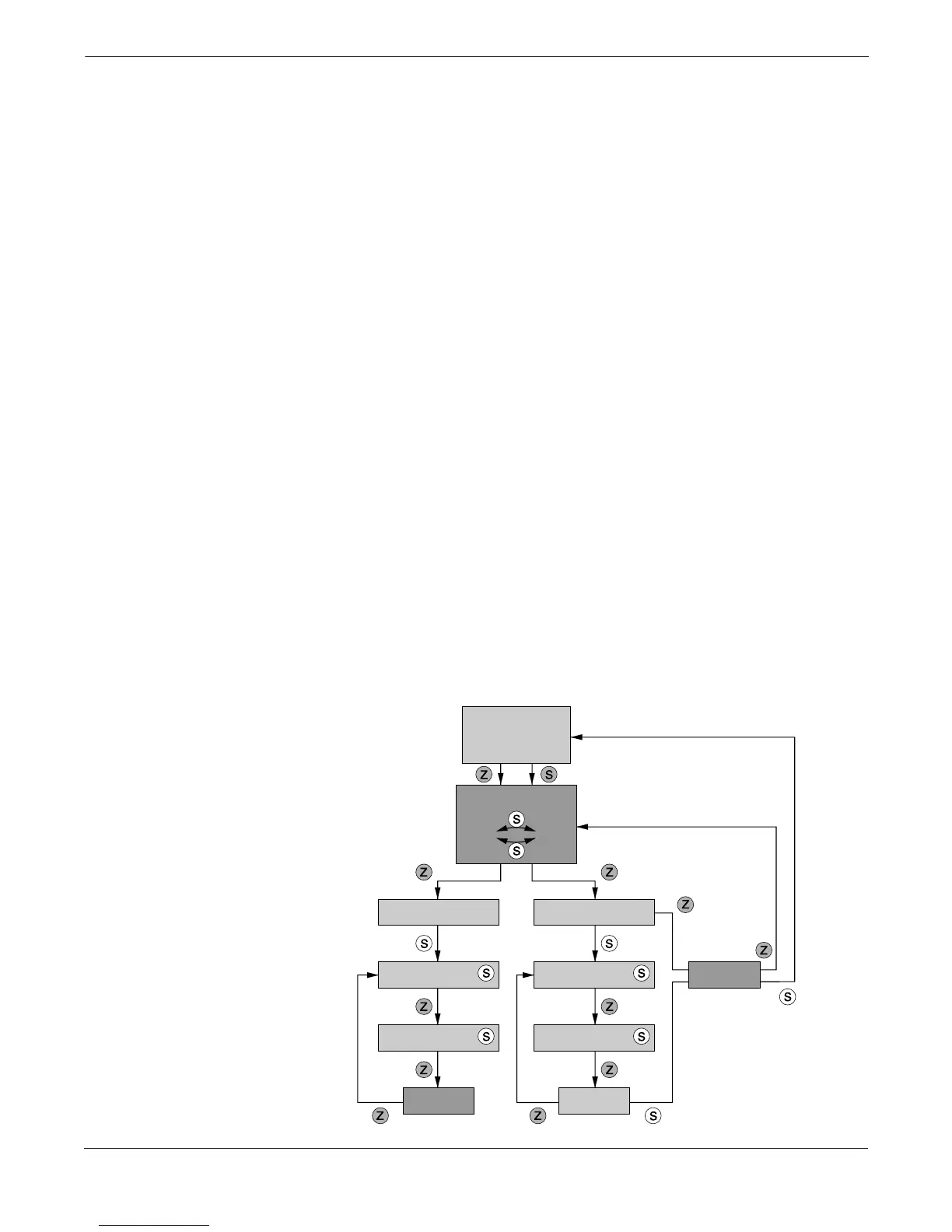
The Z and S buttons allow the user to change the Mode and the
setpoint, and to select PVs.
• When the display is in operational mode (i.e., automatically
scrolling through display data), press any button to begin
configuration mode.
• When in configuration mode, press the “Z” button to see the next
display in the series. Press the “S” button to perform the action
associated with the current display.
• The output adjust display appears only when the controller is
in MAN mode.
• If the controller detects no activity for 60 seconds while in
configuration mode, the controller reverts back to operational mode.
FIGURE 3-6. LOI Map.
Normal
Indication
Mode Change
Auto Manual
Output Adjust
(Manual)
(Auto)
Setpoint Adjust
Output Increase
Setpoint
Increase
Setpoint
Decrease
Output
Decrease
Next Next
Exit
3095\3095_11A


 To Next Page