Rosemount Model 3095 Multivariable
™
Level Controller
5-12
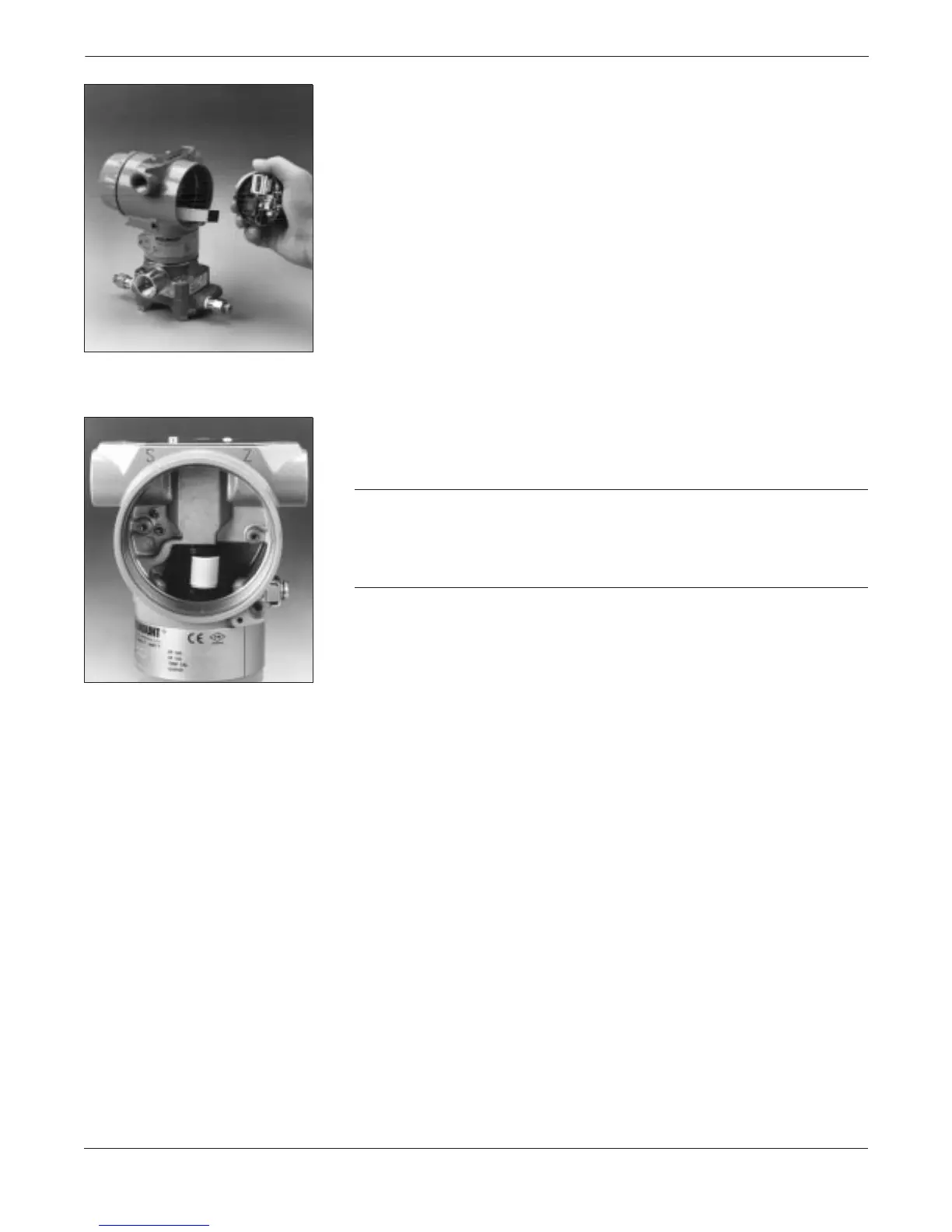
4. Disconnect the sensor module ribbon cable to release the
electronics board from the device.
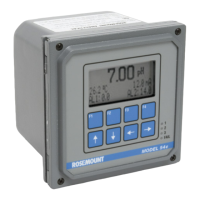
5. Carefully tuck the cable connector completely inside the internal
shroud. The shroud protects the cable from damage that might
occur when the housing is rotated.
CAUTION
Do not remove the housing until the cable connector has been
completely tucked inside the internal shroud. Damage to the sensor
module ribbon cable may occur if the connector does not rotate with the
sensor module.
3095LC043095LC05


 To Next Page