Reference Manual
00809-0100-4021, Rev FB
August 2011
7-3
Rosemount 3144P
Prior Use SIS
With a LCD display
1. If the transmitter is installed, set the loop to manual.
2. Remove the housing cover on the electronics side of the transmitter. Do
not remove the transmitter cover in explosive atmospheres with a live
circuit.
3. Remove the housing cover, then unscrew the LCD display screws and
gently slide the meter straight off.
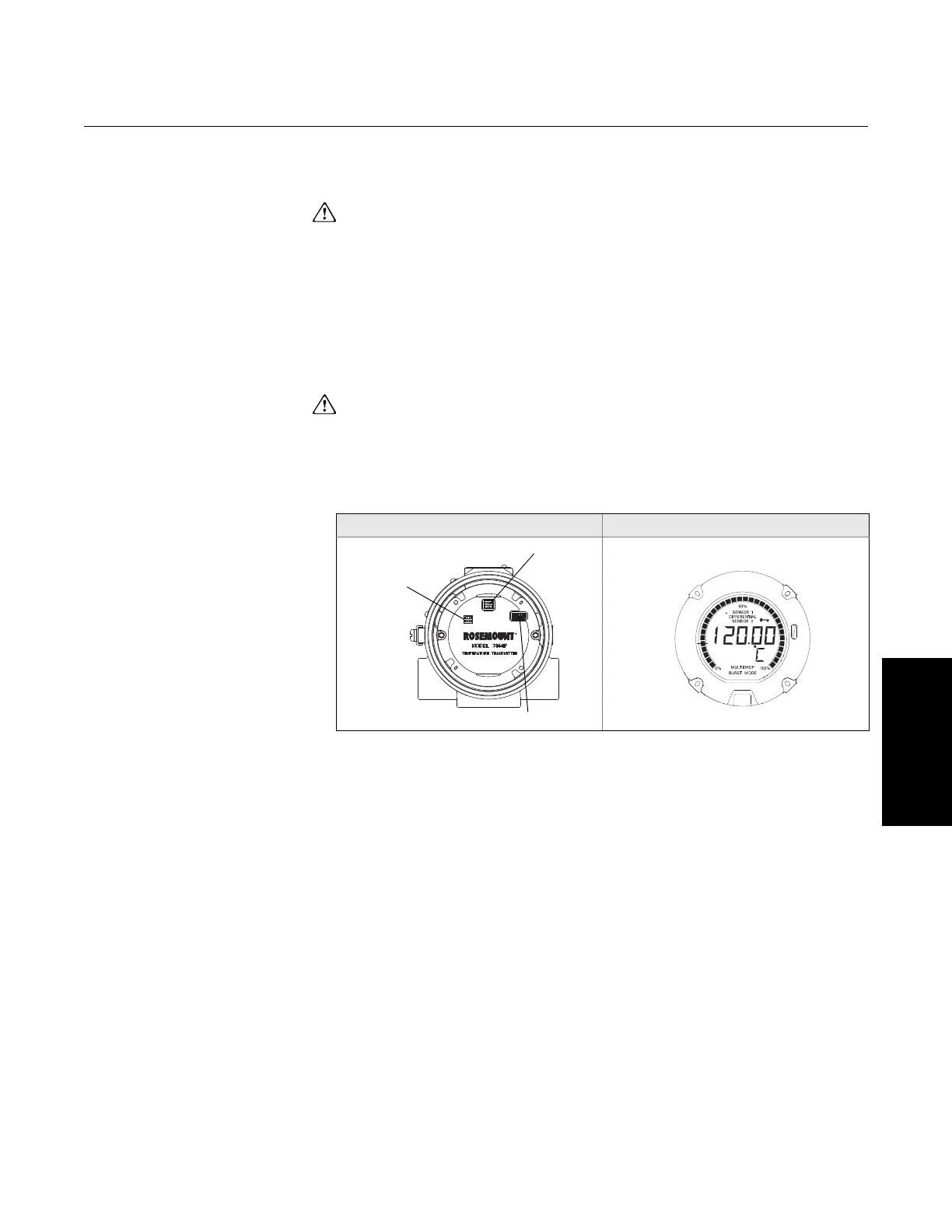
4. Set the switches to the desired position (see Figure 7-1).
5. Gently slide the LCD display back into place, making sure to line up the
10 pin connection.
6. Secure the LCD display with replacing the LCD display screws.
7. Replace the transmitter cover. Both covers must be fully engaged to
meet explosion-proof requirements.
8. Set the loop to automatic control.
Figure 7-1. Transmitter Jumper
Locations.
Switch Location LCD Display Faceplate
Failure Mode
SecurSecurity
Diagram of
Switches
Fail Mode and Security Switch
LCD Connector














 To Next Page