7.
(optional)
Tap'
the map.
to
see the details of the selected Place. Tap
..
Back
to
return
to
8.
9.
If necessary, tap the map somewhere else to modify the destination. The
Cursorr-'-_--'-..::L.~::.....=.__,
at the
new
location. Tap I
...
Next Ito conform the destlnalion,
or
tap
L...-
---J
to select a different destination.
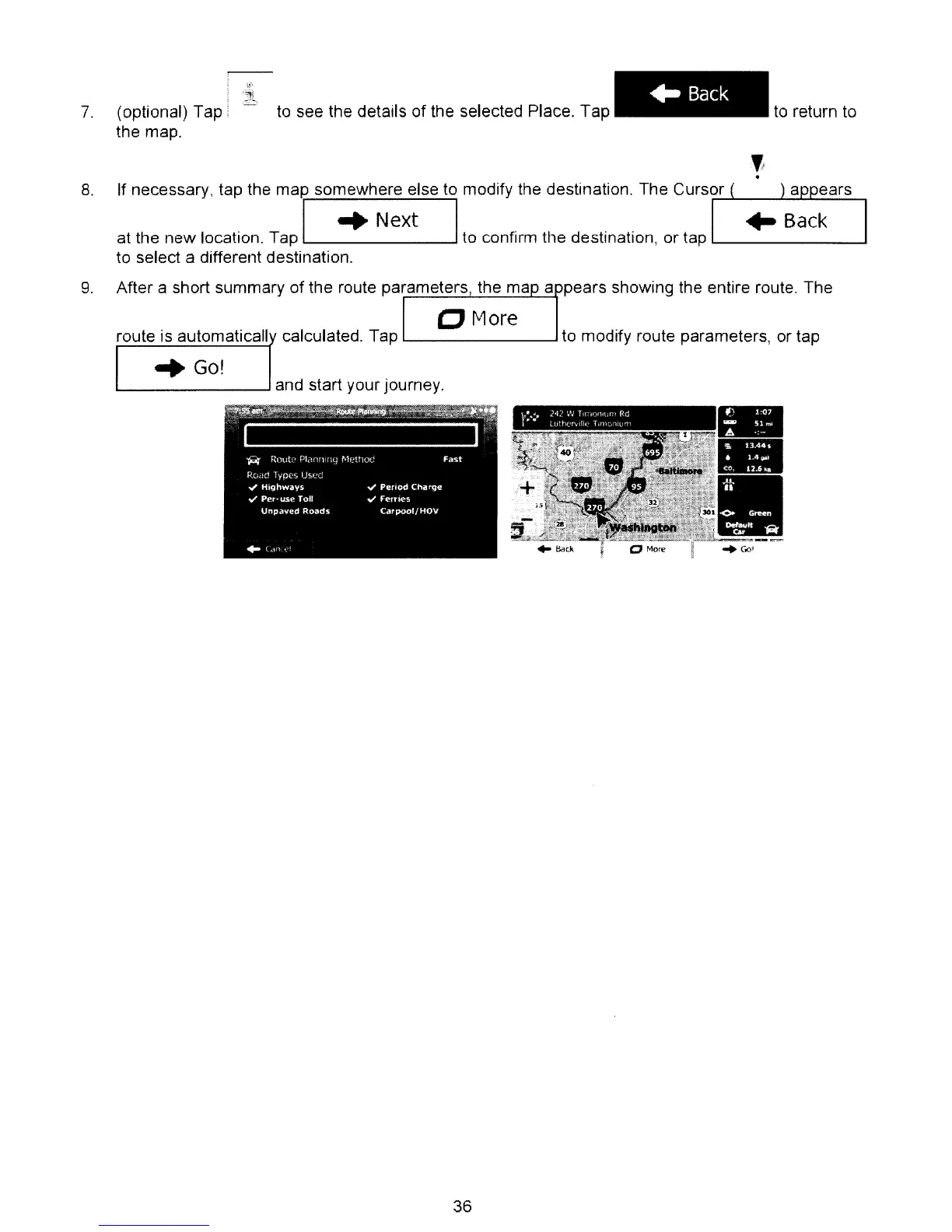
After a short summary of the route parameters, the map arpears showing the entire route. The
I
0 More
route is automaticall calculated. Tap to modify route parameters, or tap
"Go!
-
-
•
36



 To Next Page