("
Hel~
I
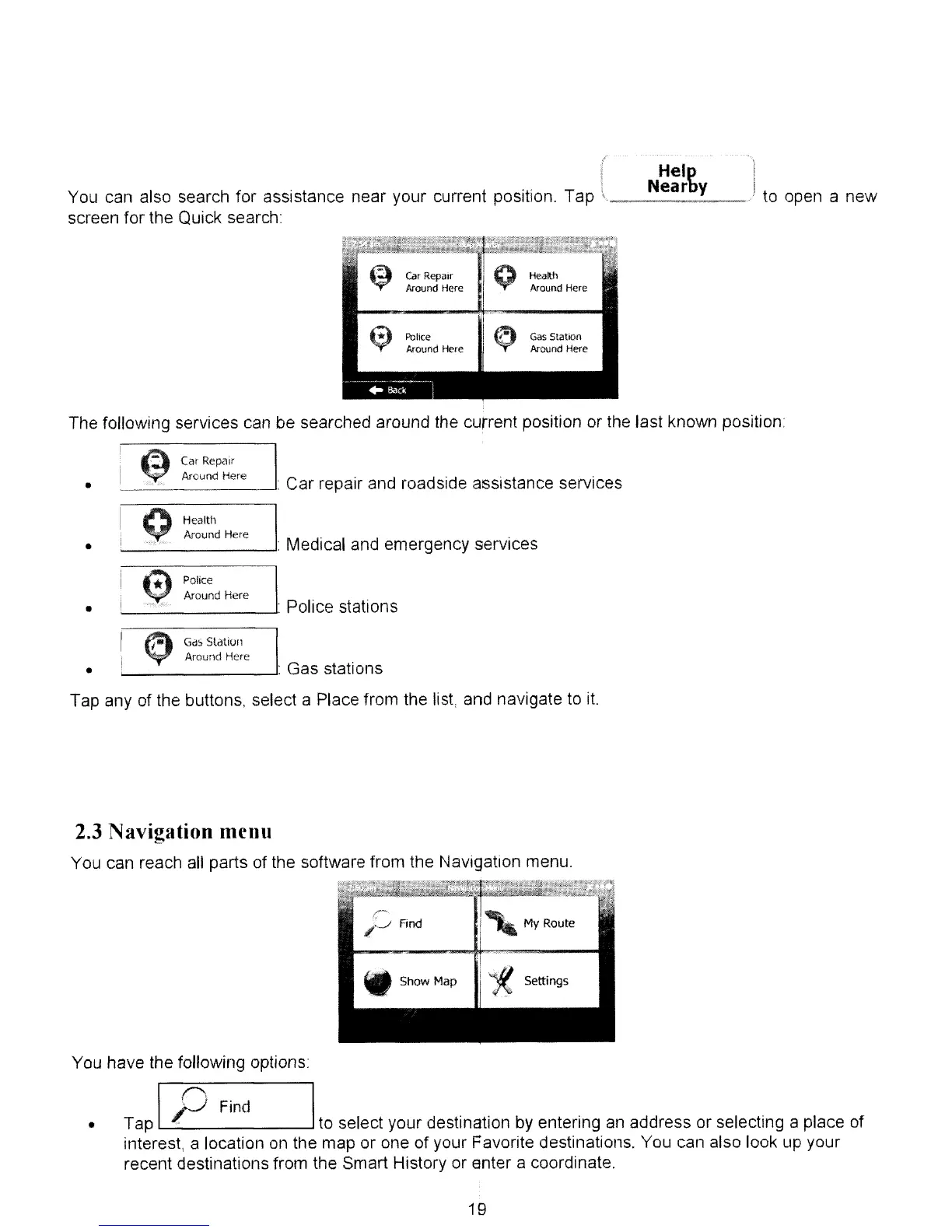
You can also search for assistance near your current position. Tap
\,
__
N_e_a_r_y
__
.,/
to open a new
screen for the Quick search:
~
car
Repair
I
Q
Health
Around Here Around Here
~
~
Police
~
Gas
Station
Around Here
Around Here
"Bacl,
'
The following services can be searched around the current position or the last known position
GdS
Station
Around
Here
•
•
•
•
~
CarRepair
~
Around
Here
__
~_"'_.
-': Car repair and roadside assistance services
Q
~~:~~~
Here
_______
-'. Medical and emergency services
~
:~~~~d
Here
_______
-': Police stations
~
'--
---': Gas stations
Tap any of the buttons, select a Place from the list, and navigate to
it.
2.3
Navigation
menu
You can reach all parts of the software from the Navigation menu.
i'MYRoute
WShow
Map
~
Settings
•
You have the following options
I ('. I
' Find
Tap
)J
to select your destination
by
entering
an
address or selecting a place of
interest, a location
on
the map or one of your Favorite destinations. You can also look up your
recent destinations from the Smart History or enter a coordinate.
19



 To Next Page