r--
.
----..-\
I
Warning
Sign
Alerts
i
\..
,,1
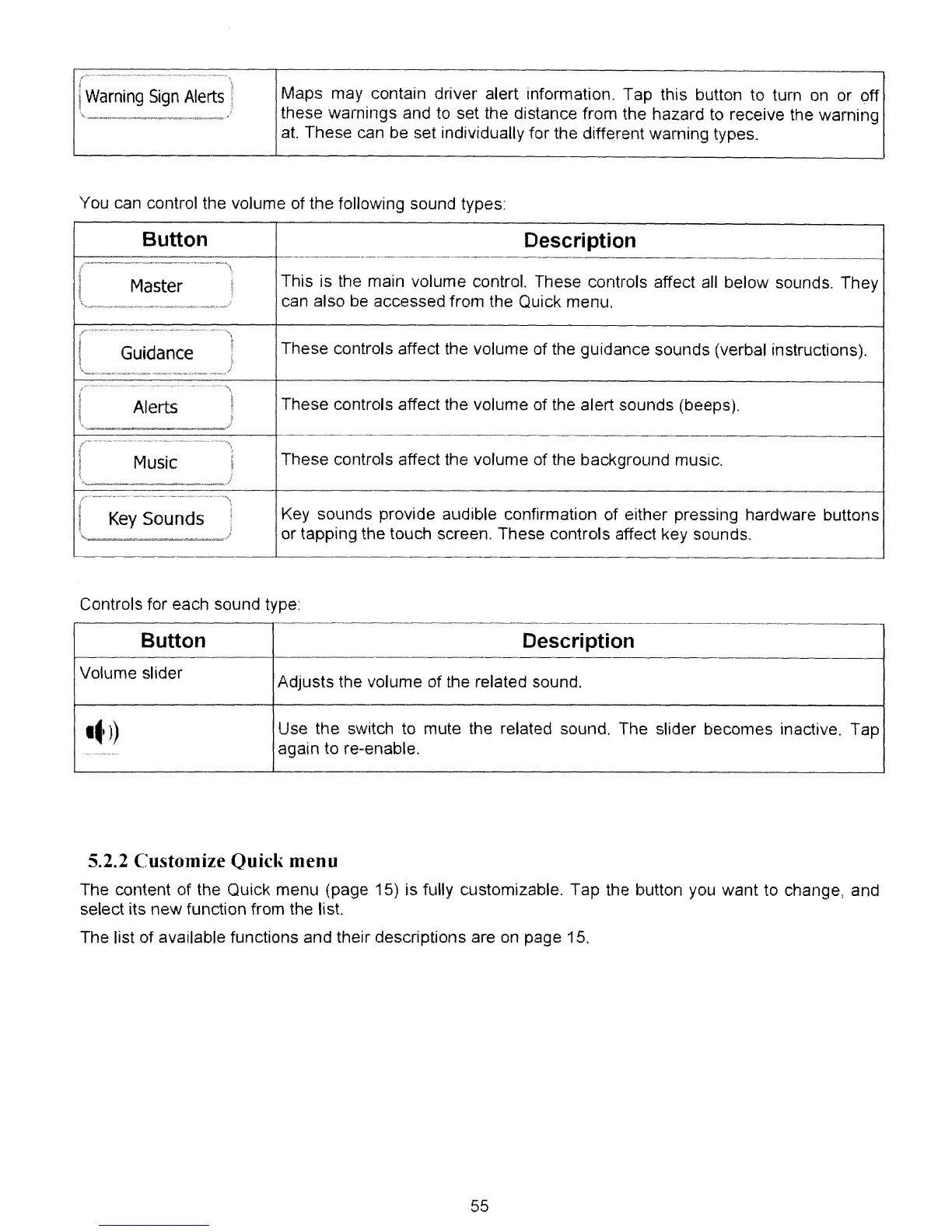
Maps may contain driver alert information. Tap this button to turn
on
or off
these warnings and to set the distance from the hazard to receive the warning
at.
These can be set individually for the different warning types.
You can control the volume of the following sound types:
Button Description
.-
/_.
--_._-_.
__
._-\
I
Master
~
This is the main volume control. These controls affect all below sounds. They
I
\
.....
'_~~
__
'_~~'~r-"
__
"'/
can also
be
accessed from the Quick menu.
(
Guidance
)
These controls affect the volume of the gUidance sounds (verbal instructions).
(
..
'\
Alerts
These controls affect the volume of the alert sounds (beeps).
Il
\,
These controls affect the volume of the background music.
Music
j
I
r'---~ey
-~~~n~s·-··~l
Key sounds provide audible confirmation of either pressing hardware buttons
\.,
..
__
-.#1
or tapping the touch screen. These controls affect key sounds.
Controls for each sound type:
Button
Description
Volume slider
Adjusts the volume of the related sound.
Itl)
Use the switch to mute the related sound. The slider becomes inactive. Tap
'-~"¥."'."~"'.""
again to re-enable.
5.2.2 Customize Quick menu
The content of the Quick menu (page 15) is fully customizable. Tap the button you want to change, and
select its new function from the list.
The list of available functions and their descriptions are
on
page 15.
55



 To Next Page