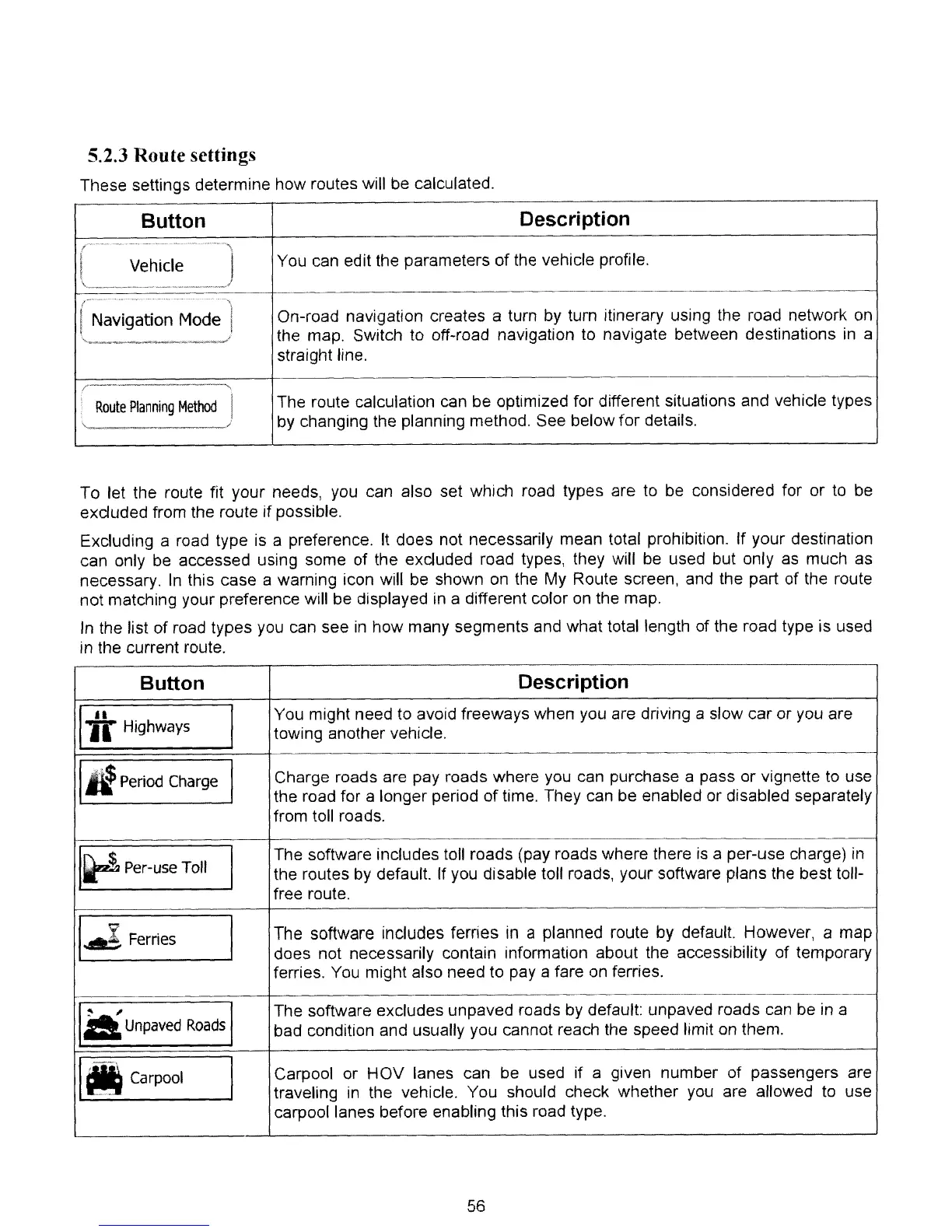
5.2.3 Route settings
These settings determine how routes will be calculated.
Button
Description
r'---
...
_
..
_.
-.----.--~.-.--\
I Vehicle I
\ /
~---------_.~-
~
...
_-~_
..
_._------
--
_
...
,
r Navigation
Model
"
...
_,
~
i
Route
Planning
Method
\'----------'"
You can edit the parameters
of
the vehicle profile.
On-road navigation creates a turn by turn itinerary using the road network on
the map. Switch to off-road navigation to navigate between destinations
in
a
straight line.
The route calculation can be optimized for different situations and vehicle types
by changing the planning method. See below for details.
To let the route fit your needs, you can also set which road types are to
be
considered for or to be
exduded from the route if possible.
Excluding a road type
is
a preference.
It
does not necessarily mean total prohibition. If your destination
can only be accessed using some of the excluded road types, they will
be
used but only
as
much as
necessary.
In
this case a warning icon will be shown on the My Route screen, and the part of the route
not matching your preference will be displayed in a different color
on
the map.
In
the list of road types
you
can see
in
how many segments and what total length of the road type is used
in the current route.
Button
Description
Iii Highways
I
You might need
to
avoid freeways when you are driving a slow car or you are
towing another vehicle.
III
Period
Charge
I
Charge roads are pay roads where you can purchase a pass or vignette to use
the road for a longer period of time. They can be enabled or disabled separately
from toll roads.
I~
Per-use
Toll
I
The software includes toll roads (pay roads where there
is
a per-use charge)
in
the routes
by
default.
If
you disable toll roads, your software plans the best toll-
free route.
1.
1
..
Ferries
I
The software includes ferries
in
a planned route by default. However, a map
does not necessarily contain information about the accessibility of temporary
ferries.
You
might also need to pay a fare on ferries.
14
Unpaved
Roads
I
The software excludes unpaved roads by default: unpaved roads can be in a
bad condition and usually you cannot reach the speed limit on them.
'M
Carpool
I
Carpool or
HOV
lanes can be used if a given number of passengers are
traveling
in
the vehicle. You should check whether you are allowed
to
use
carpool lanes before enabling this road type.
56



 To Next Page