5.2.7 Display settings
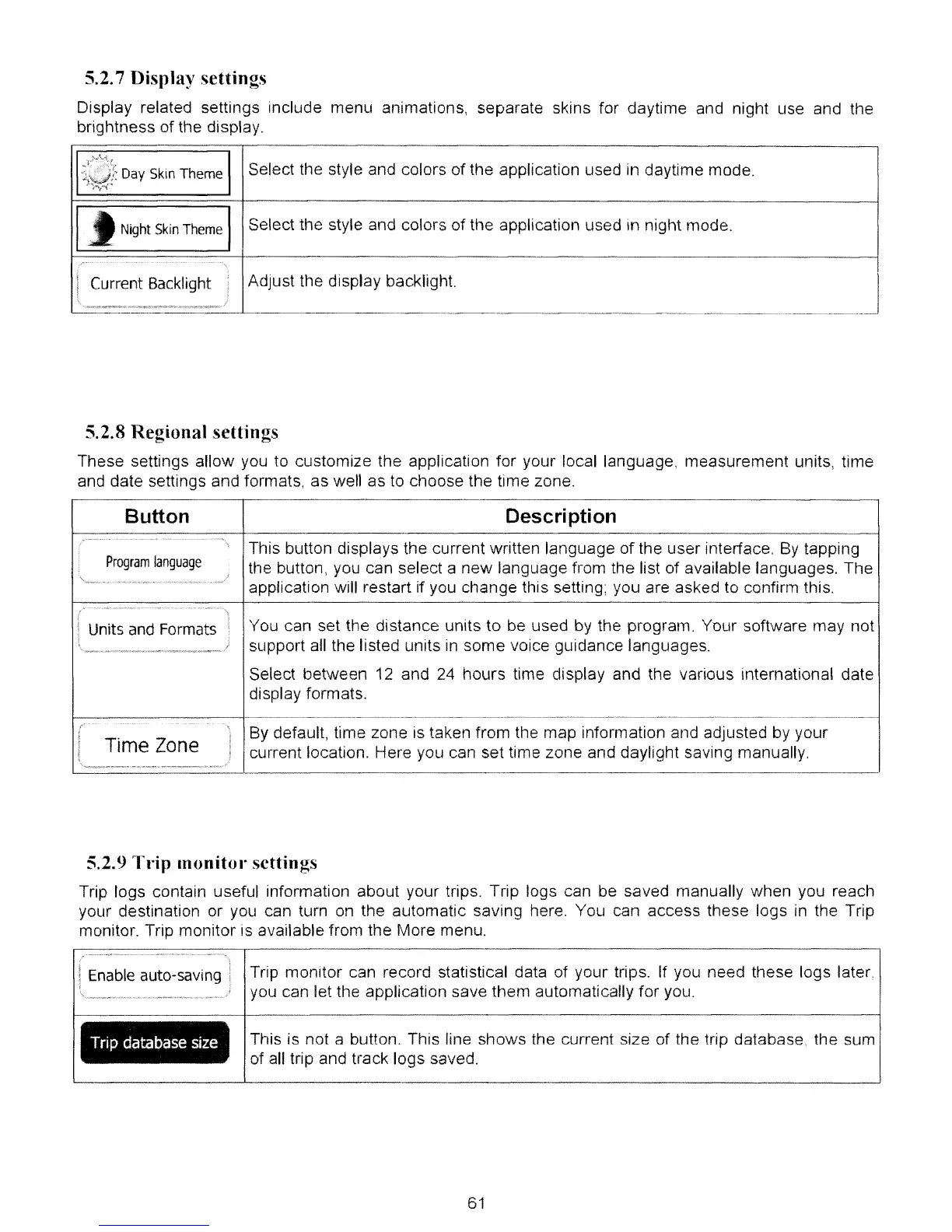
Display related settings include menu animations, separate skins for daytime and night use and the
brightness of the display.
1'1:;~4~:
Day Skin Theme
Select the style and colors of Hle application used
in
daytime mode.
I
Night
Skin
Theme
Select the style and colors of the application used in night mode.
It
Current Backlight
Adjust the display backlight.
______
J
--
._
..
_---_
..
_-----------------------------------------------
5.2.8 Regional settings
These settings allow you to customize the application for your local language, measurement units, time
and date settings and formats, as well as to choose the time zone.
Button Description
• m
••.•
.........
......•..
This button displays the current written language
of
the user interface.
By
tapping
Program
language
the button, you can select a new language from the list of available languages. The
application will restart if you change this setting; you are asked to confirm this.
/
.
,.m..
..•.
.........•...
Units
and
Formats
You can set the distance units
to
be used by the program. Your software may not
,
support all the listed units
in
some voice guidance languages.
Select between
12 and 24 hours time display and the various international date
display formats.
m
I
......
........
By default, time zone is taken from the map information and adjusted by your
Time Zone
current location. Here you can set time zone and daylight saving manually.
5.2.9 Tt'ip monitol' settings
Trip logs contain useful information about your trips. Trip logs can be saved manually when you reach
your destination or you can turn
on
the automatic saving here. You can access these logs in the Trip
monitor. Trip monitor is available from the More menu.
Enable
auto-saVing
Trip
database
size
Trip monitor can record statistical data of your trips. If you need these logs later.
you can let the application save them automatically for you.
This is not a button. This line shows the current size of the trip database. the sum
of all trip and track logs saved.
61



 To Next Page