OMore
• Tap to open a list with more options like selecting from route
alternatives, changing route parameters, simulating the route, saving the active route or
loading a previously saved route.
• Tap
..
Back
to return
to
the Navigation menu.
3.4 l\lodifying the route
When navigation is already started, there are several ways to modify the active route. The following
sections show some of those options.
3.4.1 Selecting a new destination when already having a route: New Route, Waypoint
or
Final Destination
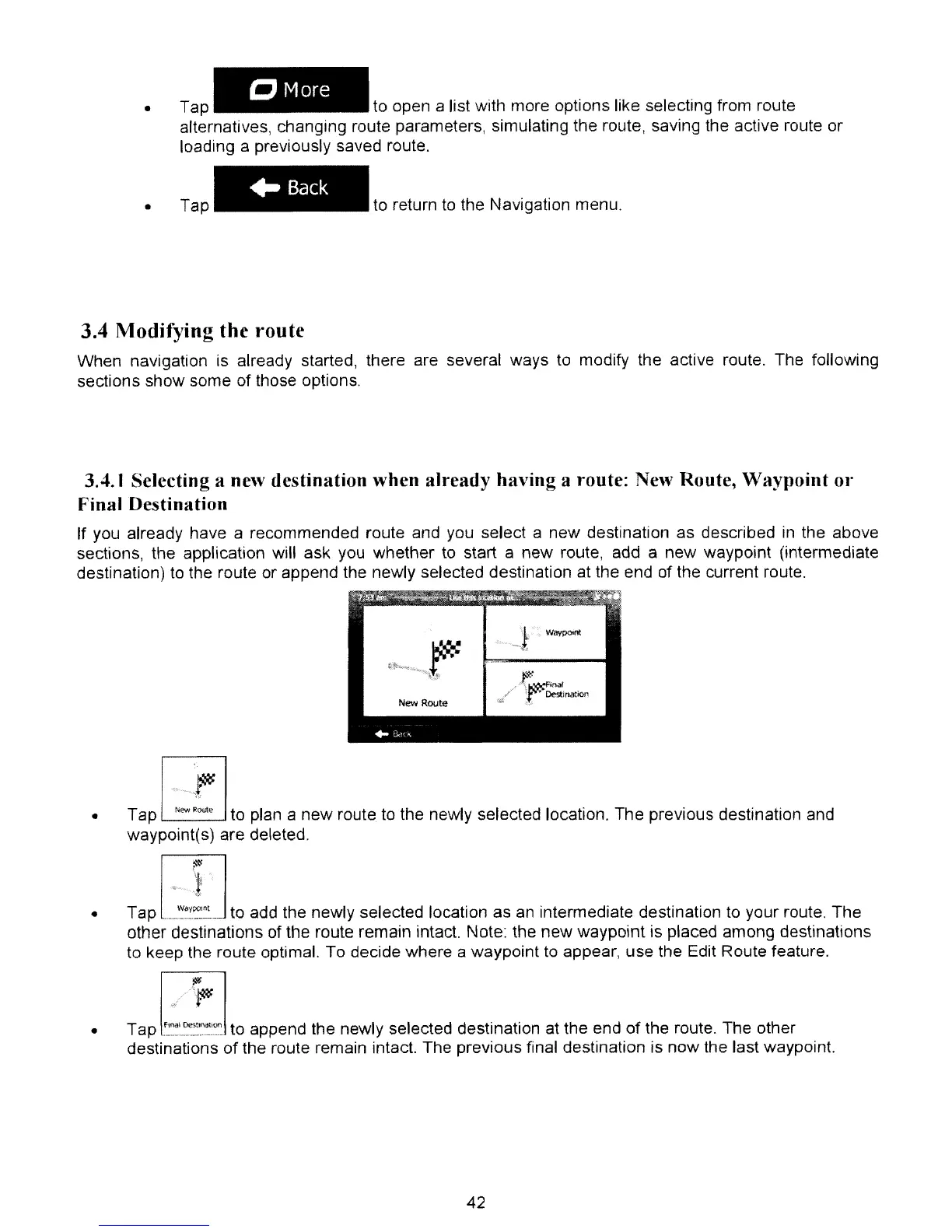
If you already have a recommended route and you select a new destination as described in the above
sections, the application will ask you whether to start a new route, add a new waypoint (intermediate
destination) to the route or append the newly selected destination at the end of the current route.
•
~
Tap
L;;..J
to plan a new route to the newly selected location. The previous destination
and
waypoint(s) are deleted,
llI1
=.-:~
• Tap
WaypOlnt
to add the newly selected location as
an
intermediate destination to your route. The
other destinations of the route remain intact. Note: the new waypoint is placed among destinations
to keep the route optimal. To decide where a waypoint to appear, use the Edit Route feature.
• Tap
f''''~~::~
to append the newly selected destination at the end
of
the route. The other
destinations
of
the route remain intact. The previous final destination is now the last waypoint.
42



 To Next Page