3.1.6 Building a route from the list
of
destinations (Create Route)
You can also build your route destination by destination from the My Route menu.
1.
2.
3.
4.
5.
6.
( \
If you are on the Map screen, tap
l'-
__
M_e_n_u
Jto return to the Navigation menu.
I
',
My
Route
I.
In
the Navigation menu, tap
__
'.=
,
Tap
1£
Create
Route
I
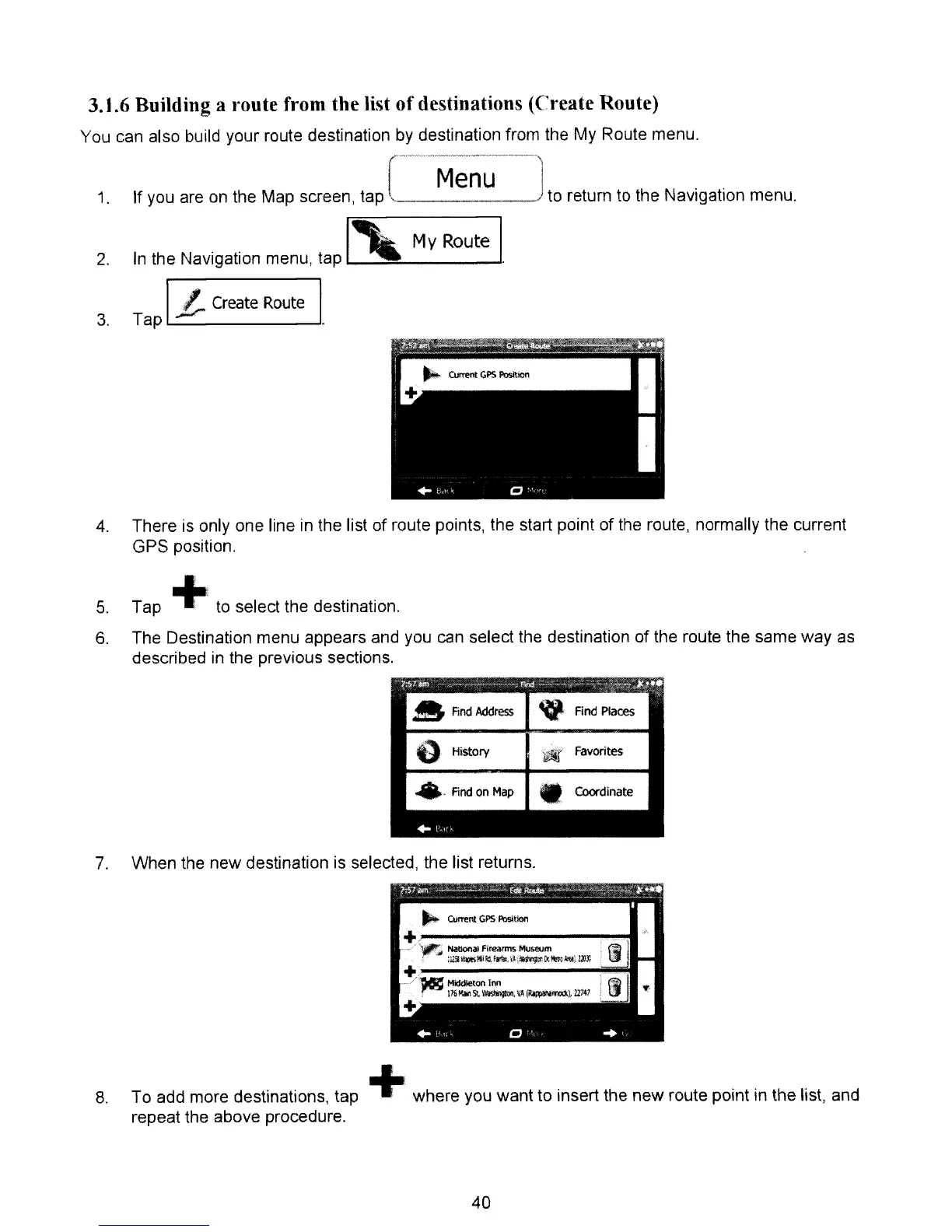
There is only one line
in
the list of route points, the start point of the route, normally the current
GPS position.
Tap
+to select the destination.
The Destination menu appears and you
can
select the destination of the route the same way
as
described
in
the previous sections.
..
Find
Address
~
Find
Places
o
HiStory
W Favorites
.'
And
on
Map
• Coordinate
"'1
H·
7.
When the new destination is selected, the list returns.
~S7#"
-'---
---fdt.AutAE:~~~~~~
~
...
_ _
__
_ _
__
_~
+
__
~
_~
w !
I
...
'
",
..
'
8,
To add more destinations, tap +where you want to insert the new route point
in
the list, and
repeat the above procedure.
40



 To Next Page