3.
I_
Coordinate
Tap-
4.
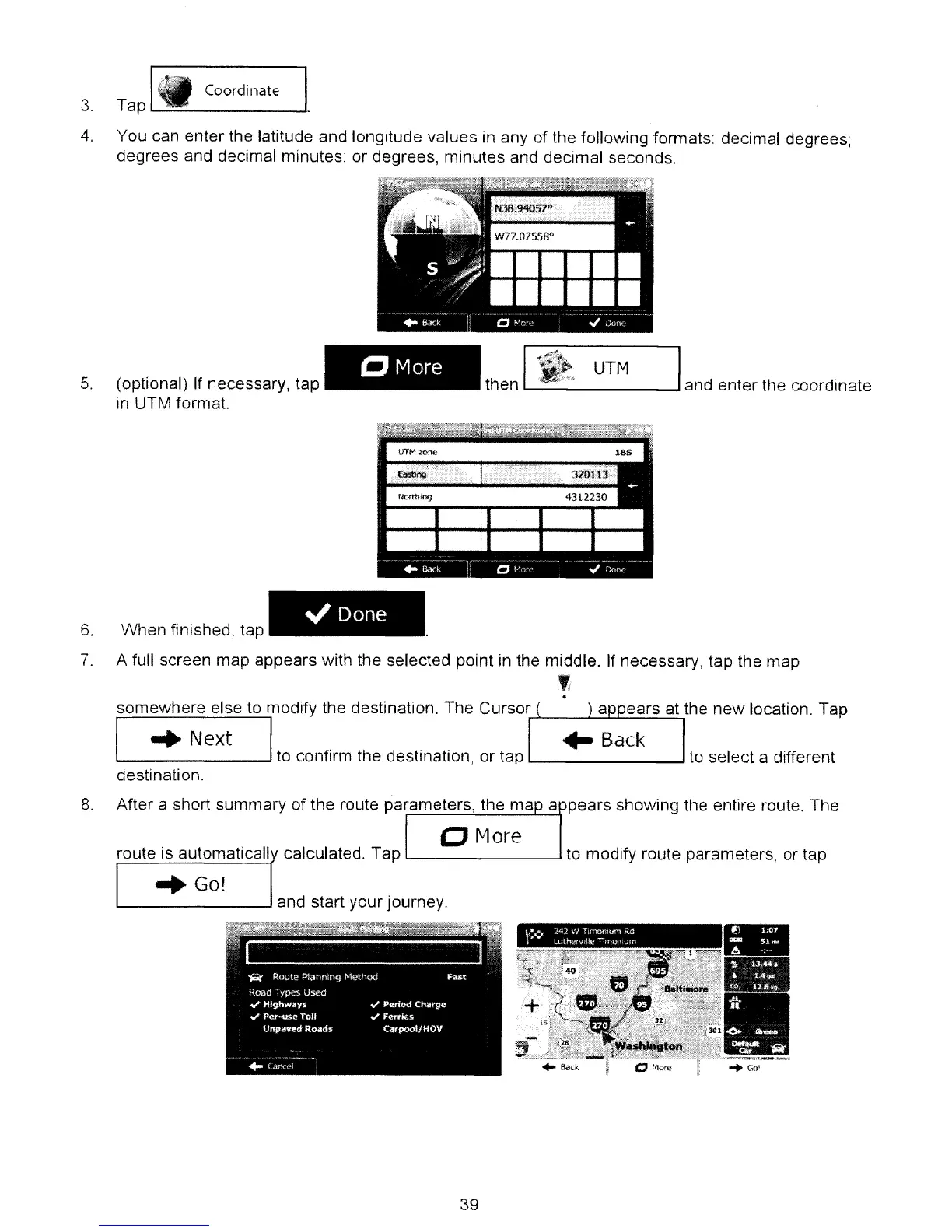
You can enter the latitude and longitude values in any of the following formats: decimal degrees;
degrees and decimal minutes; or degrees, minutes and decimal seconds.
5.
(optional) If necessary, tap
in UTM format.
CMore
UTM
L...-
--l
and enter the coordinate
~Done
6.
When finished, tap
7.
A full screen map appears with the selected point
in
the middle. If necessary, tap the map
,
.
somewhere else to modify the destination. The Cursor
........
__
.i--.J......I----'----'-..::....:....,
I
..
Next I
to
confirm the destinatIOn,
or
tap
L...-
...J
to
select a different
destination.
8.
After a short summary of the route parameters, the ma a pears shoWing the entire route. The
CJ
More
route is automaticall calculated. Tap
l-
...J to modify route parameters, or tap
-
•
••
.
..
. . .
•
.
'"
f
.,_.
~
•...
.
",~
..
_
..
=.-
"Go!
39



 To Next Page