4 Off-road navigation
When first started, your Rosen Navigation System calculates routes using the road network of the high
quality vector maps provided with the product. You can switch the application to off-road mode in
Navigation settings in one of the following ways:
I
"'<{(
Settings I
'Po
Route
Settings
r~~~~gati~~~~d~o"
• From the Main menu, tap , . and then
\.
.....
_-.
. ".
• From the Map screen, tap
Is
,I.
Route
settings Iand then
"Navigation
Mode
Most of the procedures described for on-road navigation also apply
to
off-road navigation. However, there
are some that are
not
available in this navigation mode (for example you cannot open the itinerary
as
you
have no maneuvers just route points and straight lines between them).
4.1
Selecting the destination
of
the route
Selecting the start point or a destination (waypoint or final destination) is the same as described at on-
road navigation. The only difference is that route points are linked to form a route with straight lines
regardless of the road network and traffic regulations.
4.2 Navigating in off-road mode
The real difference between the on-road and off-road modes is the navigation itself. When you are on the
Map screen with an off-road route:
• your position and heading is not aligned with the nearest road and
• there is no turn by turn navigation just a recommended direction.
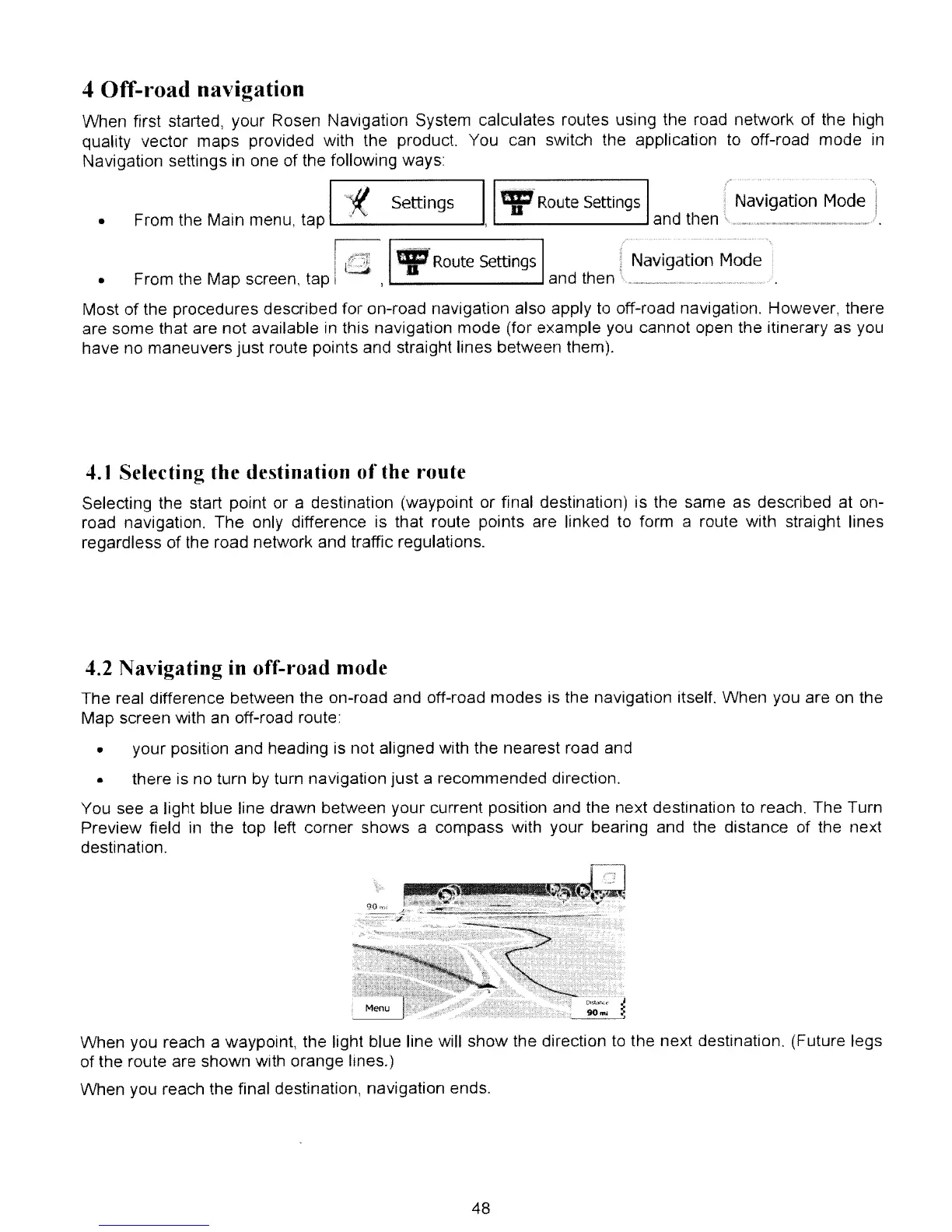
You see a light blue line drawn between your current position and the next destination
to
reach. The Turn
Preview field
in
the top left corner shows a compass with your bearing and the distance of the next
destination.
When you reach a waypoint, the light blue line will show the direction
to
the next destination. (Future legs
of the route are shown with orange lines.)
When you reach the final destination, navigation ends.
48



 To Next Page