Vehicle profiles:
When you tap
Vehicle
, you can set the following parameters
Button Description
11
Name
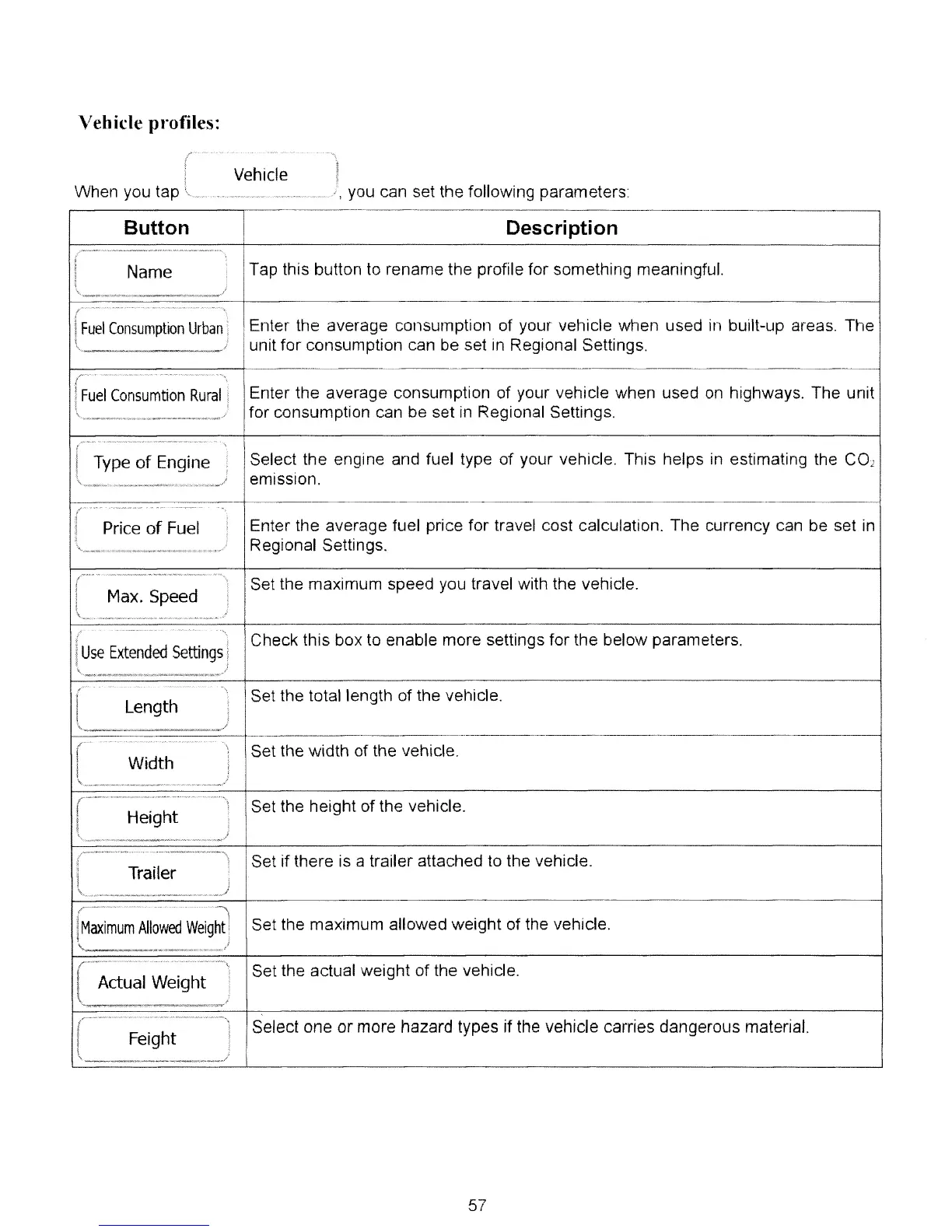
Tap this button to rename the profile for something meaningful.
(Fuel
Consumption
Urban
Enter the average consumption of your vehicle when used in built-up areas. The
unit for consumption can be set
III
Regional Settings.
--~----_._------_._._
..
_------------_._-----
--
r
FU
'
E
'.'
..
_..
.
....
~.
Fuel
Consumtion
Rural
Enter the average consumption of your vehicle when used
on
highways. The unit
for consumption can be set in Regional Settings.
t
Type
of
Engine
Select the engine and fuel type of your vehicle. This helps
in
estimating the
CO
2
emission.
-
t
-----
--
Price
of
Fuel
Enter the average fuel price for travel cost calculation. The currency can be set in
Regional Settings.
IC
Max.Spred
Set the maximum speed yOLi travel with the vehicle.
)
I
(use
Extended
Settings
Check this box to enable more settings for the below parameters.
It
Length
Set the total length of the vehicle.
.-
----_
...
-------_._-----------_._.
__
._._-------_._._-------------------------------
..
----
_._---_._-
r
Width
Set the width of the vehicle.
t
Height
Set the height of the vehicle.
It
Trailer
Set if there is a trailer attached
to
the vehicle.
t·-_······································-)
I
Maximum
Allowed
Weight
I
Set the maximum allowed weight of the vehicle.
'.. /
--_
...
_.~----_._.
__
.
__
....
_
......
'
IC'~,
.............
Set the actual weight of the vehicle.
Actual Weight
./
It
Feight
Select one
or
more hazard types jf the vehicle carries dangerous material.
57



 To Next Page