ROSEN
"
www.rosenentertalnment.com
2.5.4
Play
USB
Hard
Disc
Inserting
/
Removing
USB
To
use the USB input, insert USB directly into the unit or though the USB
adaptor cable included with the system.
To remove the USB, exit from USB mode first.
Access
to
USB
Mode
In
o
~
-
C
o
U
:E
LL
-
:E
l «
"C
o
Q.
c
u
Touch"
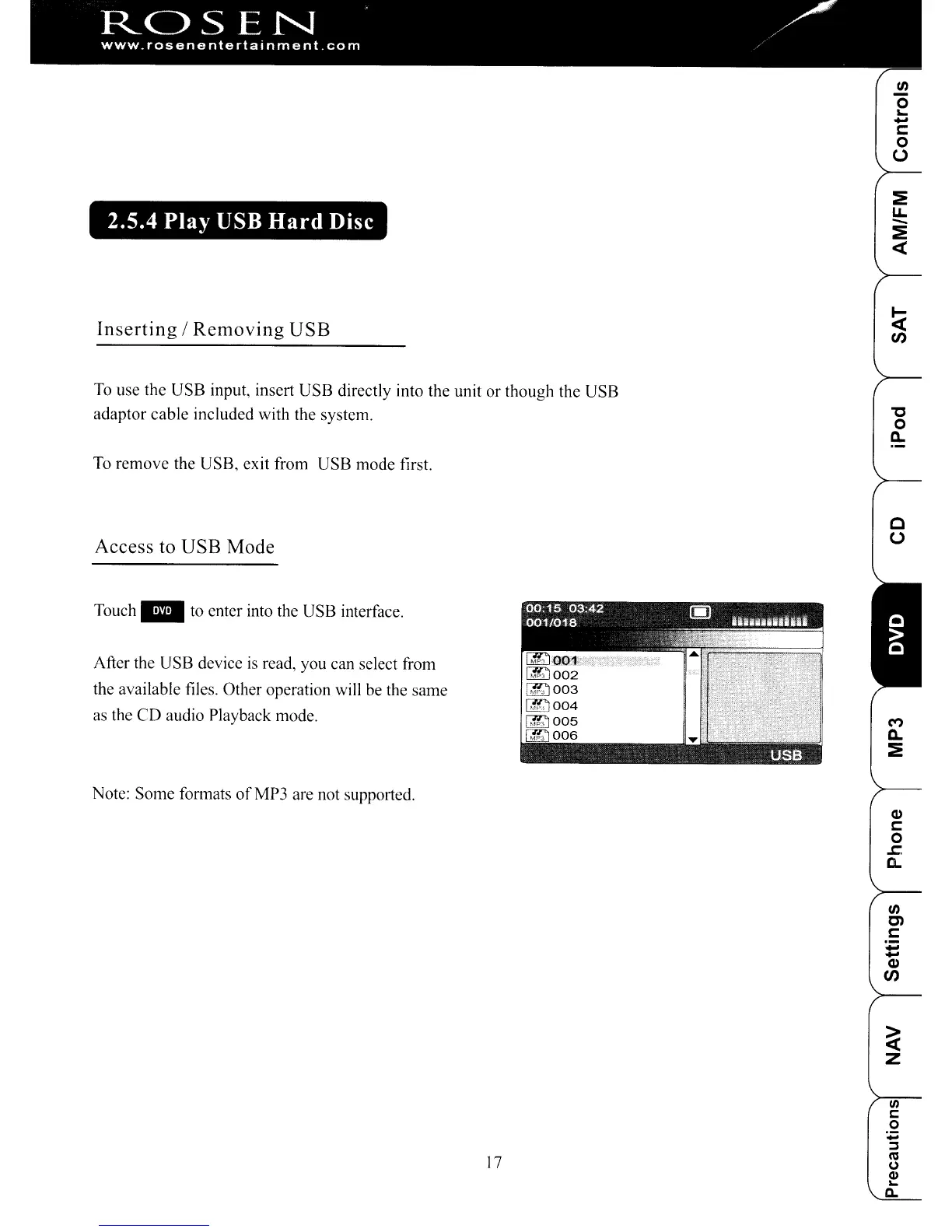
to enter into the USB interface.
After the USB device
is
read, you can select from
the available files. Other operation will be the same
as the CD audio Playback mode.
Note: Some formats
ofMP3
are not supported.
M
Q.
:E
Q)
C
0
~
a.
In
C)
C
-
-
Q)
en
~
z
!II
l:
0
~
~
17
CO
(J
Q.I
...
£l.
ROSEN
"
www.rosenentertalnment.com
2.5.4
Play
USB
Hard
Disc
Inserting
/
Removing
USB
To
use the USB input, insert USB directly into the unit or though the USB
adaptor cable included with the system.
To remove the USB, exit from USB mode first.
Access
to
USB
Mode
In
o
~
-
C
o
U
:E
LL
-
:E
l «
"C
o
Q.
c
u
Touch"
to enter into the USB interface.
After the USB device
is
read, you can select from
the available files. Other operation will be the same
as the CD audio Playback mode.
Note: Some formats
ofMP3
are not supported.
M
Q.
:E
Q)
C
0
~
a.
In
C)
C
-
-
Q)
en
~
z
!II
l:
0
~
~
17
CO
(J
Q.I
...
£l.



 To Next Page