ROSEN
'
www.rosenentertalnment
com
0\
o
::J
-
(3
U;
»
3:
-
"T1
3:
~
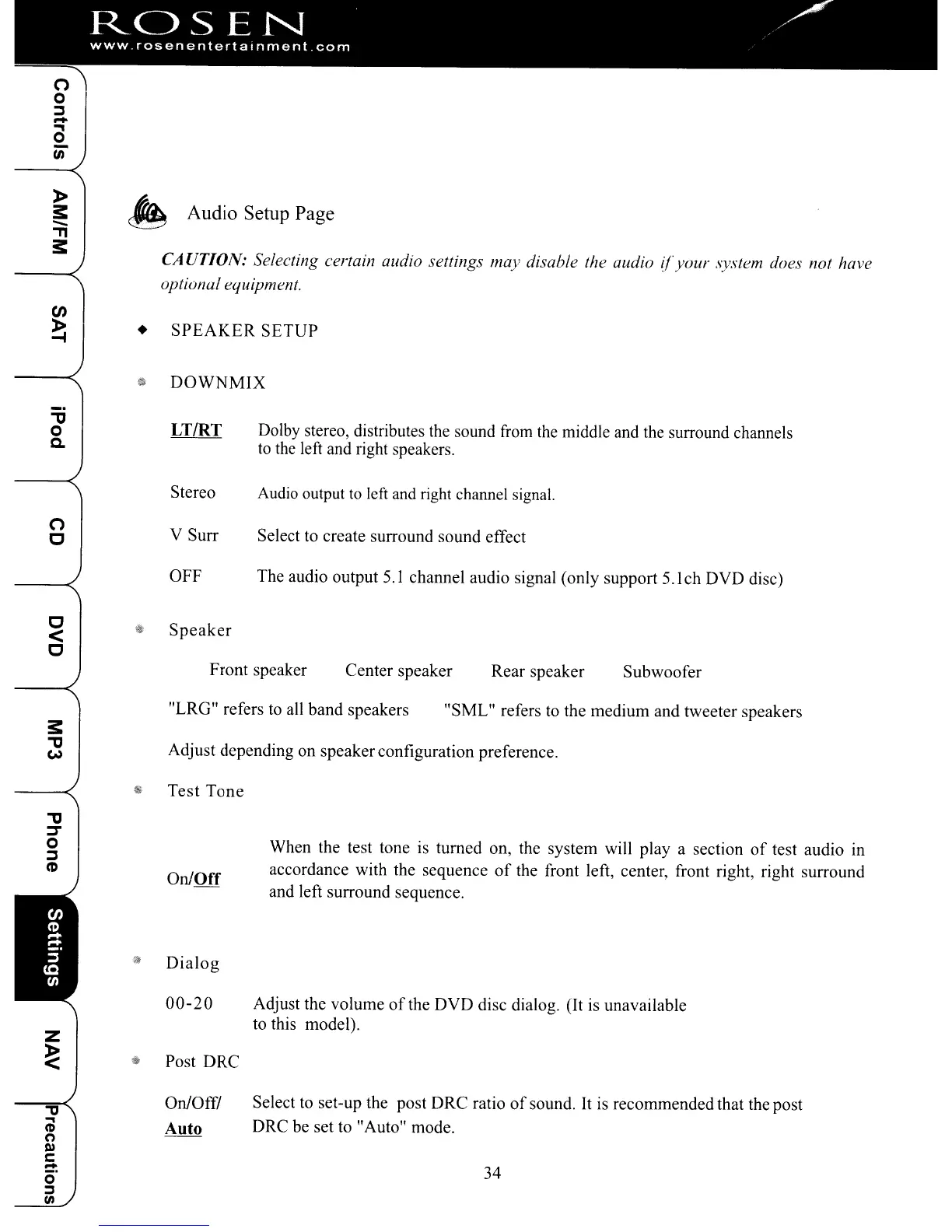
Audio Setup Page
CA
UrION:
Selecting certain audio settings may disable the audio
!fyour
.\ystem does not have
optional equipment.
en
~
•
SPEAKER
SETUP
$l'
DOWNMIX
"tJ
o
c.
LT/RT
Dolby stereo, distributes the sound from the middle and the surround channels
to
the left and right speakers.
Stereo
Audio output to left and right channel signal.
o
c
V
SUIT
Select
to
create surround sound effect
OFF The audio output
5.
I channel audio signal (only support 5.1ch DVD disc)
~
1!1
Speaker
C
Front speaker Center speaker Rear speaker
Subwoofer
"LRG" refers
to
all band speakers
"SML" refers
to
the medium and tweeter speakers
s:
~
Adjust depending on speakerconfiguration preference.
~.
Test
Tone
34
When the test tone is turned on, the system will
playa
section
of
test audio
in
accordance with the sequence
of
the front left, center, front right, right surround
and left surround sequence.
Adjust the volume
of
the
DVD
disc dialog. (It is unavailable
to this model).
Select to set-up the post DRC ratio
of
sound.
It
is recommended that the post
DRC be set to "Auto" mode.
On/Off
.~
Dialog
00-20
Z
~
~
Post
DRC
"'U
On/Off!
~
Auto
(1)
0
l»
c:
:::!:
0
~
til
"tJ
=r
o
::J
CD
ROSEN
'
www.rosenentertalnment
com
0\
o
::J
-
(3
U;
»
3:
-
"T1
3:
~
Audio Setup Page
CA
UrION:
Selecting certain audio settings may disable the audio
!fyour
.\ystem does not have
optional equipment.
en
~
•
SPEAKER
SETUP
$l'
DOWNMIX
"tJ
o
c.
LT/RT
Dolby stereo, distributes the sound from the middle and the surround channels
to
the left and right speakers.
Stereo
Audio output to left and right channel signal.
o
c
V
SUIT
Select
to
create surround sound effect
OFF The audio output
5.
I channel audio signal (only support 5.1ch DVD disc)
~
1!1
Speaker
C
Front speaker Center speaker Rear speaker
Subwoofer
"LRG" refers
to
all band speakers
"SML" refers
to
the medium and tweeter speakers
s:
~
Adjust depending on speakerconfiguration preference.
~.
Test
Tone
34
When the test tone is turned on, the system will
playa
section
of
test audio
in
accordance with the sequence
of
the front left, center, front right, right surround
and left surround sequence.
Adjust the volume
of
the
DVD
disc dialog. (It is unavailable
to this model).
Select to set-up the post DRC ratio
of
sound.
It
is recommended that the post
DRC be set to "Auto" mode.
On/Off
.~
Dialog
00-20
Z
~
~
Post
DRC
"'U
On/Off!
~
Auto
(1)
0
l»
c:
:::!:
0
~
til
"tJ
=r
o
::J
CD



 To Next Page